TCL Q85H Pro 7.1.4ch Dolby Atmos Soundbar with Wireless Subwoofer & Satellite Speakers
Product Overview
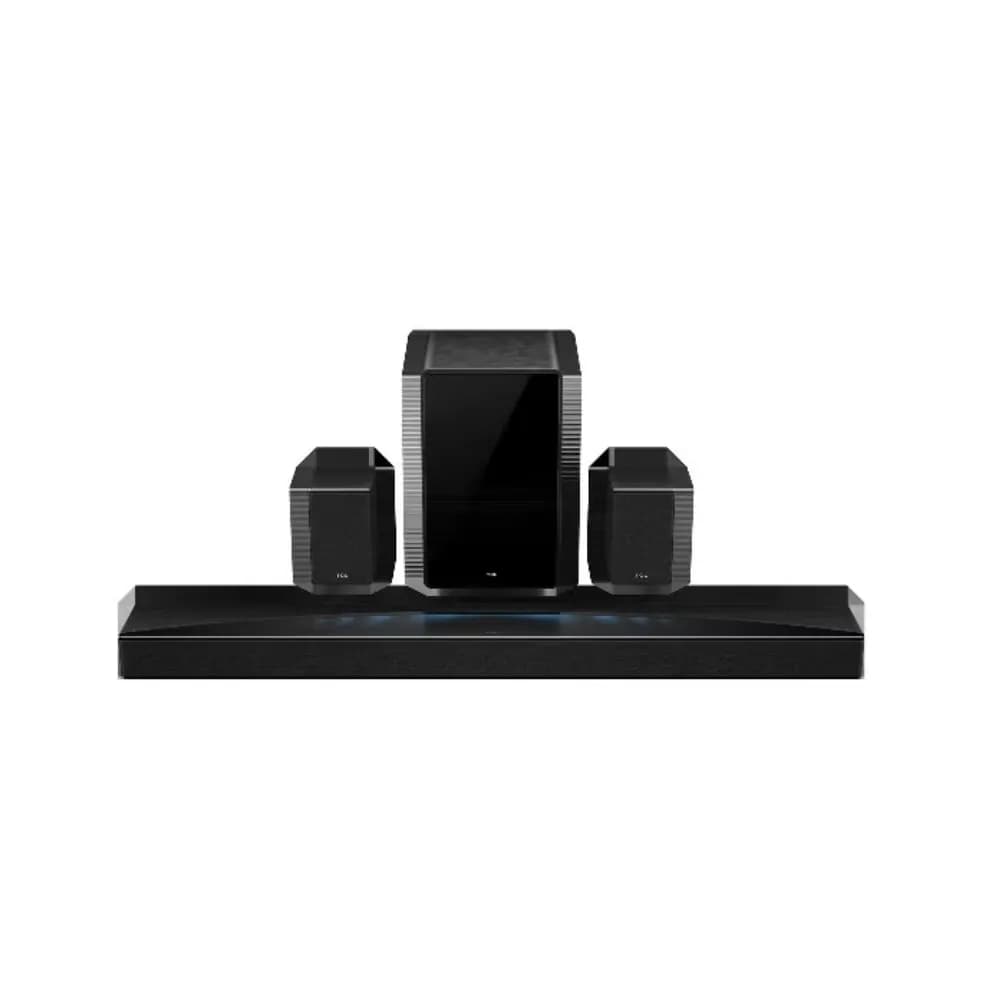
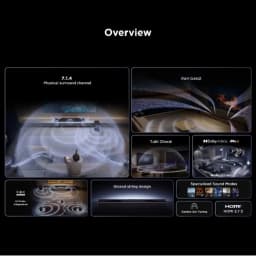
Experience an immersive home theater setup with the TCL Q85H Pro 7.1.4 Channel Dolby Atmos Soundbar. Featuring 7.1.4 channel audio, upward-firing speakers, a wireless subwoofer, and dedicated satellite speakers, it creates a wide and engaging soundstage for movies, TV shows, music, sports, and gaming.
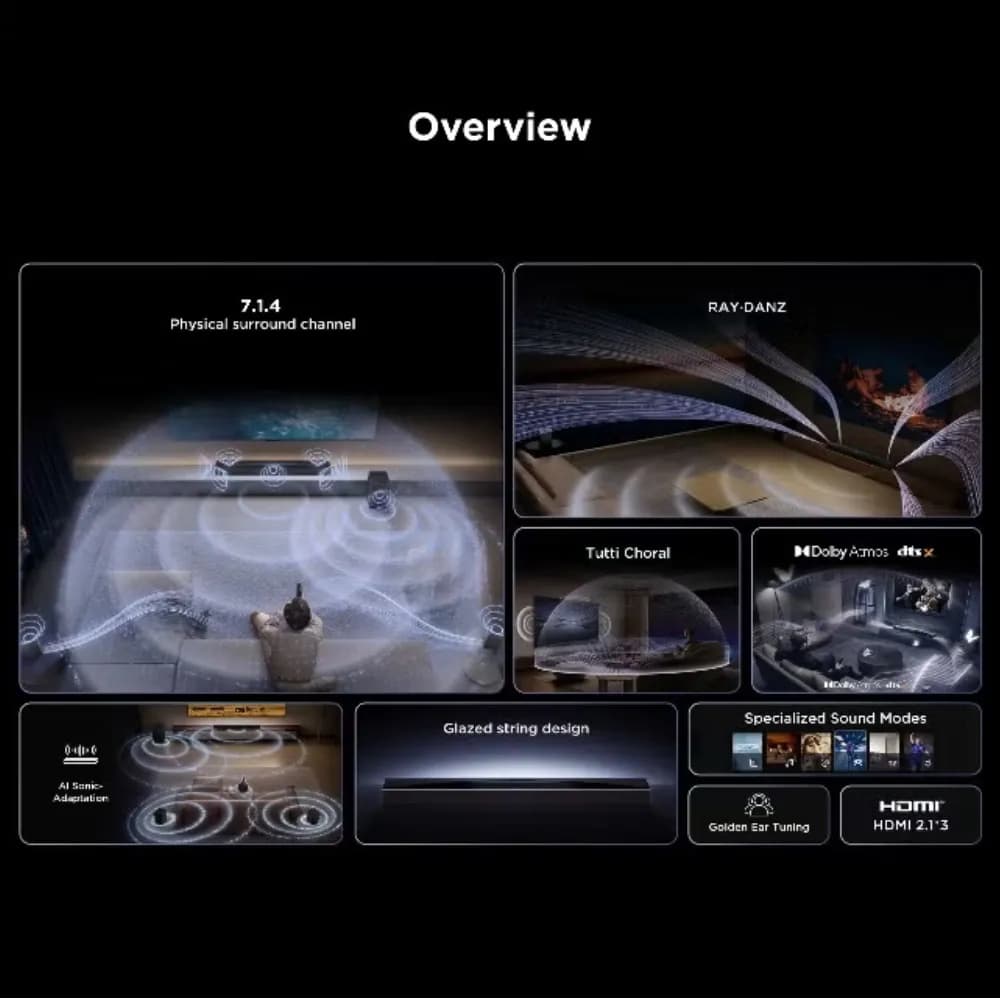
Powered by Dolby Atmos and enhanced with RAY·DANZ Technology, AI Sonic-Adaptation, and Tutti Choral, the Q85H Pro is designed to deliver detailed audio, immersive surround effects, and powerful bass. With HDMI ARC/eARC, Optical, and Bluetooth connectivity, it can integrate conveniently with compatible TVs and smart devices.
Key Features
- 7.1.4 Channel Sound: Delivers a multidimensional audio experience for an immersive home theater environment.
- Dolby Atmos: Creates an immersive sound experience with audio that can feel like it is coming from different directions, including overhead.
- Wireless Subwoofer: Adds deep and impactful bass to movies, music, sports, and gaming.
- Satellite Speakers: Dedicated rear speakers provide surround sound effects for a more engaging listening experience.
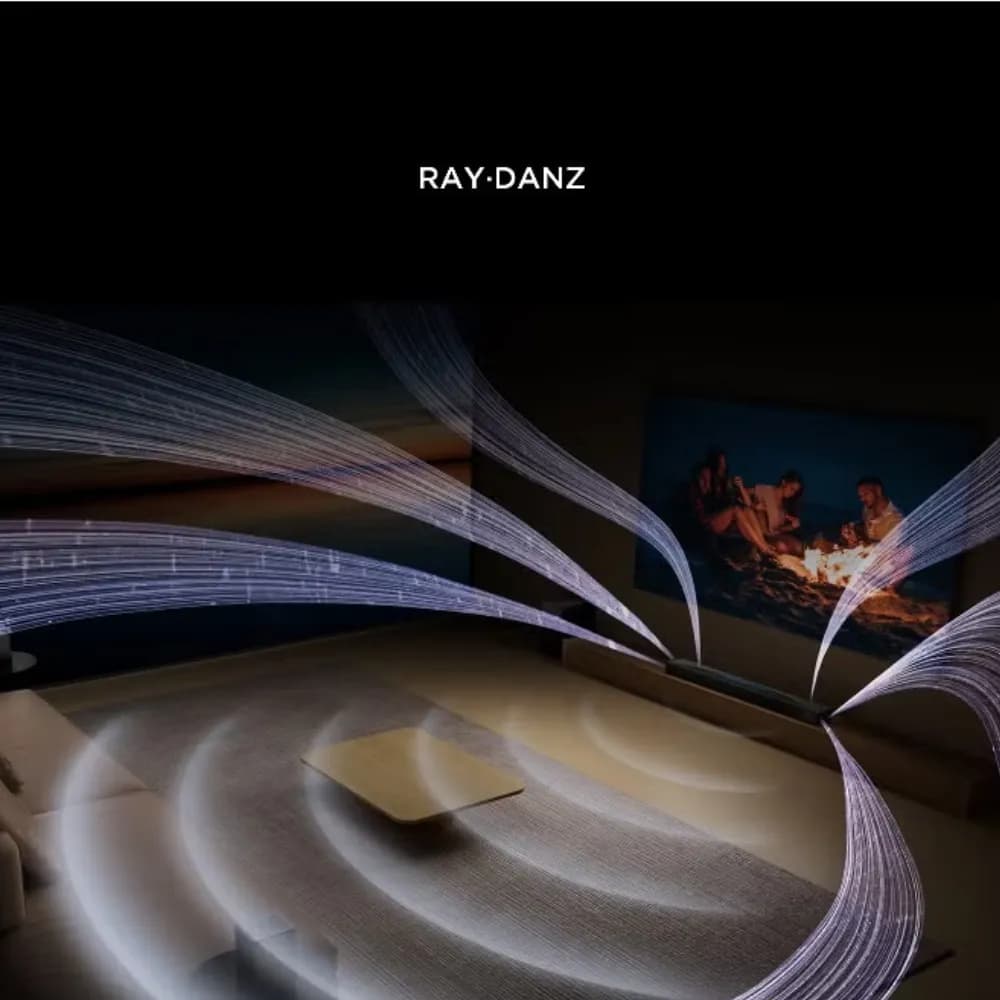
- RAY·DANZ Technology: Helps create a wide soundstage for a more spacious audio experience.
- AI Sonic-Adaptation: Automatically adapts audio performance to help provide a balanced listening experience.
- Tutti Choral: Enhances the overall audio experience by working with the sound system's surround configuration.
- Upward-Firing Speakers: Direct sound upward to contribute to the immersive Dolby Atmos experience.
- 860W Power: Provides powerful audio output for an engaging home entertainment experience.
- Multiple Connectivity Options: Supports HDMI ARC/eARC, Optical, and Bluetooth for convenient connection to compatible devices.
- Versatile Entertainment: Suitable for movies, TV shows, music, sports, and gaming.
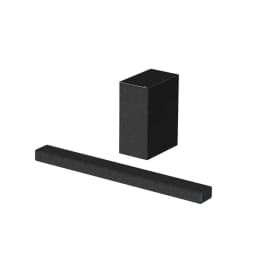
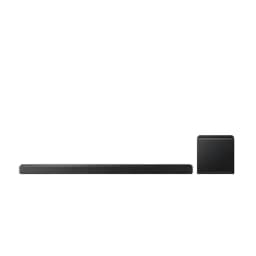
- Premium Modern Design: Sleek black styling complements contemporary home entertainment setups.
How to Use
- Place the soundbar in front of your compatible TV on a stable surface.
- Position the wireless subwoofer and satellite speakers in suitable locations around the listening area.
- Connect the soundbar to your TV using HDMI ARC/eARC, Optical, or another supported connection.
- Switch on the soundbar, subwoofer, and satellite speakers and complete the pairing or setup process if required.
- Use the remote control or connected device to select the desired audio source.
- Connect compatible smartphones or other devices through Bluetooth for wireless audio playback.
- Adjust the volume and available sound settings according to your preference.
- Enjoy movies, music, gaming, sports, and other entertainment with the immersive surround sound system.