Highlights
-
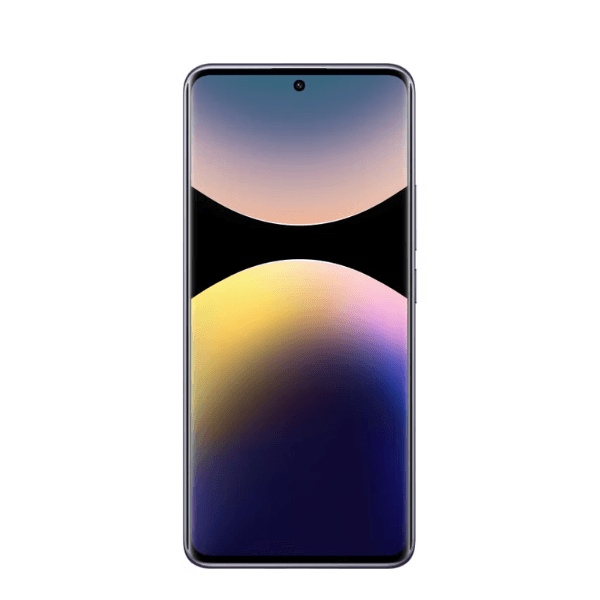
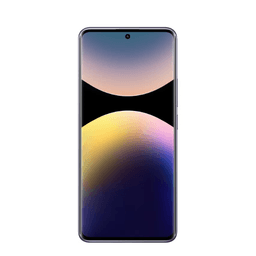
Display: 6.67" CrystalRes AMOLED, 1.5K (1220×2712) resolution, 120Hz refresh rate, 3000 nits peak brightness, Dolby Vision, HDR10+, Corning Gorilla Glass Victus 2
-
Processor: Qualcomm Snapdragon 7s Gen 3 (4nm), Octa-core (1x2.5 GHz Cortex-A720 & 3x2.4 GHz Cortex-A720 & 4x1.8 GHz Cortex-A520), Adreno 710 GPU
-
RAM & Storage: 12GB LPDDR4X RAM + 512GB UFS 2.2 storage (non-expandable)
-
Camera:
-
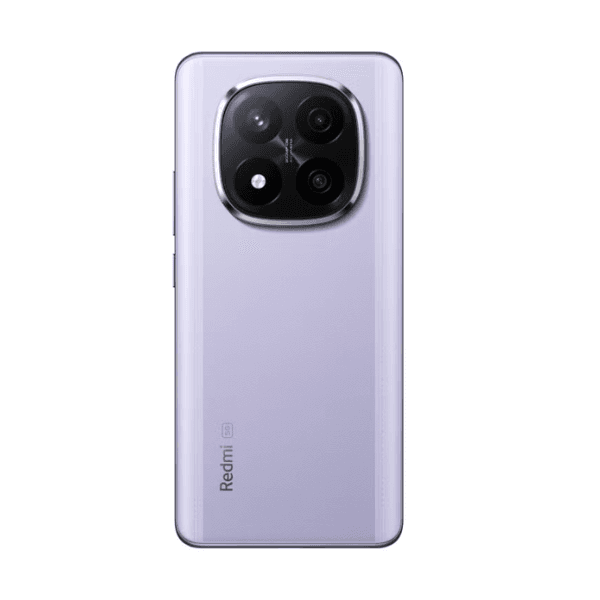
200MP main (f/1.7, 1/1.4" sensor, OIS)
-
8MP ultra-wide (120° FOV)
-
2MP macro
-
20MP front
-
Battery: 5110mAh with 120W HyperCharge (0–50% in ~10 minutes)
-
Operating System: Android 14 with Xiaomi HyperOS, up to 3 major updates
-
SIM: Dual Nano-SIM or Nano-SIM + eSIM (dual standby)
-
Connectivity: 5G (SA/NSA), Wi-Fi 6, Bluetooth 5.4, USB Type-C 2.0, NFC (region-dependent)
-
Audio: Stereo speakers with Dolby Atmos, 24-bit/192kHz Hi-Res audio
-
Security: Under-display fingerprint sensor, AI Face Unlock
-
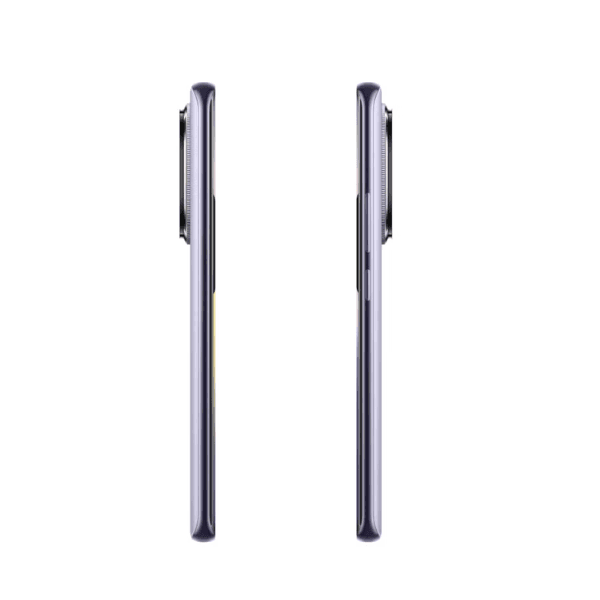
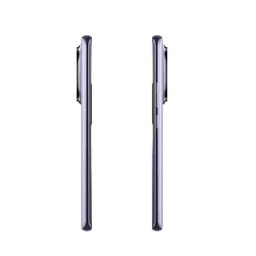
Build: Glass front (Gorilla Glass Victus 2), plastic back, IP68 water and dust resistance
Overview
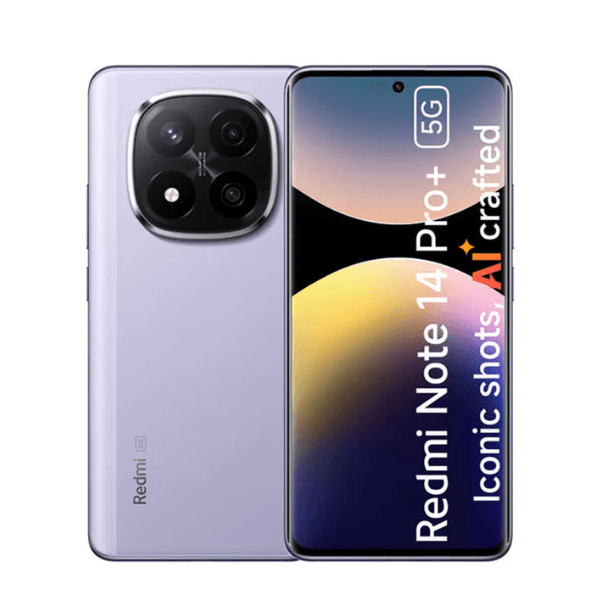
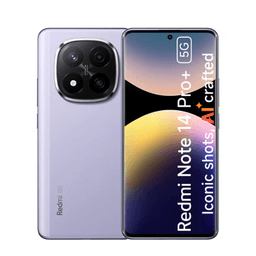
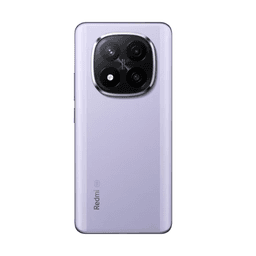
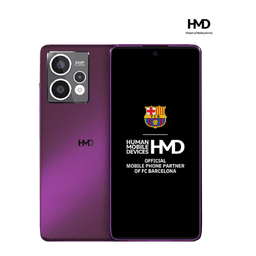
The Xiaomi Redmi Note 14 Pro+ 5G in Lavender Purple offers a premium experience with its 200MP main camera, 20MP front camera, and 6.67" AMOLED display. Powered by the Qualcomm Snapdragon 7s Gen 3 processor and 12GB RAM, it ensures smooth performance for multitasking and gaming. The 5110mAh battery supports 120W fast charging, allowing for quick power-ups. Running on Android 14 with Xiaomi HyperOS, it provides a user-friendly interface and regular updates. The Lavender Purple finish adds a stylish touch, while the IP68 rating ensures durability against water and dust.
How to Use
-
Power On: Press and hold the power button until the Xiaomi logo appears.
-
Initial Setup: Follow the on-screen instructions to select your language, connect to Wi-Fi, and sign in to your Google or Xiaomi account.
-
Insert SIM Cards: Use the provided SIM ejector tool to open the SIM tray and insert two nano-SIM cards or one nano-SIM and one eSIM.
-
Access Apps: Swipe up from the home screen to view and open your apps.
-
Customize Settings: Open the Settings app to adjust preferences such as display, sound, and privacy.
-
Charging: Connect the included 120W charger to the USB-C port for fast charging.
-
Camera Usage: Open the Camera app to take photos and videos. Swipe between modes (Photo, Video, Portrait, etc.) to select your desired shooting style.