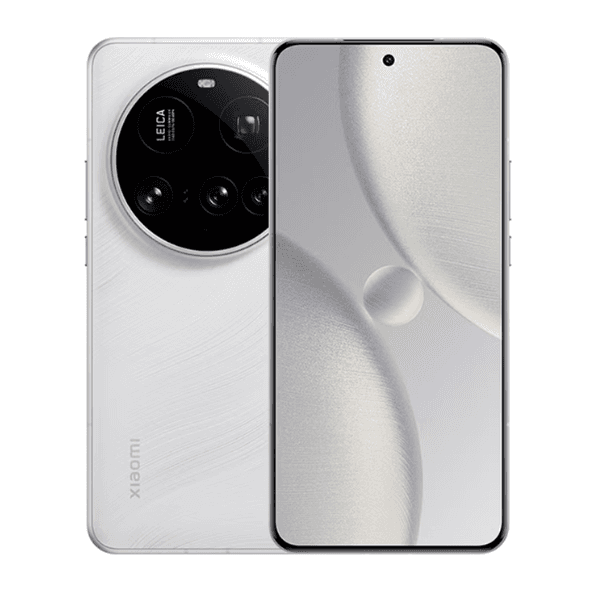
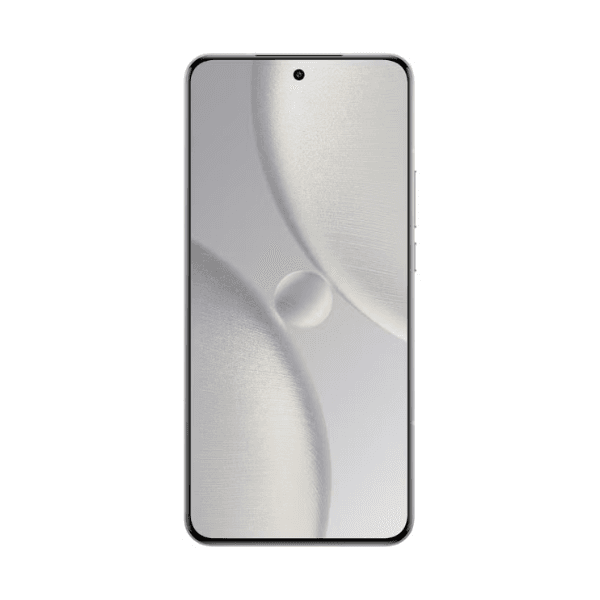
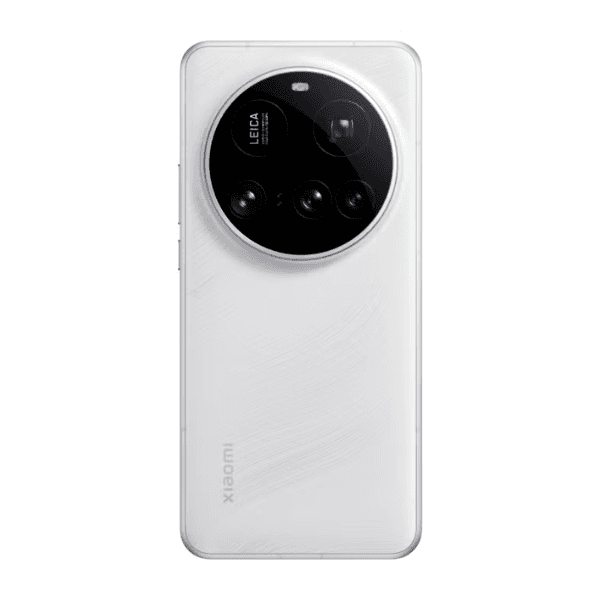
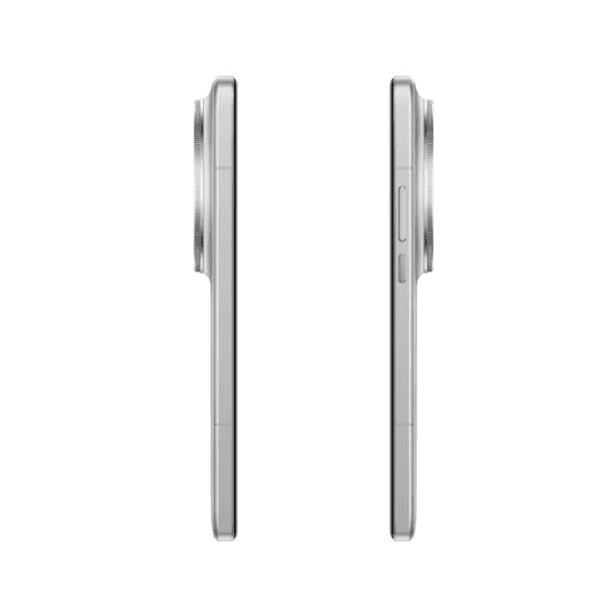
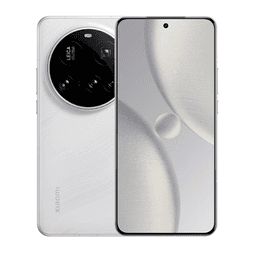
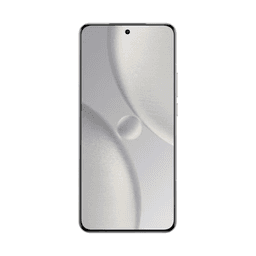
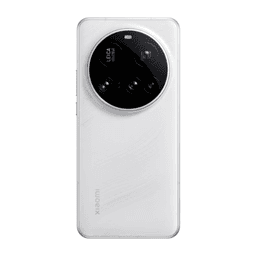
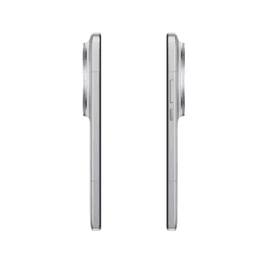
Xiaomi 15 Ultra Dual SIM White 16GB RAM 512GB 5G 25010PN30G - Global Version

<p class="" data-start="40" data-end="55"><strong data-start="40" data-end="55">Highlights:</strong></p> <ul data-start="56" data-end="459"> <li class="" data-start="56" data-end="109"> <p class="" data-start="58" data-end="109"><strong data-start="58" data-end="70">16GB RAM</strong>: <span class="relative -mx-px my-[-0.2rem] rounded px-px py-[0.2rem] transition-colors duration-100 ease-in-out">Ensures smooth multitasking and seamless performance.</span></p> </li> <li class="" data-start="110" data-end="168"> <p class="" data-start="112" data-end="168"><strong data-start="112" data-end="129">512GB Storage</strong>: <span class="relative -mx-px my-[-0.2rem] rounded px-px py-[0.2rem] transition-colors duration-100 ease-in-out">Provides ample space for apps, photos, videos, and more.</span></p> </li> <li class="" data-start="169" data-end="229"> <p class="" data-start="171" data-end="229"><strong data-start="171" data-end="190">5G Connectivity</strong>: <span class="relative -mx-px my-[-0.2rem] rounded px-px py-[0.2rem] transition-colors duration-100 ease-in-out">Supports ultra-fast internet speeds for streaming, gaming, and browsing.</span></p> </li> <li class="" data-start="230" data-end="297"> <p class="" data-start="232" data-end="297"><strong data-start="232" data-end="258">Dual SIM Functionality</strong>: <span class="relative -mx-px my-[-0.2rem] rounded px-px py-[0.2rem] transition-colors duration-100 ease-in-out">Allows for two SIM cards, ideal for separating work and personal lines.</span></p> </li> <li class="" data-start="298" data-end="355"> <p class="" data-start="300" data-end="355"><strong data-start="300" data-end="316">White Finish</strong>: <span class="relative -mx-px my-[-0.2rem] rounded px-px py-[0.2rem] transition-colors duration-100 ease-in-out">Offers a sleek and premium look.</span></p> </li> <li class="" data-start="356" data-end="459"> <p class="" data-start="358" data-end="459"><strong data-start="358" data-end="376">Global Version</strong>: <span class="relative -mx-px my-[-0.2rem] rounded px-px py-[0.2rem] transition-colors duration-100 ease-in-out">Compatible with international networks and services.</span></p> </li> </ul> <p class="" data-start="461" data-end="756"><strong data-start="461" data-end="474">Overview:</strong> <span class="relative -mx-px my-[-0.2rem] rounded px-px py-[0.2rem] transition-colors duration-100 ease-in-out">The Xiaomi 15 Ultra Dual SIM in White with 16GB RAM and 512GB storage is a flagship smartphone that combines top-tier performance with a stunning design.</span> <span class="relative -mx-px my-[-0.2rem] rounded px-px py-[0.2rem] transition-colors duration-100 ease-in-out">Powered by the Qualcomm Snapdragon 8 Elite processor, it delivers exceptional speed and efficiency.</span> <span class="relative -mx-px my-[-0.2rem] rounded px-px py-[0.2rem] transition-colors duration-100 ease-in-out">The 512GB storage capacity ensures you have plenty of room for all your data.</span> <span class="relative -mx-px my-[-0.2rem] rounded px-px py-[0.2rem] transition-colors duration-100 ease-in-out">Its 5G connectivity guarantees fast internet speeds for browsing, streaming, and gaming.</span> <span class="relative -mx-px my-[-0.2rem] rounded px-px py-[0.2rem] transition-colors duration-100 ease-in-out">The dual SIM feature allows you to use two networks simultaneously, making it ideal for both personal and professional use.</span> <span class="relative -mx-px my-[-0.2rem] rounded px-px py-[0.2rem] transition-colors duration-100 ease-in-out">The White finish adds a touch of elegance, and being the global version, it's compatible with various international networks.</span></p> <p class="" data-start="758" data-end="773"><strong data-start="758" data-end="773">How to Use:</strong></p> <ul data-start="774" data-end="1353"> <li class="" data-start="774" data-end="852"> <p class="" data-start="776" data-end="852"><strong data-start="776" data-end="788">Power On</strong>: Press and hold the power button until the Xiaomi logo appears.</p> </li> <li class="" data-start="853" data-end="997"> <p class="" data-start="855" data-end="997"><strong data-start="855" data-end="865">Set Up</strong>: Follow the on-screen instructions to select your language, connect to Wi-Fi, and sign in to your Xiaomi account or Google account.</p> </li> <li class="" data-start="998" data-end="1108"> <p class="" data-start="1000" data-end="1108"><strong data-start="1000" data-end="1020">Insert SIM Cards</strong>: Use the provided SIM ejector tool to open the SIM tray and insert your nano-SIM cards.</p> </li> <li class="" data-start="1109" data-end="1185"> <p class="" data-start="1111" data-end="1185"><strong data-start="1111" data-end="1126">Access Apps</strong>: Swipe up from the home screen to view and open your apps.</p> </li> <li class="" data-start="1186" data-end="1353"> <p class="" data-start="1188" data-end="1353"><strong data-start="1188" data-end="1210">Customize Settings</strong>: Navigate to the Settings app to adjust preferences such as display, notifications, and privacy.</p> </li> </ul> <p class="" data-start="1355" data-end="1522">For more detailed specifications and features, you can refer to the official Xiaomi website or trusted tech review sites.</p>