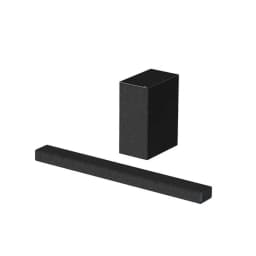
Highlights:
-
Dolby Atmos and DTS:X Support: Provides immersive, three-dimensional audio for a cinematic experience at home.
-
Vertical Surround Engine: Utilizes advanced technology to create virtual surround sound, enhancing the depth and clarity of audio.
-
Dedicated Center Speaker: Ensures clear and detailed dialogue, making it easier to follow conversations in movies and shows.
-
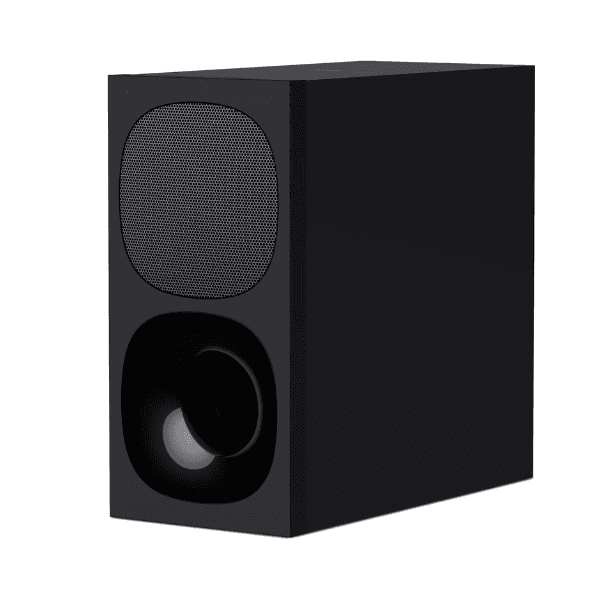
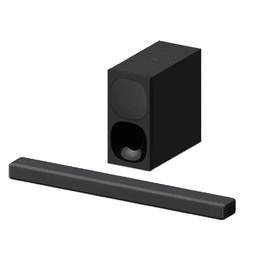
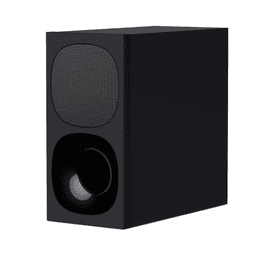
Wireless Subwoofer: Offers deep, rich bass with flexible placement options, free from the constraints of wired connections.
-
Multiple Connectivity Options: Includes HDMI eARC/ARC, optical input, USB port, and Bluetooth 5.0, allowing seamless connection with various devices.
Overview:
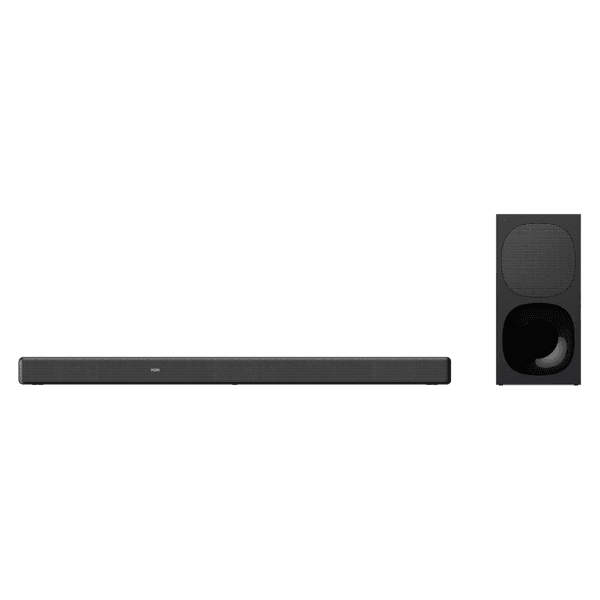
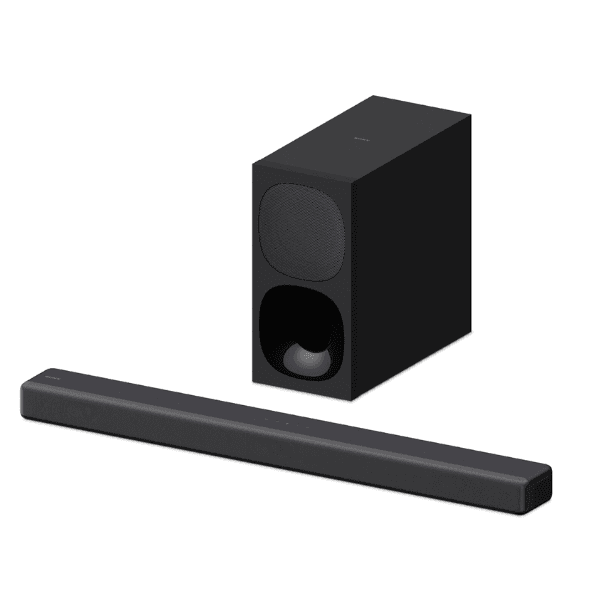
The Sony HT-G700 is a 3.1-channel soundbar system that delivers a powerful 400W output, designed to enhance your home entertainment experience. It supports Dolby Atmos and DTS:X, providing immersive audio that surrounds you from all directions. The Vertical Surround Engine technology further enriches this experience by creating virtual surround sound without the need for additional speakers. A dedicated center speaker ensures that dialogue is crisp and clear, while the wireless subwoofer adds deep, resonant bass to your audio. Connectivity is versatile, featuring HDMI eARC/ARC, optical input, USB, and Bluetooth 5.0, making it compatible with a wide range of devices.
How to Use:
-
Setting Up the Soundbar: Connect the soundbar to your TV using the HDMI eARC/ARC port. Ensure both devices are powered off before making the connection.
-
Connecting the Subwoofer: Place the wireless subwoofer within range of the soundbar and connect it to a power source. The subwoofer will automatically pair with the soundbar upon powering on.
-
Selecting Input Sources: Use the remote control to switch between available input sources such as HDMI, optical, USB, or Bluetooth, depending on your connected devices.
-
Adjusting Sound Settings: Utilize the remote control to adjust volume levels, bass, treble, and select from various sound modes (Auto Sound, Cinema, Music, Standard) to tailor the audio to your preferences.
-
Wall Mounting (Optional): If you prefer to mount the soundbar on the wall, ensure the wall can support its weight. Refer to the quick start guide for detailed instructions on wall mounting.