Highlights
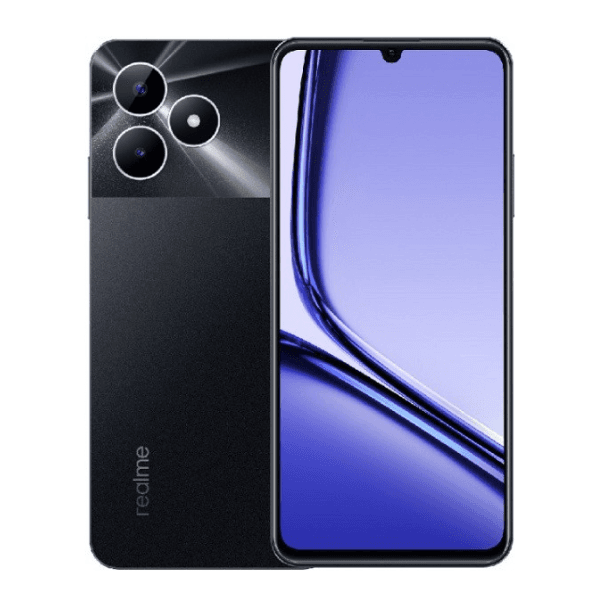
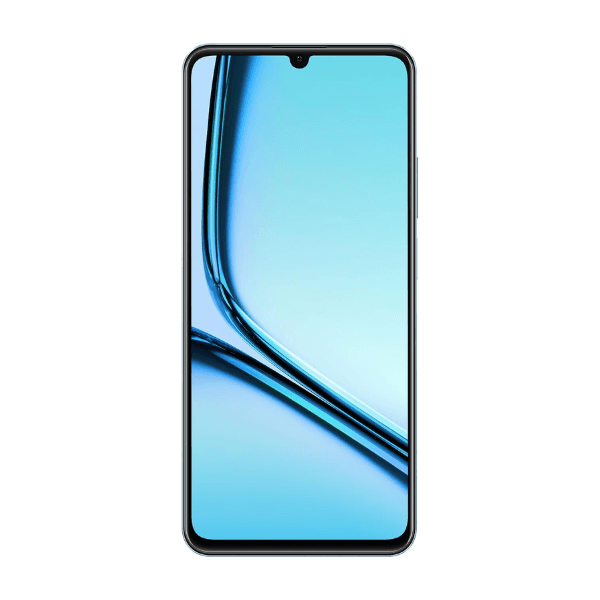
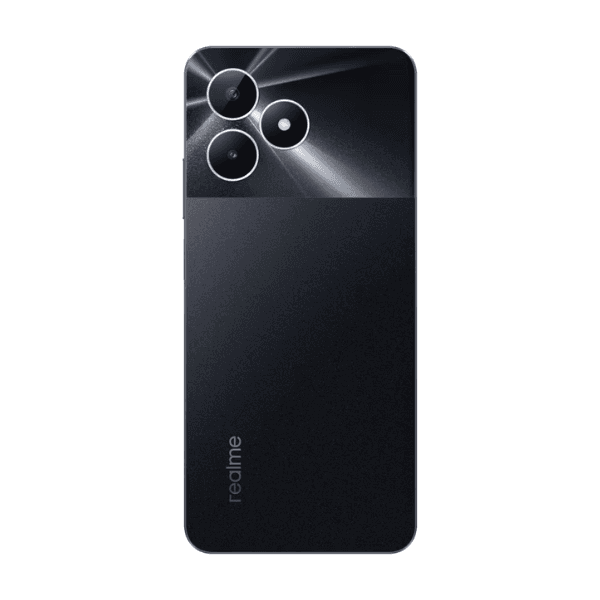
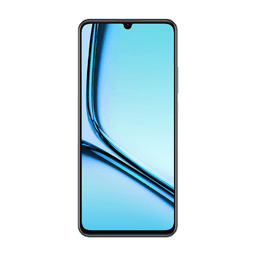
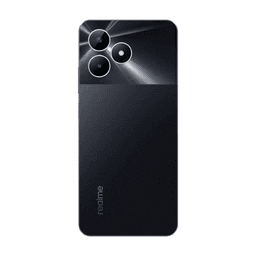
The Realme Note 50 in Midnight Black features a 6.6-inch FHD+ display with a 90Hz refresh rate, providing a smooth and responsive visual experience. Powered by the MediaTek Helio G88 processor, it offers solid performance for everyday use and light gaming. With 4GB of RAM and 128GB of internal storage, it provides ample space for apps, photos, and videos. The 50MP AI-powered rear camera captures sharp and vibrant images, while the 8MP front camera is perfect for selfies and video calls. A 5000mAh battery ensures all-day usage, and 18W fast charging helps keep the device powered up quickly. Dual SIM support and 4G connectivity make it ideal for international use.
Overview
The Realme Note 50 offers a perfect balance of performance and features for those seeking a reliable smartphone at an affordable price. Its 6.6-inch FHD+ display with a 90Hz refresh rate enhances smooth visuals for media consumption, browsing, and gaming. Powered by the MediaTek Helio G88 chipset, the phone handles daily tasks with ease, while the 4GB RAM and 128GB storage offer sufficient space for apps and media. The 50MP AI camera captures vibrant and clear photos in various lighting conditions, and the 8MP front camera ensures great selfies. The 5000mAh battery provides long-lasting power, while the 18W fast charging ensures quick recharges. The Midnight Black color adds a fresh and modern touch, making it a stylish and practical choice for international users.
How to Use
-
Press and hold the power button to turn on the device.
-
Follow the setup process to select language, connect to Wi-Fi, and sign in to your accounts.
-
Insert two nano SIM cards for dual-SIM 4G functionality.
-
Open the camera app to take photos with the 50MP rear camera or take selfies with the 8MP front camera.
-
Use the 18W charger to quickly recharge the device when the battery is low.
-
Access settings to adjust display preferences, manage storage, and customize your device.