Highlights
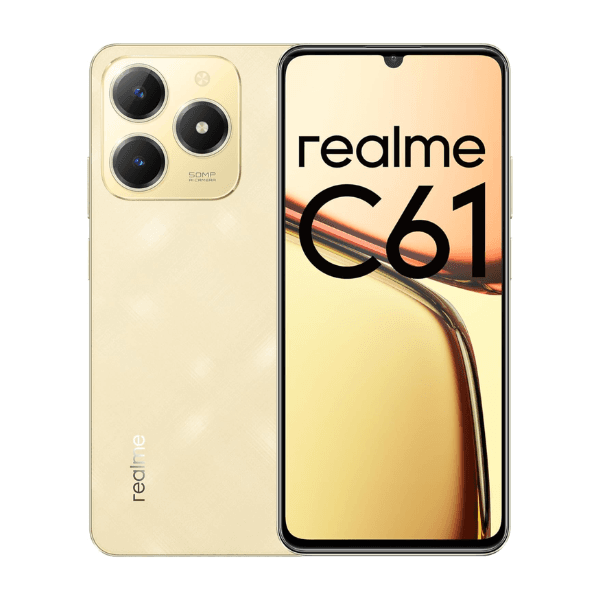
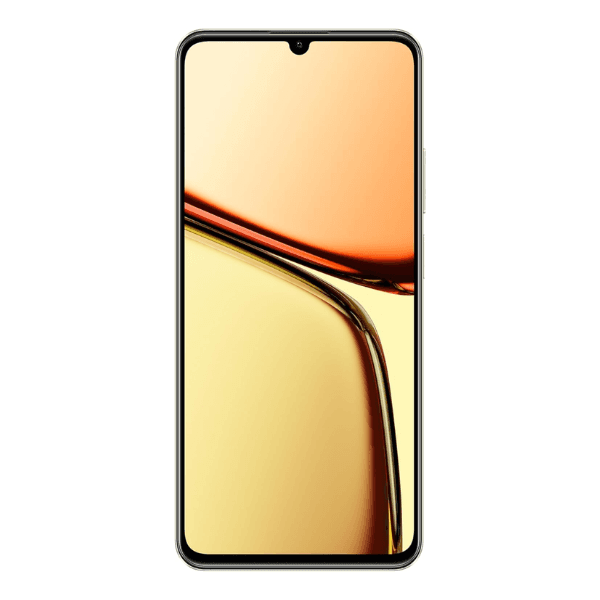
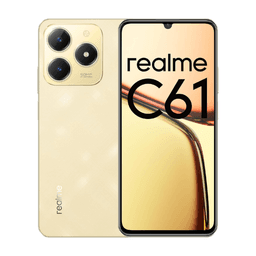
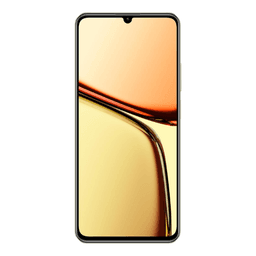
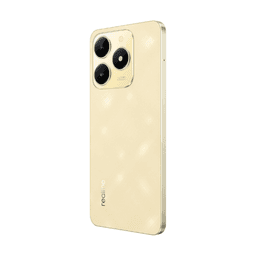
The Realme C61 in Sparkle Gold is equipped with a 6.78-inch HD+ display that offers clear visuals and a smooth 90Hz refresh rate for everyday use. It is powered by the Unisoc T612 processor and comes with 8GB of RAM and 256GB of internal storage, ensuring smooth performance and generous space for apps, media, and files. The device features a 50MP AI main camera for detailed photography and an 8MP front camera for selfies and video calls. A 5000mAh battery provides long-lasting usage, and 45W fast charging ensures quick power-ups. With dual SIM support and 4G connectivity, the phone is well-suited for everyday communication and entertainment needs in the Middle East region.
Overview
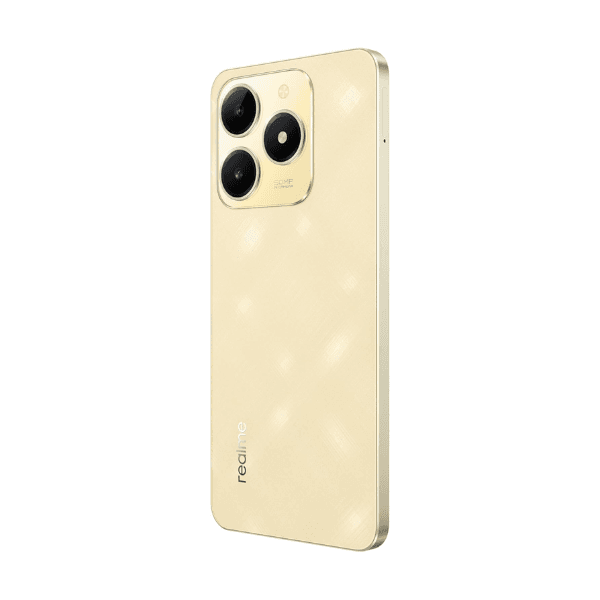
The Realme C61 is designed for users looking for reliable performance and essential features at a great value. Its large HD+ display and 90Hz refresh rate enhance the viewing experience whether you're browsing, watching videos, or playing light games. The 50MP rear camera with AI support captures crisp and vibrant photos, while the 8MP front camera is perfect for selfies and clear video calls. Backed by a Unisoc T612 processor, the phone handles daily tasks smoothly, complemented by 8GB RAM and 256GB storage. The 5000mAh battery easily supports all-day use, and 45W fast charging means less waiting and more productivity. Its sleek Sparkle Gold finish adds a touch of elegance, making it a practical yet stylish choice.
How to Use
-
Press and hold the power button to turn on the phone.
-
Complete the setup process by selecting language, connecting to Wi-Fi, and signing in.
-
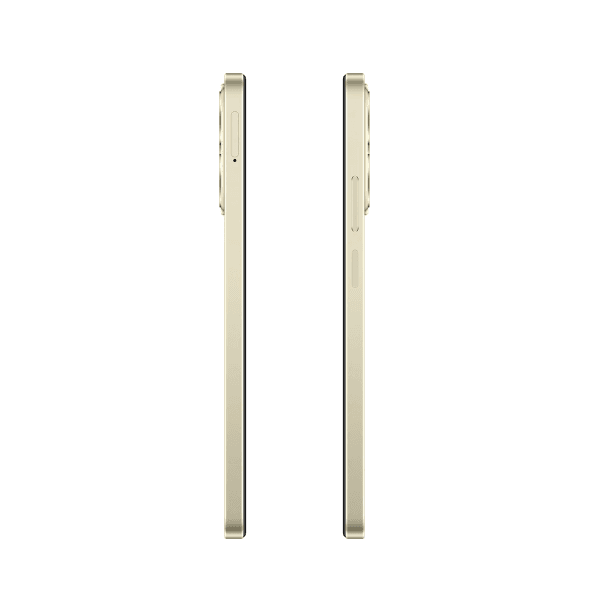
Insert two nano SIM cards to enable dual-SIM 4G functionality.
-
Use the camera app to capture photos with the 50MP main camera or take selfies with the 8MP front camera.
-
Plug in the 45W charger to recharge the battery quickly.
-
Access settings to manage display options, storage usage, and app preferences.