Highlights
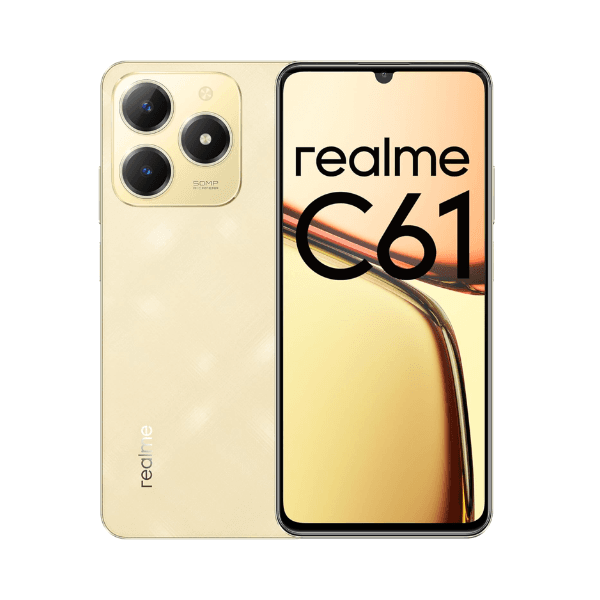
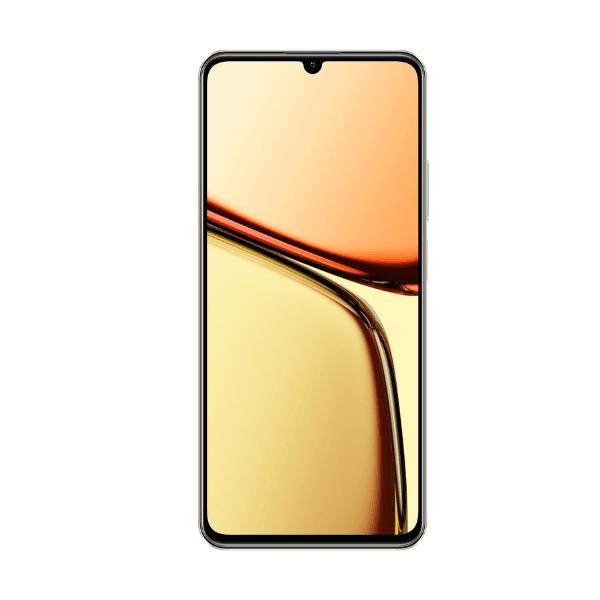
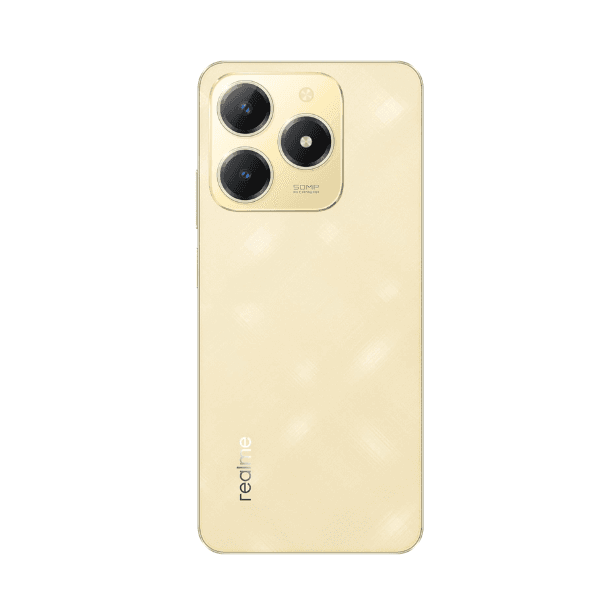
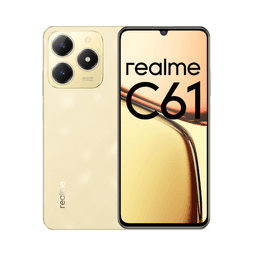
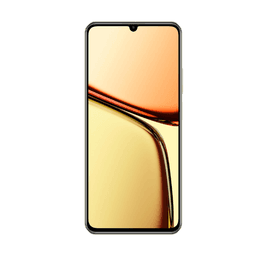
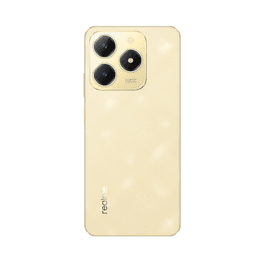
The Realme C61 in Sparkle Gold offers a 6.78-inch HD+ display with a smooth 90Hz refresh rate, making everyday interactions more fluid and visually pleasing. Powered by the efficient Unisoc T612 processor, it comes with 6GB of RAM and 128GB of internal storage, ensuring reliable performance and sufficient space for essential apps and files. The smartphone features a 50MP AI rear camera for sharp photography and an 8MP front camera for selfies and video calls. A large 5000mAh battery supports extended usage and is complemented by 45W fast charging for quick recharging. Dual SIM support and 4G connectivity provide flexibility for daily communication needs in the Middle East.
Overview
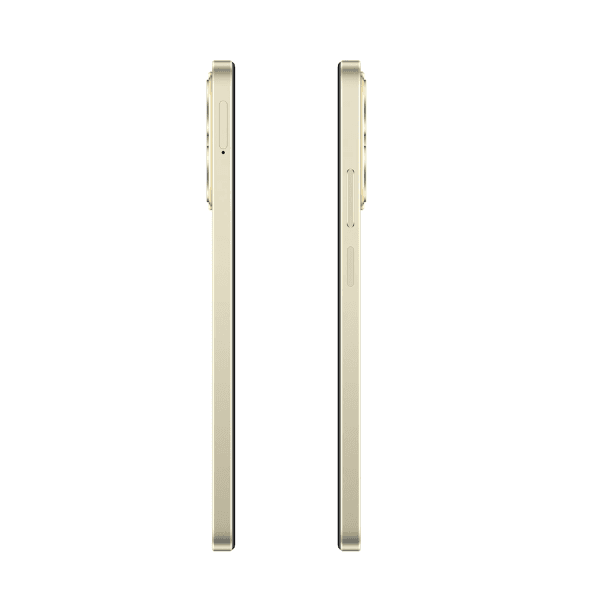
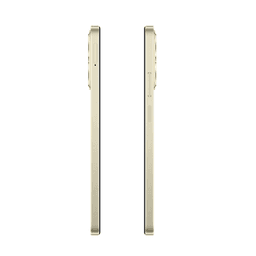
Designed for dependable everyday performance, the Realme C61 delivers essential features in a sleek and sturdy design. Its expansive 6.78-inch HD+ screen with a 90Hz refresh rate enhances scrolling and media playback. The 50MP AI camera captures detailed photos with intelligent scene optimization, while the 8MP front camera handles selfies and video calls with ease. With 6GB RAM and 128GB storage, the phone balances speed and storage capacity for smooth usage. The 5000mAh battery ensures extended power, and 45W fast charging minimizes downtime. Finished in Sparkle Gold, the C61 is a stylish, affordable option well-suited for everyday use across the Middle East.
How to Use
-
Power on the device by pressing and holding the power button.
-
Follow the on-screen setup instructions for language selection, network connection, and Google account login.
-
Insert two nano SIM cards to activate dual-SIM 4G functionality.
-
Open the camera app to capture moments using the 50MP rear or 8MP front camera.
-
Connect the charger to use 45W fast charging when the battery is low.
-
Navigate to system settings to adjust performance, manage storage, and customize your experience.