Highlights:
-
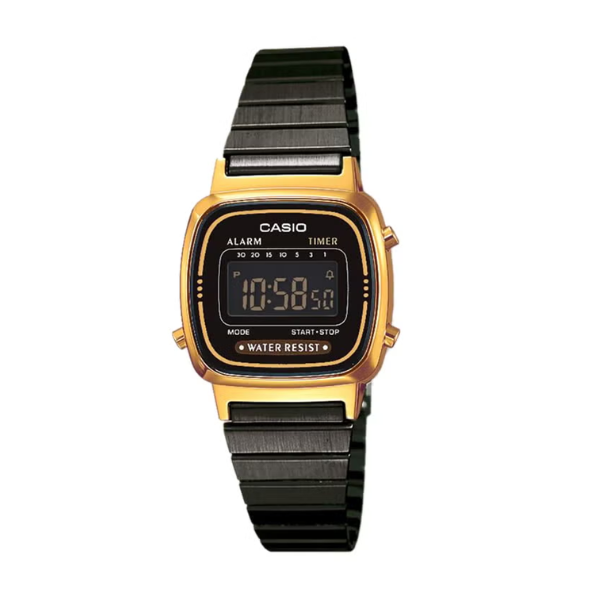
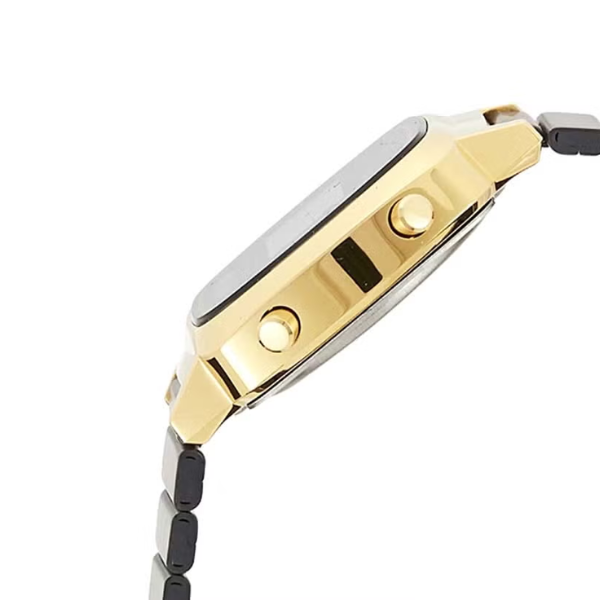
The CASIO Women's Youth Digital Watch LA670WEGB-1BDF features a 30 mm compact black case with a sleek gold-accented finish, combining elegance with everyday functionality.
-
Powered by digital quartz movement, offering accurate and dependable timekeeping.
-
Includes a digital display with key functions such as a daily alarm, stopwatch, and auto calendar.
-
Features a water-resistant design suitable for light water exposure like splashes and handwashing.
-
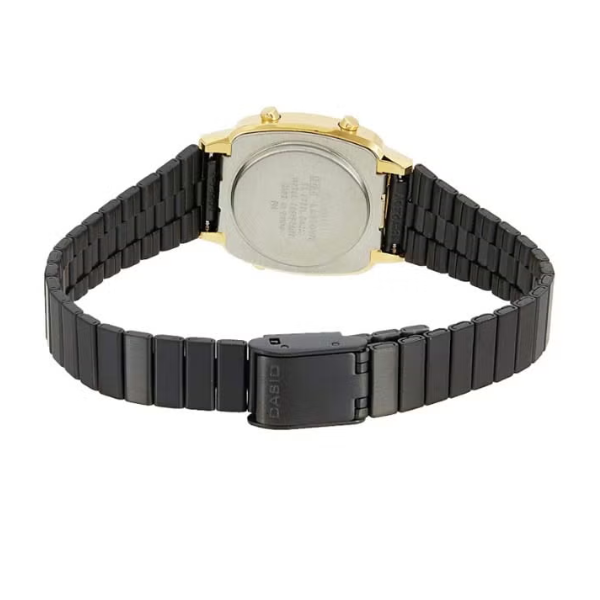
Comes with a stylish adjustable black stainless steel mesh band, offering a secure and fashionable fit.
Overview:
The CASIO Women's Youth Digital Watch LA670WEGB-1BDF blends timeless style with practical digital features, making it an excellent everyday accessory. The 30 mm case is compact and lightweight, providing comfort while maintaining a fashionable appearance. Its gold-tone digital face and black stainless steel band give the watch a refined, modern look. Equipped with essential features such as a stopwatch, alarm, and auto calendar, it ensures everyday convenience. With water resistance for light splashes, it's suitable for regular daily use. The adjustable mesh band not only enhances comfort but also adds a sophisticated touch.
How to Use:
-
To set the time, press and hold the "Adjust" button until the time digits begin to flash.
-
Use the "Mode" button to cycle through different functions like time, alarm, and stopwatch.
-
Adjust the hours, minutes, and other settings using the "Start/Stop" button.
-
Press the "Adjust" button again to confirm and exit the settings mode.
-
To activate the alarm, use the "Mode" button to select the alarm setting, and toggle the alarm on or off with the "Start/Stop" button.