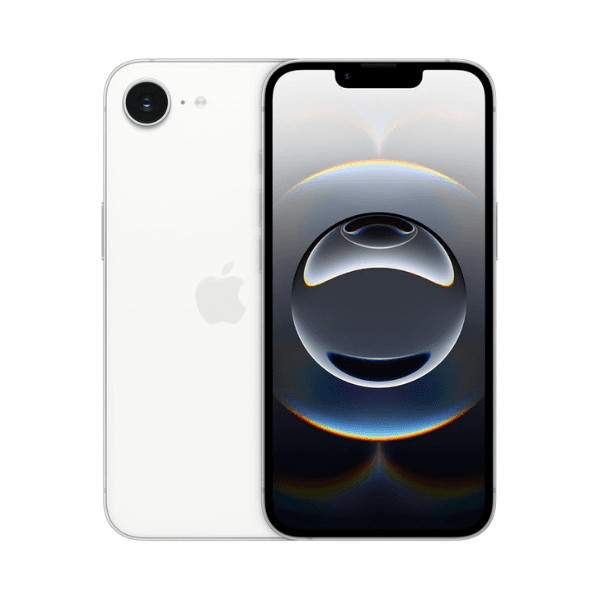
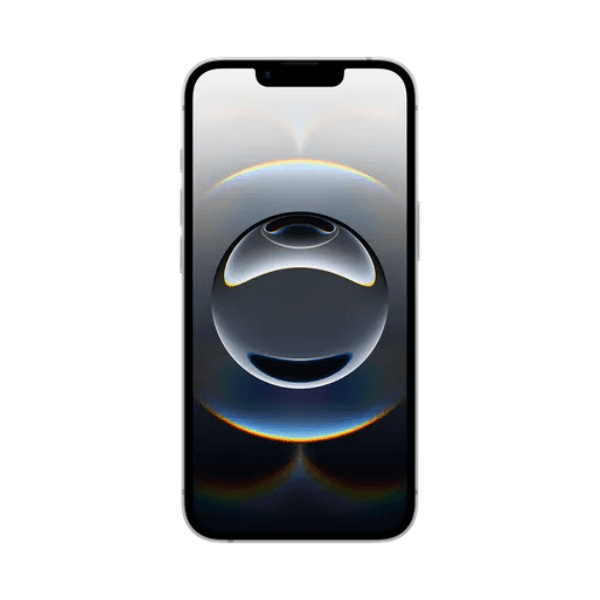
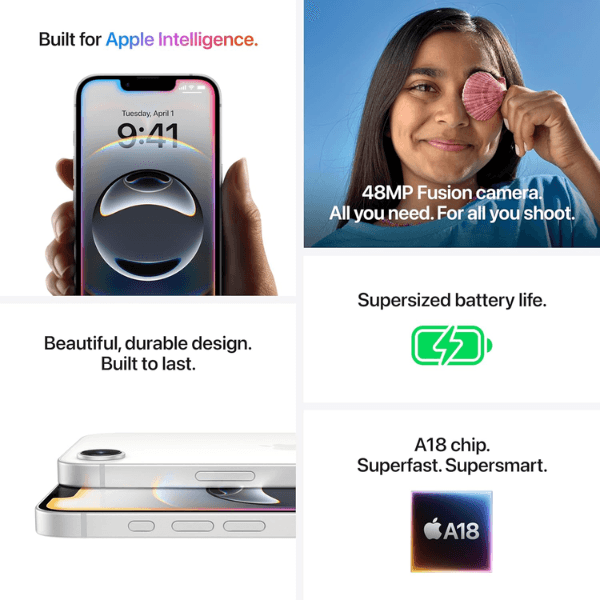
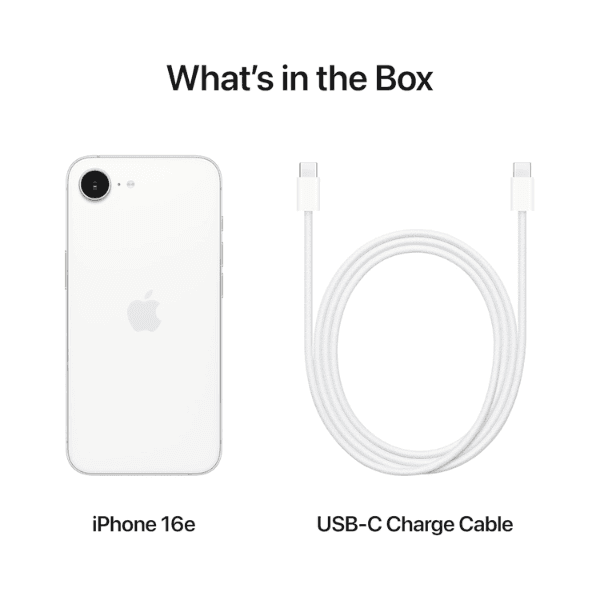
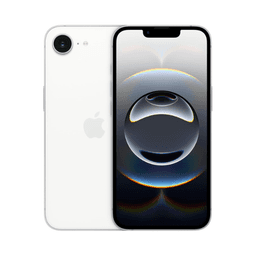
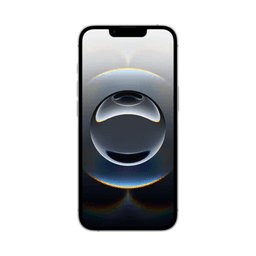
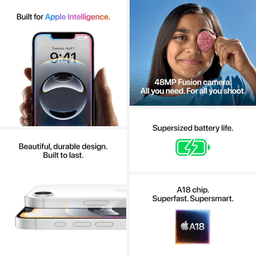
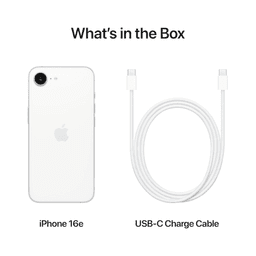
<h3 class="" data-start="106" data-end="126"><strong data-start="110" data-end="124">Highlights</strong></h3> <p class="" data-start="127" data-end="653">The <strong data-start="131" data-end="151">Apple iPhone 16e</strong> features advanced <strong data-start="170" data-end="189">5G connectivity</strong> for seamless streaming, fast downloads, and lag-free browsing. With a generous <strong data-start="269" data-end="298">512GB of internal storage</strong>, it provides ample space for apps, photos, videos, and professional content. The high-performance chip ensures fast and efficient multitasking, while the advanced camera system supports sharp photography and 4K video recording. FaceTime support adds the convenience of high-quality video calling, and this Middle East version includes localized features.</p> <h3 class="" data-start="655" data-end="673"><strong data-start="659" data-end="671">Overview</strong></h3> <p class="" data-start="674" data-end="1144">Finished in a clean and modern <strong data-start="705" data-end="714">White</strong>, the iPhone 16e blends sleek aesthetics with powerful performance. Its <strong data-start="786" data-end="803">5G capability</strong> and vast <strong data-start="813" data-end="830">512GB storage</strong> make it perfect for heavy users and professionals alike. The camera system delivers stunning visuals, while iOS ensures smooth navigation, robust security, and access to a wide ecosystem of apps. With long battery life and intuitive features, this iPhone is designed to handle all your digital needs effortlessly.</p> <h3 class="" data-start="1146" data-end="1166"><strong data-start="1150" data-end="1164">How to Use</strong></h3> <ul data-start="1167" data-end="1649" data-is-last-node="" data-is-only-node=""> <li class="" data-start="1167" data-end="1235"> <p class="" data-start="1169" data-end="1235"><strong data-start="1169" data-end="1181">Power On</strong>: Hold the side button until the Apple logo appears.</p> </li> <li class="" data-start="1236" data-end="1334"> <p class="" data-start="1238" data-end="1334"><strong data-start="1238" data-end="1248">Set Up</strong>: Follow the on-screen instructions to connect to Wi-Fi and configure your settings.</p> </li> <li class="" data-start="1335" data-end="1401"> <p class="" data-start="1337" data-end="1401"><strong data-start="1337" data-end="1348">Sign In</strong>: Enter your Apple ID or create one to get started.</p> </li> <li class="" data-start="1402" data-end="1479"> <p class="" data-start="1404" data-end="1479"><strong data-start="1404" data-end="1422">Start FaceTime</strong>: Launch the FaceTime app to make video or audio calls.</p> </li> <li class="" data-start="1480" data-end="1560"> <p class="" data-start="1482" data-end="1560"><strong data-start="1482" data-end="1504">Take Photos/Videos</strong>: Open the Camera app to capture high-quality content.</p> </li> <li class="" data-start="1561" data-end="1649"> <p class="" data-start="1563" data-end="1649"><strong data-start="1563" data-end="1573">Charge</strong>: Use the supplied Lightning cable and power adapter to recharge the device.</p> </li> </ul>