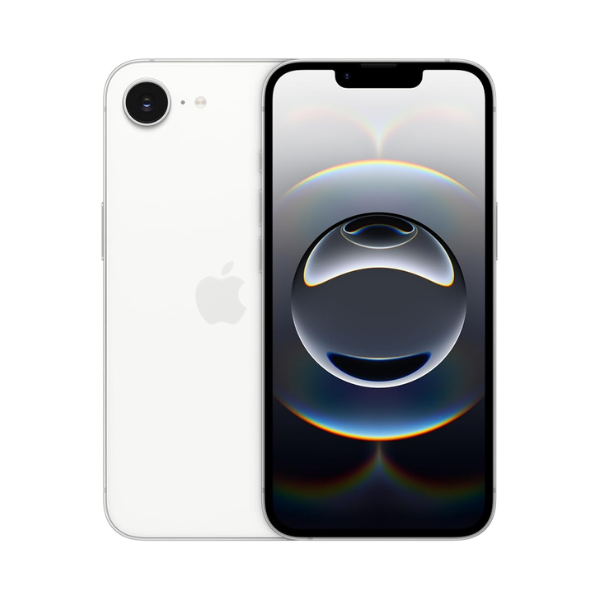
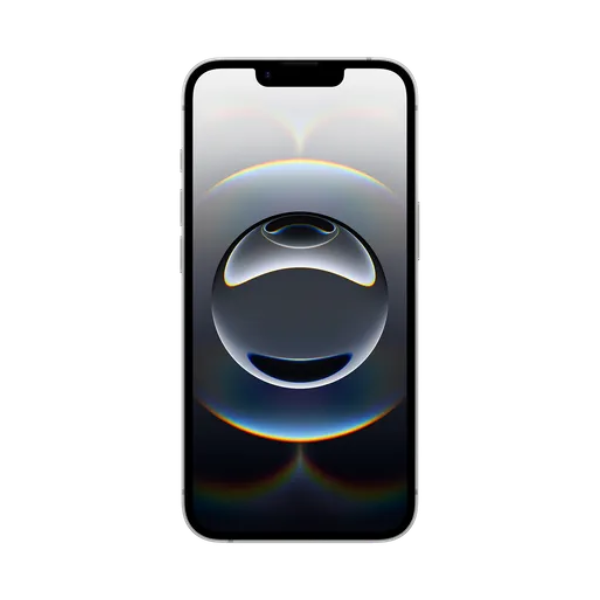
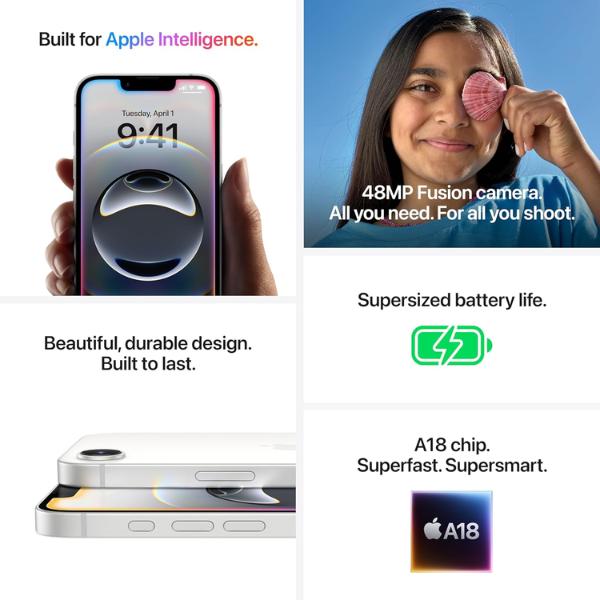
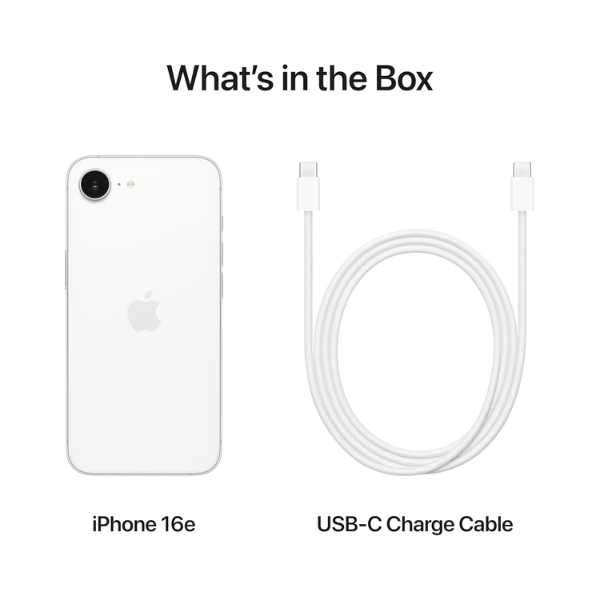
<h3 class="" data-start="106" data-end="126"><strong data-start="110" data-end="124">Highlights</strong></h3> <p class="" data-start="127" data-end="646">The <strong data-start="131" data-end="151">Apple iPhone 16e</strong> offers fast and reliable <strong data-start="177" data-end="196">5G connectivity</strong>, ensuring smooth streaming, browsing, and downloads. With <strong data-start="255" data-end="284">256GB of internal storage</strong>, it provides ample space for apps, media, and work files. Powered by a high-performance chip, it delivers smooth multitasking and fast app performance. The advanced camera system supports high-quality photography and 4K video recording. FaceTime functionality enables crisp and clear video calling. This Middle East version comes with regional support features.</p> <h3 class="" data-start="648" data-end="666"><strong data-start="652" data-end="664">Overview</strong></h3> <p class="" data-start="667" data-end="1179">Sporting a sophisticated <strong data-start="692" data-end="701">White</strong> finish, the iPhone 16e is both stylish and powerful. It’s designed for users who need reliable performance and generous storage. With <strong data-start="836" data-end="850">5G support</strong> and a fast processor, the phone handles demanding tasks effortlessly. The sleek iOS interface offers a user-friendly experience, while the device’s high-resolution cameras make it a great choice for photography enthusiasts. Long battery life and robust features make this iPhone a dependable companion for both work and leisure.</p> <h3 class="" data-start="1181" data-end="1201"><strong data-start="1185" data-end="1199">How to Use</strong></h3> <ul data-start="1202" data-end="1684" data-is-last-node="" data-is-only-node=""> <li class="" data-start="1202" data-end="1280"> <p class="" data-start="1204" data-end="1280"><strong data-start="1204" data-end="1216">Power On</strong>: Press and hold the side button until the Apple logo appears.</p> </li> <li class="" data-start="1281" data-end="1380"> <p class="" data-start="1283" data-end="1380"><strong data-start="1283" data-end="1293">Set Up</strong>: Follow the on-screen prompts to choose your language, region, and connect to Wi-Fi.</p> </li> <li class="" data-start="1381" data-end="1455"> <p class="" data-start="1383" data-end="1455"><strong data-start="1383" data-end="1394">Sign In</strong>: Use your Apple ID to access services or create a new one.</p> </li> <li class="" data-start="1456" data-end="1525"> <p class="" data-start="1458" data-end="1525"><strong data-start="1458" data-end="1470">FaceTime</strong>: Open the FaceTime app to make video or audio calls.</p> </li> <li class="" data-start="1526" data-end="1597"> <p class="" data-start="1528" data-end="1597"><strong data-start="1528" data-end="1542">Camera Use</strong>: Launch the Camera app to capture photos and videos.</p> </li> <li class="" data-start="1598" data-end="1684"> <p class="" data-start="1600" data-end="1684"><strong data-start="1600" data-end="1612">Charging</strong>: Plug in the included Lightning cable and adapter to charge the device.</p> </li> </ul>