Earn
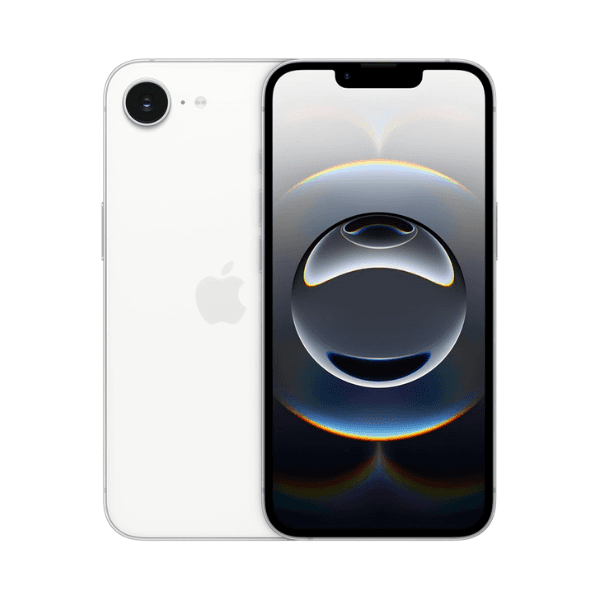
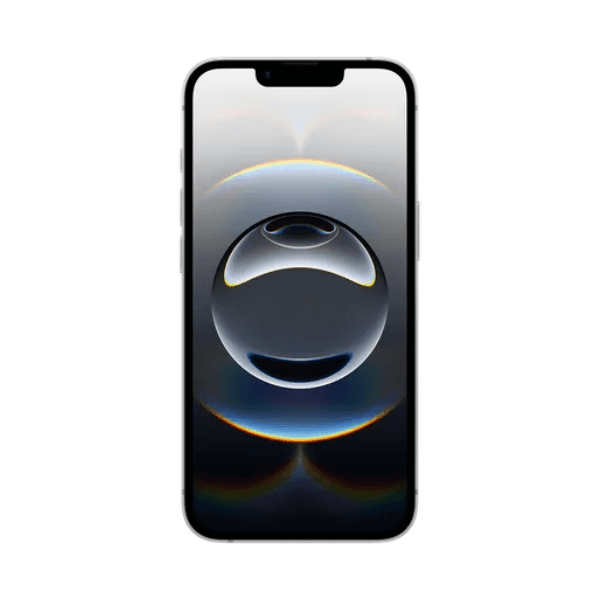
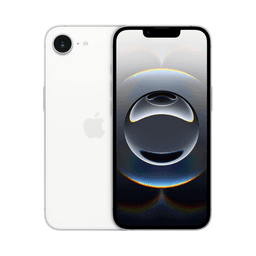
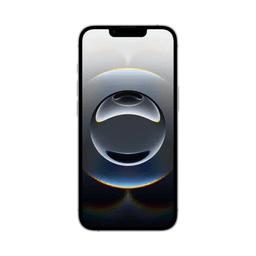
Apple iPhone 16e 128GB White 5G With Facetime MD1G4AE/A - Middle East Version

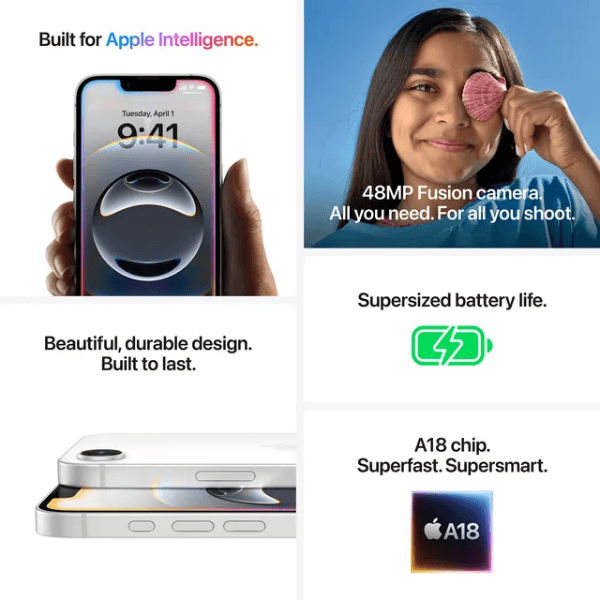
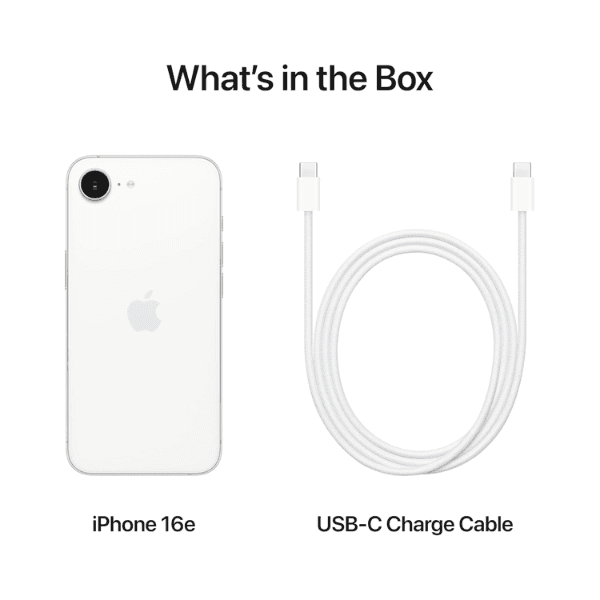
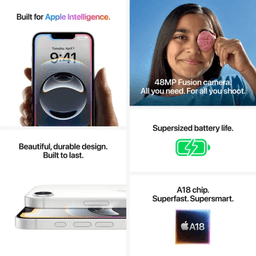
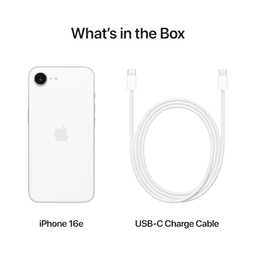
<h3 class="" data-start="106" data-end="126"><strong data-start="110" data-end="124">Highlights</strong></h3> <p class="" data-start="127" data-end="656">The <strong data-start="131" data-end="151">Apple iPhone 16e</strong> offers a premium mobile experience with <strong data-start="192" data-end="211">5G connectivity</strong> for lightning-fast internet and streaming. It comes with <strong data-start="269" data-end="298">128GB of internal storage</strong>, providing generous space for your apps, media, and files. Powered by a high-performance chip, it ensures fluid multitasking and excellent overall performance. The advanced camera system captures sharp photos and 4K videos, and <strong data-start="527" data-end="539">FaceTime</strong> support enables high-quality video calling. This Middle East version is tailored with regional support and features.</p> <h3 class="" data-start="658" data-end="676"><strong data-start="662" data-end="674">Overview</strong></h3> <p class="" data-start="677" data-end="1168">Presented in a refined <strong data-start="700" data-end="709">White</strong> finish, the iPhone 16e blends sleek design with powerful technology. It supports <strong data-start="791" data-end="806">5G networks</strong> for superior speed and responsiveness, making it perfect for modern communication and entertainment needs. The iPhone's advanced camera capabilities and iOS features make it ideal for productivity, photography, and staying connected. With a vibrant display, long battery life, and Apple&rsquo;s secure ecosystem, it offers a smooth and reliable smartphone experience.</p> <h3 class="" data-start="1170" data-end="1190"><strong data-start="1174" data-end="1188">How to Use</strong></h3> <ul data-start="1191" data-end="1700" data-is-last-node="" data-is-only-node=""> <li class="" data-start="1191" data-end="1269"> <p class="" data-start="1193" data-end="1269"><strong data-start="1193" data-end="1205">Power On</strong>: Press and hold the side button until the Apple logo appears.</p> </li> <li class="" data-start="1270" data-end="1374"> <p class="" data-start="1272" data-end="1374"><strong data-start="1272" data-end="1282">Set Up</strong>: Follow the on-screen instructions to choose your language, region, and connect to Wi-Fi.</p> </li> <li class="" data-start="1375" data-end="1455"> <p class="" data-start="1377" data-end="1455"><strong data-start="1377" data-end="1388">Sign In</strong>: Use your Apple ID to access Apple services or create a new one.</p> </li> <li class="" data-start="1456" data-end="1528"> <p class="" data-start="1458" data-end="1528"><strong data-start="1458" data-end="1472">Make Calls</strong>: Open the <strong data-start="1483" data-end="1495">FaceTime</strong> app for video and audio calls.</p> </li> <li class="" data-start="1529" data-end="1617"> <p class="" data-start="1531" data-end="1617"><strong data-start="1531" data-end="1553">Take Photos/Videos</strong>: Use the Camera app for high-quality image and video capture.</p> </li> <li class="" data-start="1618" data-end="1700"> <p class="" data-start="1620" data-end="1700"><strong data-start="1620" data-end="1630">Charge</strong>: Use the provided Lightning cable and adapter to recharge the device.</p> </li> </ul>