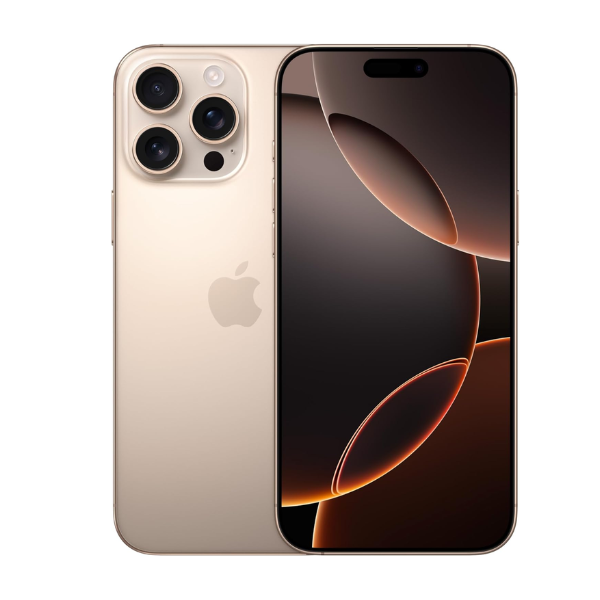
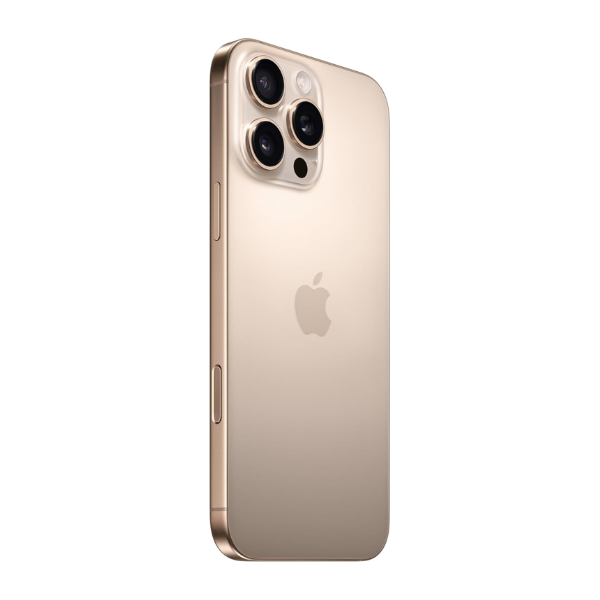
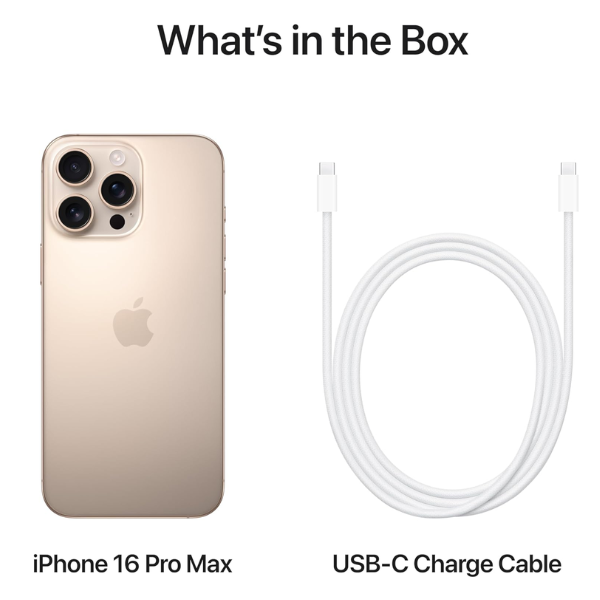
Apple iPhone 16 Pro Max 256GB Desert Titanium 5G With FaceTime
256GB storage capacity
Desert Titanium finish for a unique, premium design
5G connectivity for ultra-fast internet speeds
FaceTime support for high-quality video calls
Middle East version for regional compatibility
Advanced camera system for exceptional photography and videography
Powered by the latest A-series chip for high performance
Overview: The Apple iPhone 16 Pro Max 256GB in Desert Titanium offers a combination of performance, style, and functionality. With 256GB of storage, it provides ample space for apps, media, and important files. The device is equipped with 5G connectivity, ensuring lightning-fast data speeds for browsing, streaming, and gaming. FaceTime support delivers clear and crisp video calls, keeping you connected with loved ones. The phone features an advanced camera system for capturing stunning photos and videos. The Desert Titanium finish provides a sleek and sophisticated appearance, while the Middle East version ensures compatibility with regional services and features.
How to Use:
Turn on the iPhone by pressing and holding the side button.
Set up the device by following the on-screen instructions, including language, Wi-Fi, and Apple ID configuration.
Access apps by tapping on their icons on the home screen.
To start a FaceTime call, open the FaceTime app, select a contact, and tap the video call button.
Use the Settings app to adjust your device’s preferences, such as display, notifications, and privacy settings.