Highlights:
-
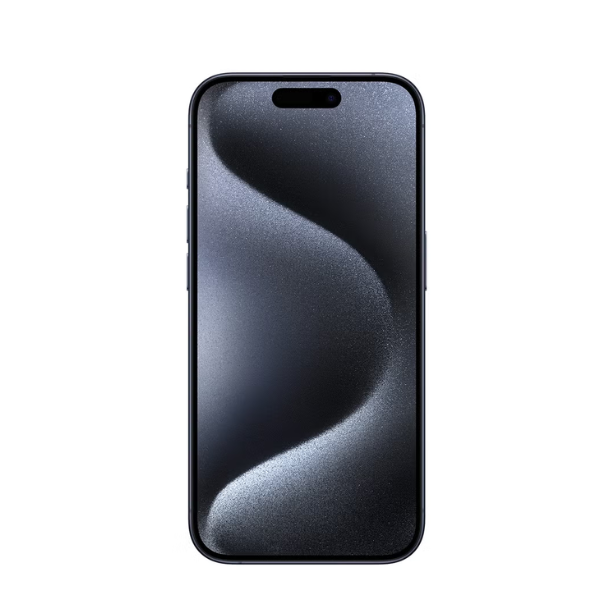
6.1-inch Super Retina XDR display with ProMotion technology
-
A17 Pro chip with 6-core GPU
-
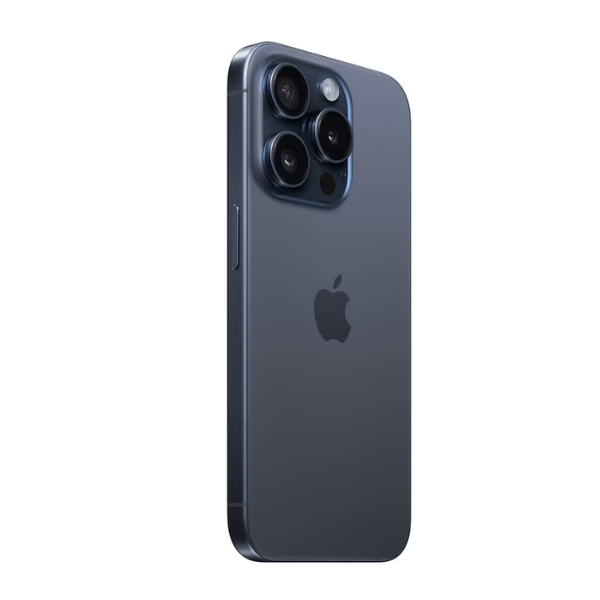
48MP main camera, 12MP ultra-wide camera, 12MP 2x telephoto camera; 12MP front camera
-
Up to 23 hours of video playback
-
USB-C port supporting USB 3 for up to 20x faster transfers
-
iOS 17 operating system
-
Dual SIM (nano-SIM and eSIM or dual eSIM)
-
Available in regions where FaceTime is permitted by telecom operators
Overview:
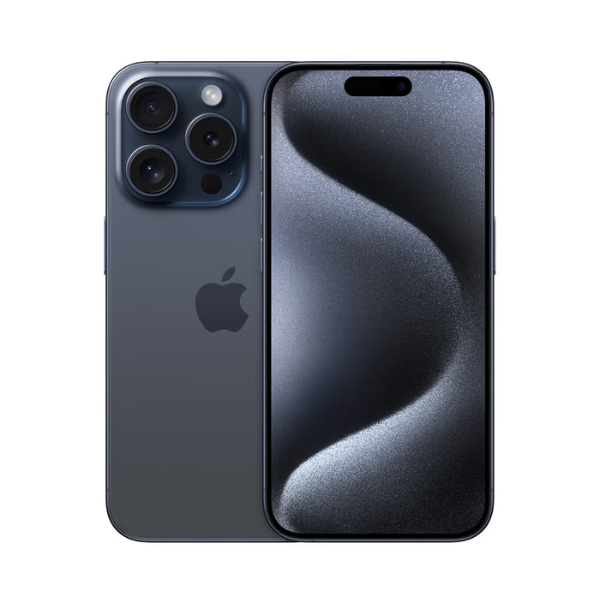
The Apple iPhone 15 Pro 128GB in Blue Titanium offers a premium experience with its aerospace-grade titanium design, providing both strength and lightness. Powered by the A17 Pro chip, it delivers exceptional performance and efficiency. The advanced camera system captures high-quality photos and videos, while the USB-C port allows for convenient and fast data transfers. Running on iOS 17, the device supports FaceTime and offers dual SIM functionality, making it a versatile choice for users.
How to Use:
-
Insert a nano-SIM or set up an eSIM according to your carrier's instructions.
-
Press and hold the side button to turn on the device, then follow the on-screen setup process.
-
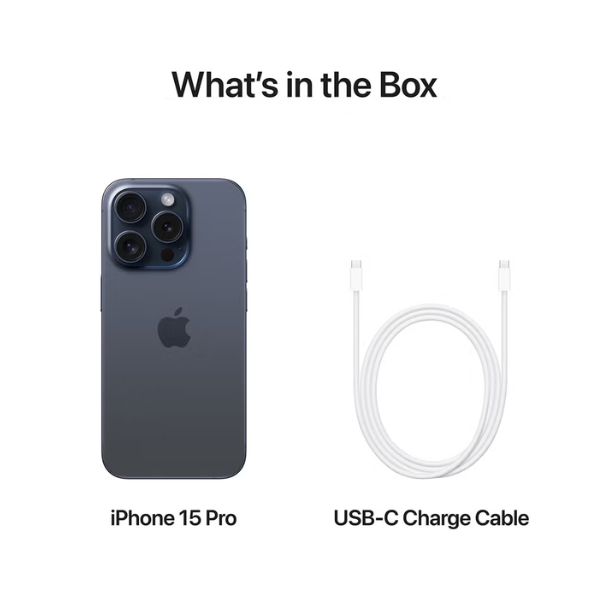
Use a USB-C cable to charge the device.
-
Open the FaceTime app to make video or audio calls.
-
Launch the Camera app to take photos or record videos using various modes.
-
Access the App Store to download and install apps.
-
Navigate to Settings to customize your preferences and device configurations.