Highlights
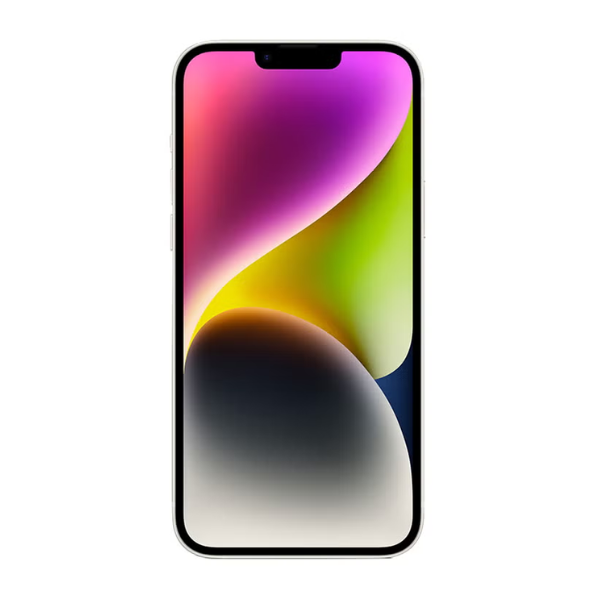
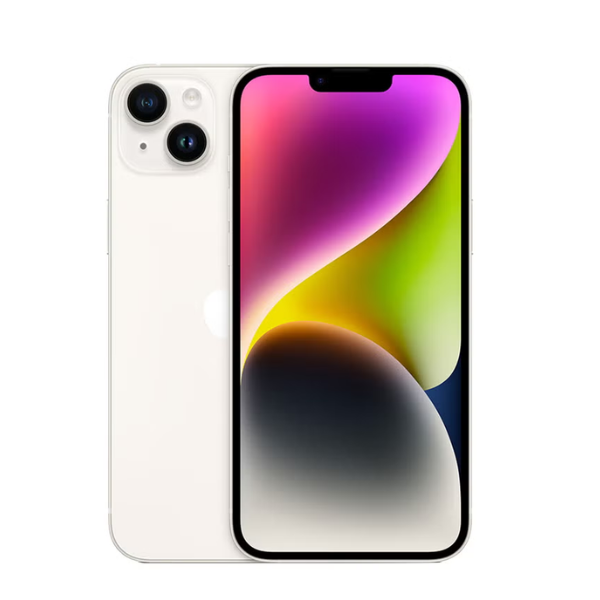
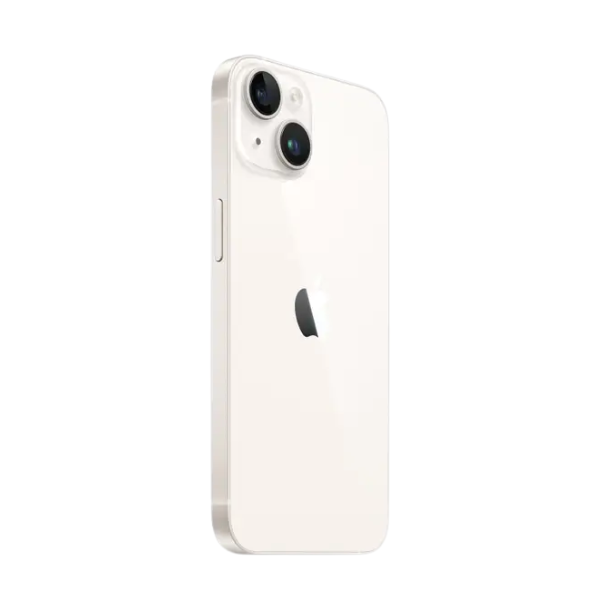
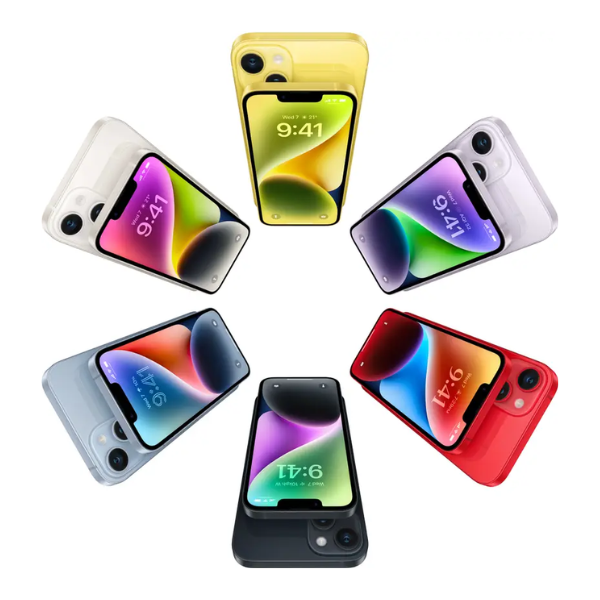
The Apple iPhone 14 128GB in Starlight offers powerful performance and sleek design, tailored for seamless 5G connectivity. With FaceTime functionality optimized for the Middle East, this model includes enhanced safety features like Crash Detection and Emergency SOS via satellite. The Super Retina XDR display delivers vibrant visuals, while the A15 Bionic chip ensures smooth multitasking and efficiency. Its durable Ceramic Shield front and aerospace-grade aluminum body offer lasting durability, making it a premium choice for users who value performance and style.
Overview
The iPhone 14 in Starlight is engineered with precision and equipped with a 6.1-inch Super Retina XDR display that showcases sharp, color-rich images. The device features a dual-camera system with advanced capabilities like Photonic Engine for better low-light photography, Cinematic mode in 4K, and improved video stabilization. Powered by the A15 Bionic chip with a 5-core GPU, it offers high-speed performance and battery efficiency. This model supports Face ID for secure authentication and runs on iOS for a smooth, intuitive user experience. Its 128GB internal storage provides ample space for apps, photos, and videos, while 5G support ensures fast streaming and downloads.
How to Use
-
Press the side button to power on the device.
-
Follow on-screen setup instructions to configure language, Wi-Fi, Apple ID, and Face ID.
-
Use the Camera app to take photos or record videos with the rear or front-facing camera.
-
Tap the App Store icon to download and install new apps.
-
Swipe up from the bottom to access the home screen or switch between apps.
-
Use Settings to customize preferences, including FaceTime, notifications, and privacy.
-
Connect to a 5G network for high-speed internet access where available.