Highlights
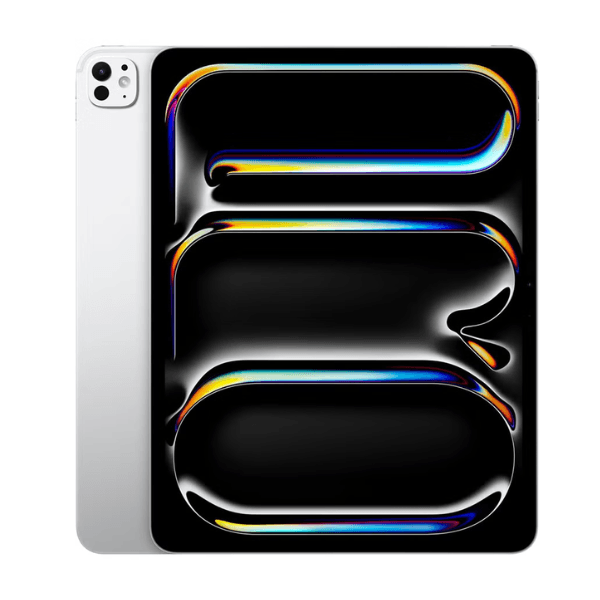
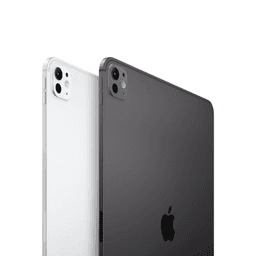
The Apple iPad Pro 2024 (7th Generation) boasts a 13-inch Liquid Retina display, offering outstanding color accuracy and clarity, making it perfect for professional work, creative projects, and entertainment. Powered by the cutting-edge M4 chip, this iPad delivers exceptional performance, easily handling multitasking, high-end apps, and gaming. With 512GB of internal storage and Wi-Fi connectivity, it provides ample space for large files, apps, and media. The 12 MP front and rear cameras capture high-quality images and video, making it ideal for photography and video calls. Running on iPadOS 17, this international version offers access to the latest Apple features and updates.
Overview
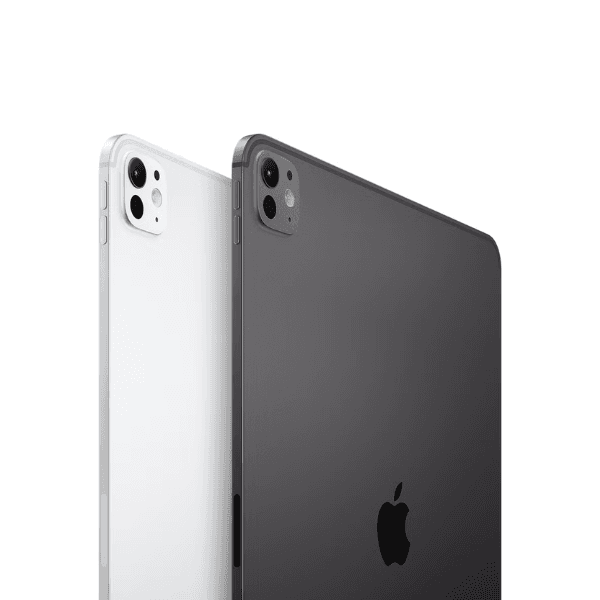
The iPad Pro 2024 (7th Generation) in a sleek Silver finish combines power and sophistication, making it an excellent choice for professionals, creatives, and tech enthusiasts. The expansive 13-inch Liquid Retina display ensures an immersive visual experience, while the M4 chip provides unparalleled performance for both work and play. With features like Face ID, USB Type-C charging, and a LiDAR scanner for augmented reality applications, this iPad is designed for the most demanding tasks. Although it does not support cellular connectivity, its fast Wi-Fi performance and powerful internals make it ideal for productivity, design, and entertainment.
How to Use
-
Press the top power button to turn on the iPad.
-
Navigate to Settings to connect to a Wi-Fi network.
-
Sign in with your Apple ID or create a new one.
-
Browse the App Store to download apps and content.
-
Use the Camera or FaceTime app to take photos or make video calls.
-
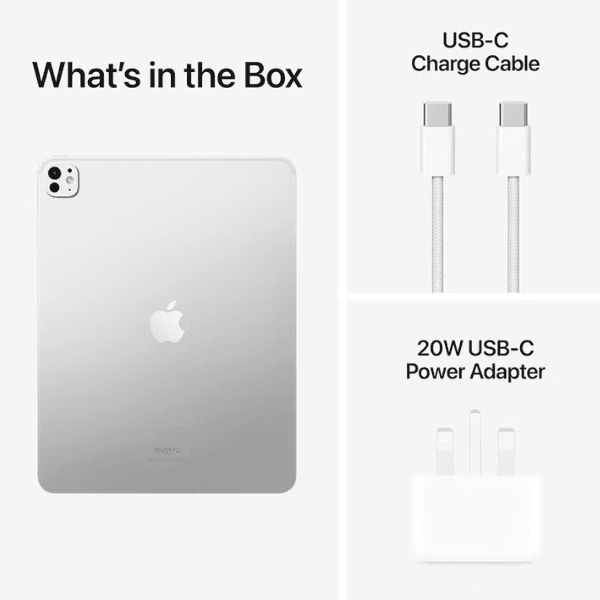
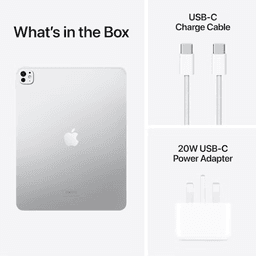
Charge the iPad using the included USB Type-C cable.