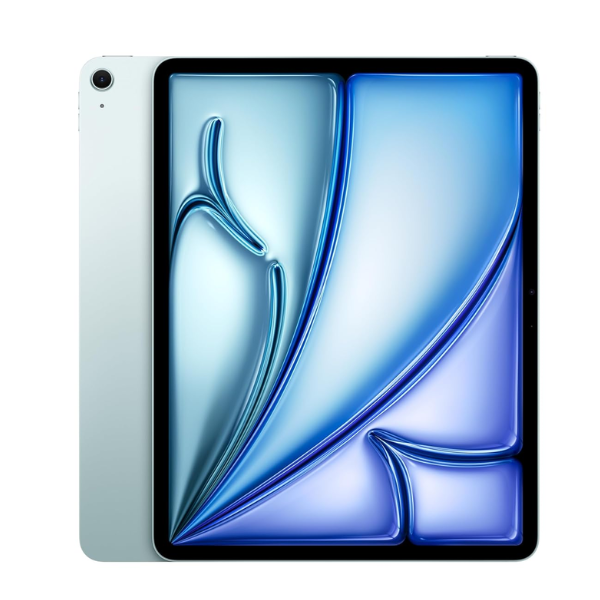
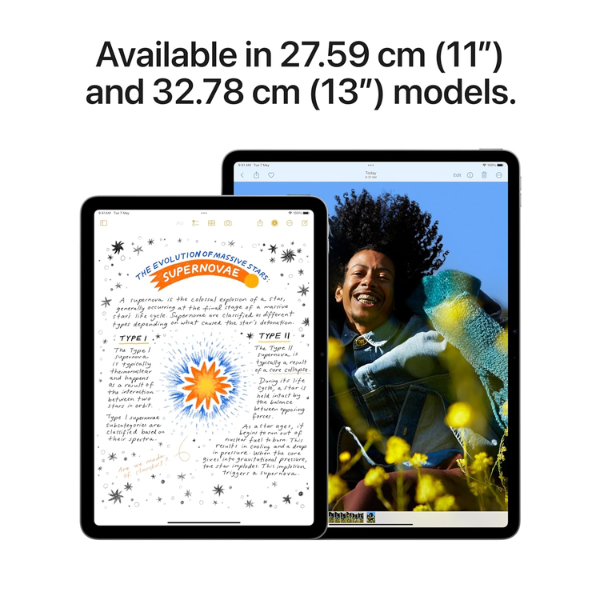
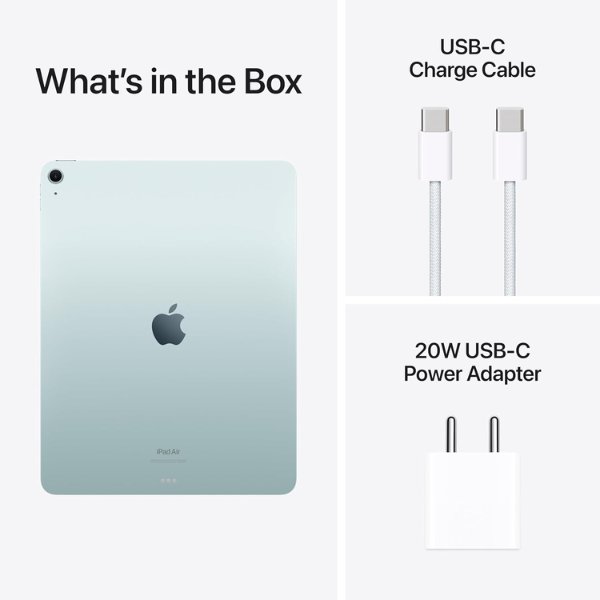
<p class="" data-start="138" data-end="813"><strong data-start="138" data-end="152">Highlights</strong><br data-start="152" data-end="155" /> The <strong data-start="159" data-end="199">Apple iPad Air 2024 (6th Generation)</strong> is powered by the <strong data-start="218" data-end="235">Apple M2 chip</strong>, offering exceptional performance for multitasking, gaming, and creative tasks. It features a <strong data-start="330" data-end="363" data-is-only-node="">13-inch Liquid Retina display</strong> with True Tone and P3 wide color for vibrant visuals. With <strong data-start="423" data-end="452">128GB of internal storage</strong> and <strong data-start="457" data-end="479">Wi-Fi connectivity</strong>, this iPad provides ample space for apps, media, and files. The <strong data-start="544" data-end="564">12MP back camera</strong> and <strong data-start="569" data-end="601">12MP Ultra Wide front camera</strong> with <strong data-start="607" data-end="623">Center Stage</strong> offer excellent photo quality and smooth video calls. It runs on <strong data-start="689" data-end="702">iPadOS 17</strong>, supporting advanced features and is compatible with <strong data-start="756" data-end="789">Apple Pencil (2nd generation)</strong> and <strong data-start="794" data-end="812">Magic Keyboard</strong>.</p> <p class="" data-start="815" data-end="1246"><strong data-start="815" data-end="827">Overview</strong><br data-start="827" data-end="830" /> In a sleek <strong data-start="841" data-end="849">Blue</strong> finish, the iPad Air 2024 (6th Generation) blends modern design with powerful functionality. The <strong data-start="947" data-end="980">13-inch Liquid Retina display</strong> ensures an immersive viewing experience, while the <strong data-start="1032" data-end="1043" data-is-only-node="">M2 chip</strong> ensures seamless performance. It supports <strong data-start="1086" data-end="1108">Wi-Fi connectivity</strong> and works with <strong data-start="1124" data-end="1157">Apple Pencil (2nd generation)</strong> and <strong data-start="1162" data-end="1180">Magic Keyboard</strong>, making it a versatile device for creative work and productivity.</p> <p class="" data-start="1248" data-end="1264"><strong data-start="1248" data-end="1262">How to Use</strong></p> <ul data-start="1265" data-end="1755" data-is-last-node="" data-is-only-node=""> <li class="" data-start="1265" data-end="1333"> <p class="" data-start="1267" data-end="1333"><strong data-start="1267" data-end="1279">Power On</strong>: Press and hold the top button to turn on the iPad.</p> </li> <li class="" data-start="1334" data-end="1411"> <p class="" data-start="1336" data-end="1411"><strong data-start="1336" data-end="1356">Connect to Wi-Fi</strong>: Go to <strong data-start="1364" data-end="1384">Settings > Wi-Fi</strong> and select your network.</p> </li> <li class="" data-start="1412" data-end="1478"> <p class="" data-start="1414" data-end="1478"><strong data-start="1414" data-end="1425">Sign In</strong>: Use your Apple ID to sign in or create a new one.</p> </li> <li class="" data-start="1479" data-end="1546"> <p class="" data-start="1481" data-end="1546"><strong data-start="1481" data-end="1498">Download Apps</strong>: Browse and download apps from the App Store.</p> </li> <li class="" data-start="1547" data-end="1670"> <p class="" data-start="1549" data-end="1670"><strong data-start="1549" data-end="1569">Use Apple Pencil</strong>: Pair your <strong data-start="1581" data-end="1614">Apple Pencil (2nd generation)</strong> by attaching it magnetically to the side of the iPad.</p> </li> <li class="" data-start="1671" data-end="1755"> <p class="" data-start="1673" data-end="1755"><strong data-start="1673" data-end="1683">Charge</strong>: Use the included <strong data-start="1702" data-end="1717">USB-C cable</strong> and power adapter to charge the iPad.</p> </li> </ul>