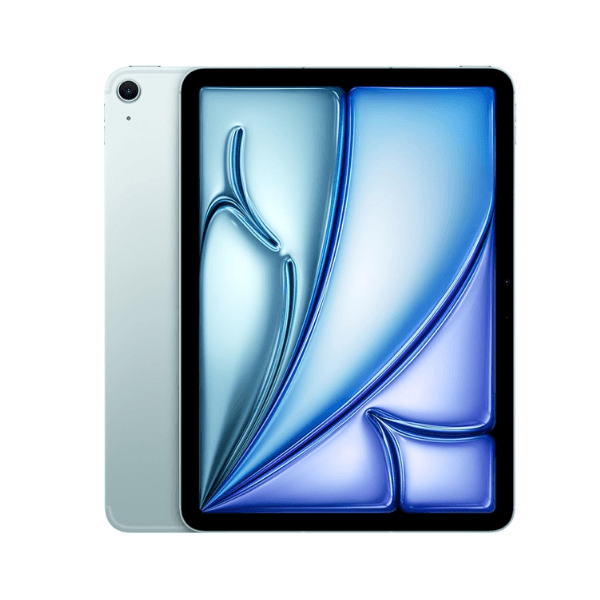
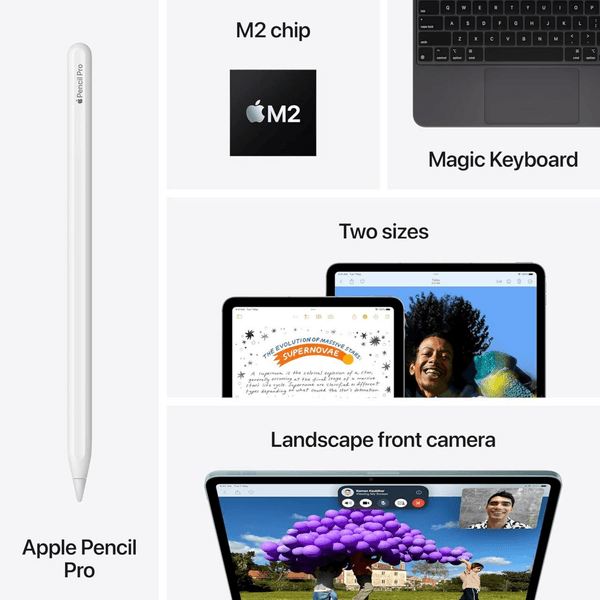
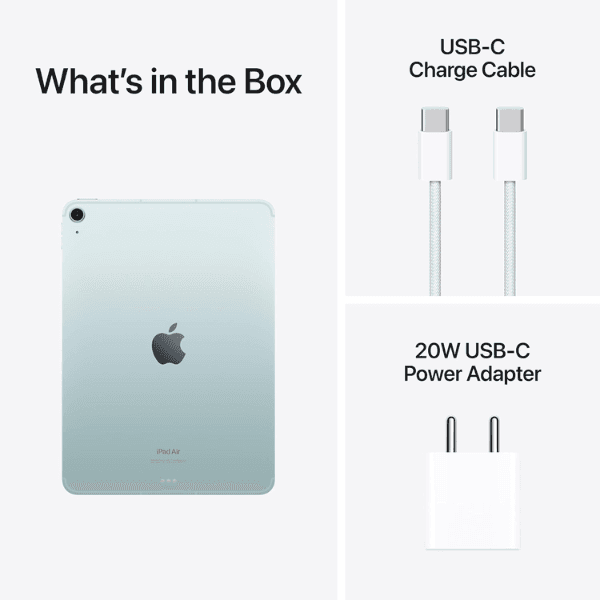
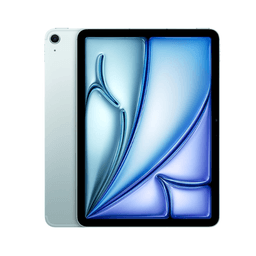
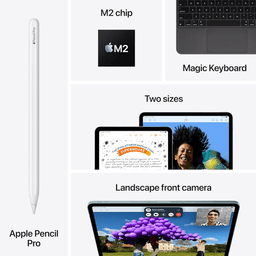
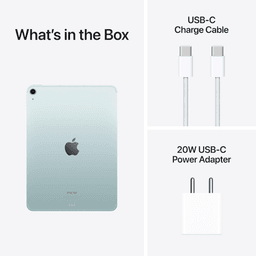
<p class="" data-start="138" data-end="874"><strong data-start="138" data-end="152">Highlights<br /></strong><br data-start="152" data-end="155" /> The Apple iPad Air 2024 (6th Generation) is equipped with the <strong data-start="217" data-end="234">Apple M2 chip</strong>, offering exceptional performance for multitasking, creative work, and gaming. It features a vibrant <strong data-start="336" data-end="369">11-inch Liquid Retina display</strong> with True Tone and P3 wide color, delivering accurate colors and sharp details. With <strong data-start="455" data-end="484" data-is-only-node="">256GB of internal storage</strong> and <strong data-start="489" data-end="511">Wi-Fi connectivity</strong>, this iPad provides ample space for apps, media, and files, ensuring a smooth user experience. The <strong data-start="611" data-end="631">12MP back camera</strong> and <strong data-start="636" data-end="668">12MP Ultra Wide front camera</strong> with <strong data-start="674" data-end="690">Center Stage</strong> ensure high-quality photography and video calls. Running <strong data-start="748" data-end="758">iPadOS</strong>, it supports advanced features and is compatible with <strong data-start="813" data-end="846">Apple Pencil (2nd generation)</strong> and the <strong data-start="855" data-end="873">Magic Keyboard</strong>.</p> <p class="" data-start="876" data-end="1417"><strong data-start="876" data-end="888">Overview<br /></strong><br data-start="888" data-end="891" /> In a sleek <strong data-start="902" data-end="910">Blue</strong> finish, the iPad Air 2024 (6th Generation) combines premium design with powerful performance. The <strong data-start="1009" data-end="1042">11-inch Liquid Retina display</strong> offers an immersive visual experience, while the <strong data-start="1092" data-end="1103" data-is-only-node="">M2 chip</strong> ensures fast performance, even for demanding tasks. This iPad is equipped with <strong data-start="1183" data-end="1205">Wi-Fi connectivity</strong> for fast internet access and supports the <strong data-start="1248" data-end="1264">Apple Pencil</strong> and <strong data-start="1269" data-end="1287">Magic Keyboard</strong> for enhanced productivity. Whether for work, creativity, or entertainment, this iPad provides a versatile and efficient solution.</p> <p class="" data-start="1419" data-end="1435"><strong data-start="1419" data-end="1433">How to Use</strong></p> <ul data-start="1436" data-end="1935" data-is-last-node="" data-is-only-node=""> <li class="" data-start="1436" data-end="1504"> <p class="" data-start="1438" data-end="1504"><strong data-start="1438" data-end="1450">Power On</strong>: Press and hold the top button to turn on the iPad.</p> </li> <li class="" data-start="1505" data-end="1582"> <p class="" data-start="1507" data-end="1582"><strong data-start="1507" data-end="1527">Connect to Wi-Fi</strong>: Go to <strong data-start="1535" data-end="1555">Settings > Wi-Fi</strong> and select your network.</p> </li> <li class="" data-start="1583" data-end="1663"> <p class="" data-start="1585" data-end="1663"><strong data-start="1585" data-end="1596">Sign In</strong>: Use your Apple ID or create a new one to access Apple services.</p> </li> <li class="" data-start="1664" data-end="1741"> <p class="" data-start="1666" data-end="1741"><strong data-start="1666" data-end="1683">Download Apps</strong>: Browse the <strong data-start="1696" data-end="1709">App Store</strong> to download apps and content.</p> </li> <li class="" data-start="1742" data-end="1850"> <p class="" data-start="1744" data-end="1850"><strong data-start="1744" data-end="1764">Use Apple Pencil</strong>: Attach the <strong data-start="1777" data-end="1810">Apple Pencil (2nd generation)</strong> to the side to pair it with the iPad.</p> </li> <li class="" data-start="1851" data-end="1935"> <p class="" data-start="1853" data-end="1935"><strong data-start="1853" data-end="1863">Charge</strong>: Use the provided <strong data-start="1882" data-end="1897">USB-C cable</strong> and power adapter to charge the iPad.</p> </li> </ul>