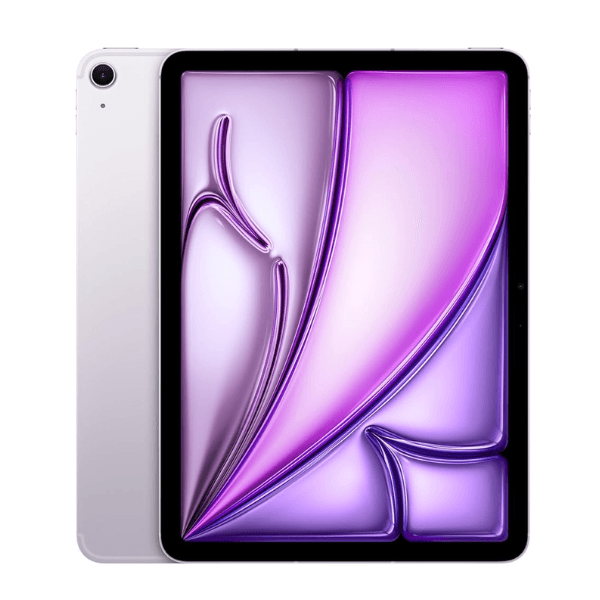
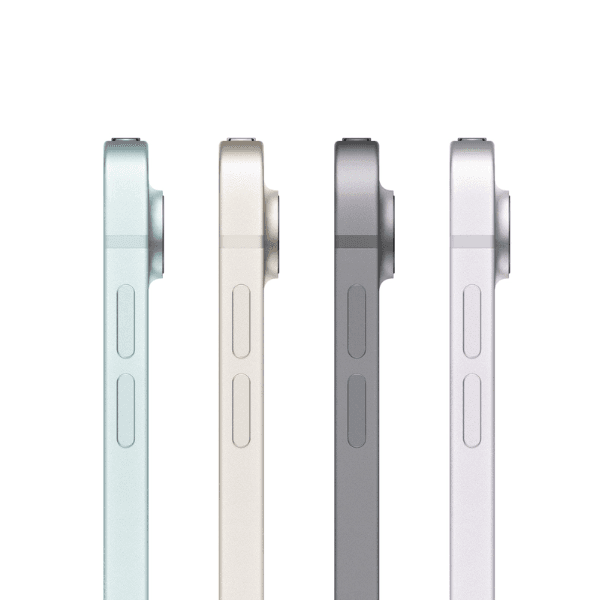
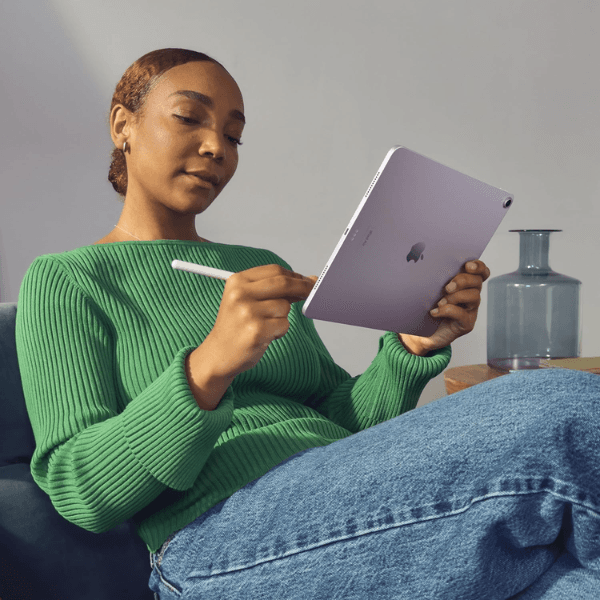
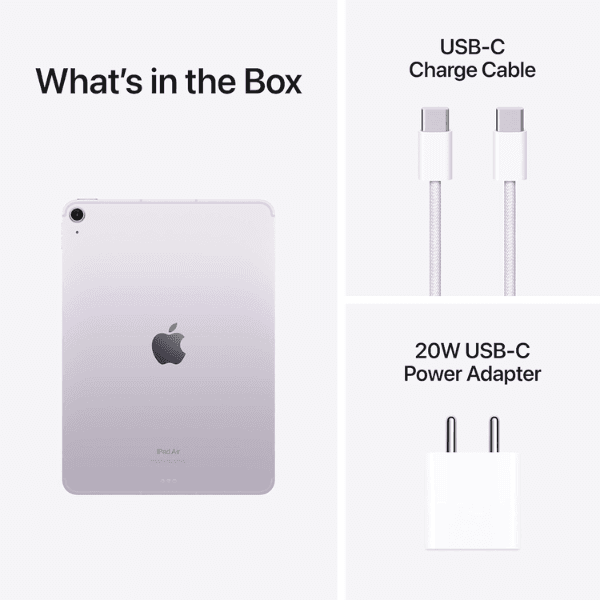
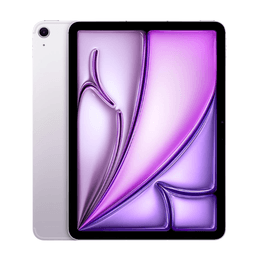
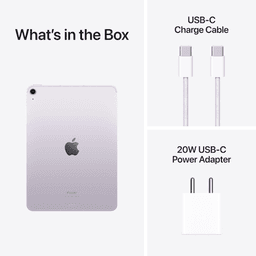
<p class="" data-start="140" data-end="845"><strong data-start="140" data-end="154">Highlights<br /></strong><br data-start="154" data-end="157" /> The Apple iPad Air 2024 (6th Generation) is powered by the <strong data-start="216" data-end="233">Apple M2 chip</strong>, delivering powerful performance for multitasking, creative tasks, and gaming. It features an <strong data-start="328" data-end="361">11-inch Liquid Retina display</strong>, offering vibrant colors and sharp details with True Tone and P3 wide color. With <strong data-start="444" data-end="473" data-is-only-node="">128GB of internal storage</strong> and <strong data-start="478" data-end="500">Wi-Fi connectivity</strong>, this iPad provides plenty of space for apps, files, and media. The <strong data-start="569" data-end="589">12MP back camera</strong> and <strong data-start="594" data-end="626">12MP Ultra Wide front camera</strong> with <strong data-start="632" data-end="648">Center Stage</strong> allow for stunning photography and smooth video calls. Running <strong data-start="712" data-end="722">iPadOS</strong>, it also supports accessories like the <strong data-start="762" data-end="795">Apple Pencil (2nd generation)</strong> and <strong data-start="800" data-end="818">Magic Keyboard</strong> for enhanced productivity.</p> <p class="" data-start="847" data-end="1355"><strong data-start="847" data-end="859">Overview<br /></strong><br data-start="859" data-end="862" /> In a stylish <strong data-start="875" data-end="885">Purple</strong> finish, the iPad Air 2024 (6th Generation) combines sleek design with powerful functionality. The <strong data-start="984" data-end="1017">11-inch Liquid Retina display</strong> provides an immersive visual experience, while the <strong data-start="1069" data-end="1080" data-is-only-node="">M2 chip</strong> ensures smooth performance for all tasks, whether it’s work, creative projects, or entertainment. This iPad supports fast <strong data-start="1203" data-end="1225">Wi-Fi connectivity</strong> and is compatible with the <strong data-start="1253" data-end="1269">Apple Pencil</strong> and <strong data-start="1274" data-end="1292">Magic Keyboard</strong>, making it a versatile device for creativity and productivity.</p> <p class="" data-start="1357" data-end="1373"><strong data-start="1357" data-end="1371">How to Use</strong></p> <ul data-start="1374" data-end="1904" data-is-last-node="" data-is-only-node=""> <li class="" data-start="1374" data-end="1442"> <p class="" data-start="1376" data-end="1442"><strong data-start="1376" data-end="1388">Power On</strong>: Press and hold the top button to turn on the iPad.</p> </li> <li class="" data-start="1443" data-end="1517"> <p class="" data-start="1445" data-end="1517"><strong data-start="1445" data-end="1465">Connect to Wi-Fi</strong>: Go to <strong data-start="1473" data-end="1493">Settings > Wi-Fi</strong> and select a network.</p> </li> <li class="" data-start="1518" data-end="1625"> <p class="" data-start="1520" data-end="1625"><strong data-start="1520" data-end="1531">Sign In</strong>: Sign in with your Apple ID or create a new one to access the App Store and Apple services.</p> </li> <li class="" data-start="1626" data-end="1693"> <p class="" data-start="1628" data-end="1693"><strong data-start="1628" data-end="1645">Download Apps</strong>: Browse and download apps from the App Store.</p> </li> <li class="" data-start="1694" data-end="1817"> <p class="" data-start="1696" data-end="1817"><strong data-start="1696" data-end="1716">Use Apple Pencil</strong>: Pair your <strong data-start="1728" data-end="1761">Apple Pencil (2nd generation)</strong> by attaching it magnetically to the side of the iPad.</p> </li> <li class="" data-start="1818" data-end="1904"> <p class="" data-start="1820" data-end="1904"><strong data-start="1820" data-end="1830">Charge</strong>: Use the included <strong data-start="1849" data-end="1864">USB-C cable</strong> and power adapter to charge the device.</p> </li> </ul>