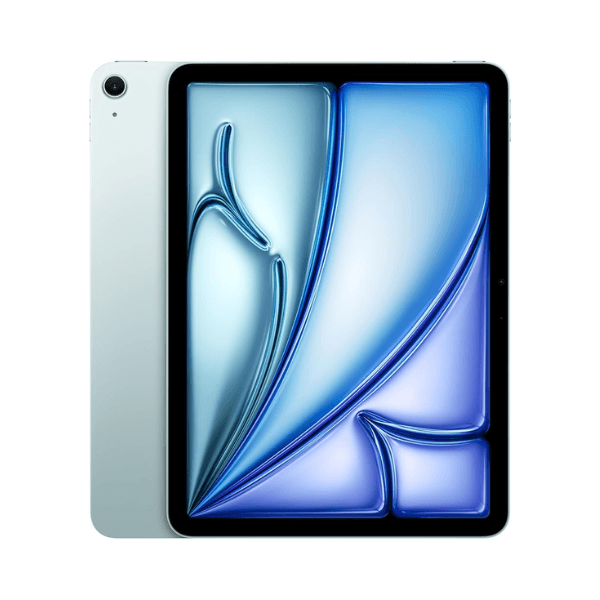
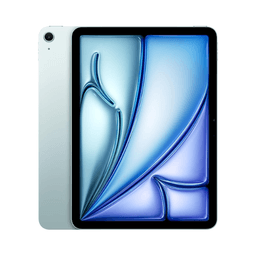
Apple iPad Air 2024 6th Generation M2 11-Inch 128GB Blue Wi-Fi - International Version

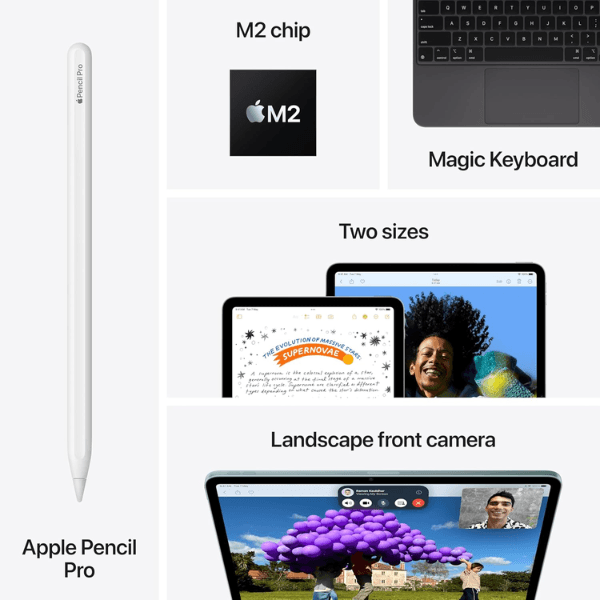
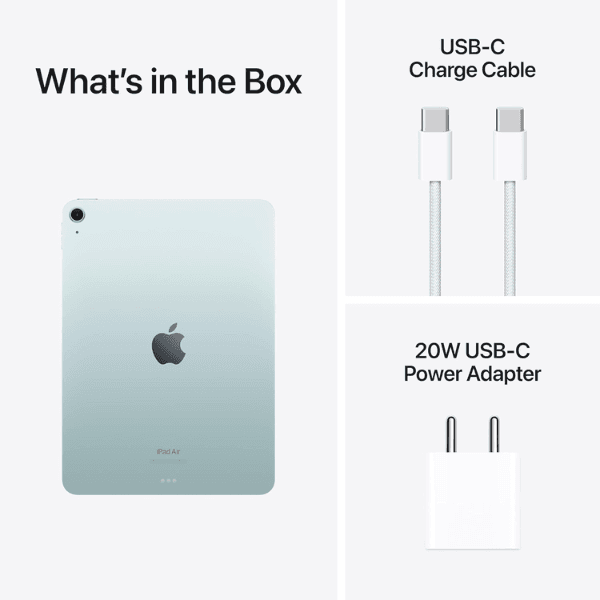
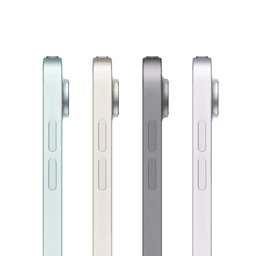
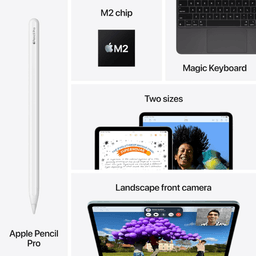
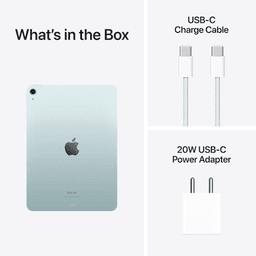
<p class="" data-start="138" data-end="827"><strong data-start="138" data-end="152">Highlights<br /></strong><br data-start="152" data-end="155" /> The Apple iPad Air 2024 (6th Generation) features a powerful <strong data-start="216" data-end="233">Apple M2 chip</strong>, providing remarkable performance for tasks such as multitasking, creative work, and gaming. The <strong data-start="331" data-end="364">11-inch Liquid Retina display</strong> offers stunning visuals with True Tone and P3 wide color for vibrant and accurate colors. With <strong data-start="460" data-end="489" data-is-only-node="">128GB of internal storage</strong> and <strong data-start="494" data-end="516">Wi-Fi connectivity</strong>, this iPad offers plenty of space for apps, media, and files. The <strong data-start="583" data-end="603">12MP back camera</strong> and <strong data-start="608" data-end="640">12MP Ultra Wide front camera</strong> with <strong data-start="646" data-end="662">Center Stage</strong> ensure crisp photos and high-quality video calls. Running <strong data-start="721" data-end="731">iPadOS</strong>, it supports features such as the <strong data-start="766" data-end="799">Apple Pencil (2nd generation)</strong> and the <strong data-start="808" data-end="826">Magic Keyboard</strong>.</p> <p class="" data-start="829" data-end="1363"><strong data-start="829" data-end="841">Overview<br /></strong><br data-start="841" data-end="844" /> The <strong data-start="848" data-end="882">iPad Air 2024 (6th Generation)</strong> combines powerful hardware with a sleek design. Its <strong data-start="935" data-end="968">11-inch Liquid Retina display</strong> offers an immersive viewing experience, while the <strong data-start="1019" data-end="1030" data-is-only-node="">M2 chip</strong> enhances productivity and creativity. The <strong data-start="1073" data-end="1081">Blue</strong> color adds a fresh and modern touch, making this iPad both stylish and functional. With <strong data-start="1170" data-end="1192">Wi-Fi connectivity</strong>, it ensures fast and reliable internet access, and its compatibility with the <strong data-start="1271" data-end="1287">Apple Pencil</strong> and <strong data-start="1292" data-end="1310">Magic Keyboard</strong> allows for enhanced creative and productivity tasks.</p> <p class="" data-start="1365" data-end="1381"><strong data-start="1365" data-end="1379">How to Use</strong></p> <ul data-start="1382" data-end="1884" data-is-last-node="" data-is-only-node=""> <li class="" data-start="1382" data-end="1450"> <p class="" data-start="1384" data-end="1450"><strong data-start="1384" data-end="1396">Power On</strong>: Press and hold the top button to turn on the iPad.</p> </li> <li class="" data-start="1451" data-end="1525"> <p class="" data-start="1453" data-end="1525"><strong data-start="1453" data-end="1473">Connect to Wi-Fi</strong>: Go to <strong data-start="1481" data-end="1501">Settings &gt; Wi-Fi</strong> and select a network.</p> </li> <li class="" data-start="1526" data-end="1619"> <p class="" data-start="1528" data-end="1619"><strong data-start="1528" data-end="1539">Sign In</strong>: Sign in with your Apple ID or create a new one to access all Apple services.</p> </li> <li class="" data-start="1620" data-end="1687"> <p class="" data-start="1622" data-end="1687"><strong data-start="1622" data-end="1639">Download Apps</strong>: Browse and download apps from the App Store.</p> </li> <li class="" data-start="1688" data-end="1799"> <p class="" data-start="1690" data-end="1799"><strong data-start="1690" data-end="1710">Use Apple Pencil</strong>: Pair your <strong data-start="1722" data-end="1755">Apple Pencil (2nd generation)</strong> by attaching it magnetically to the iPad.</p> </li> <li class="" data-start="1800" data-end="1884"> <p class="" data-start="1802" data-end="1884"><strong data-start="1802" data-end="1812">Charge</strong>: Use the included <strong data-start="1831" data-end="1846">USB-C cable</strong> and power adapter to charge the iPad.</p> </li> </ul>