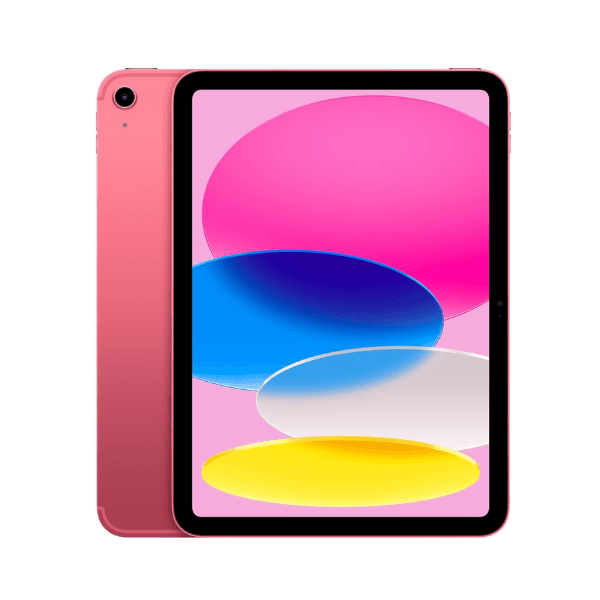
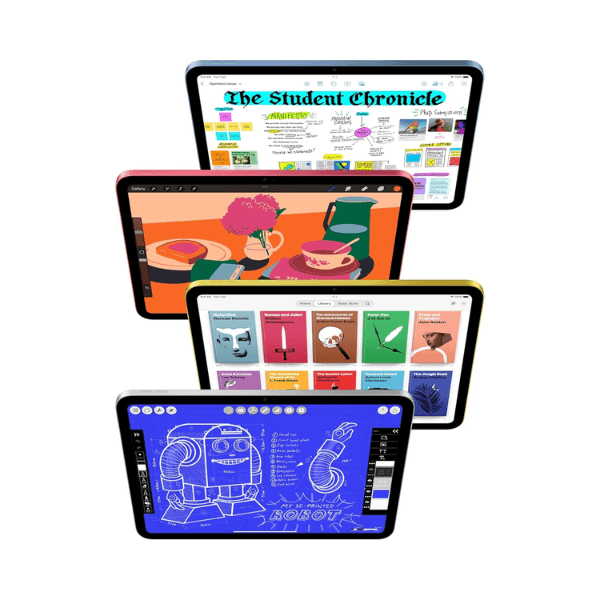
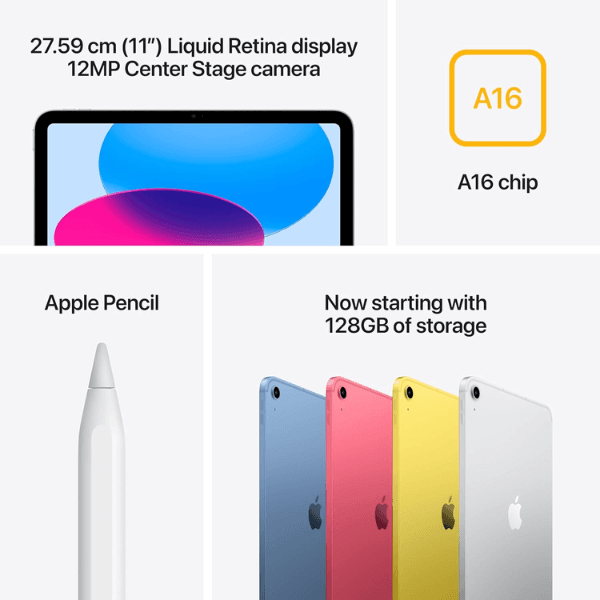
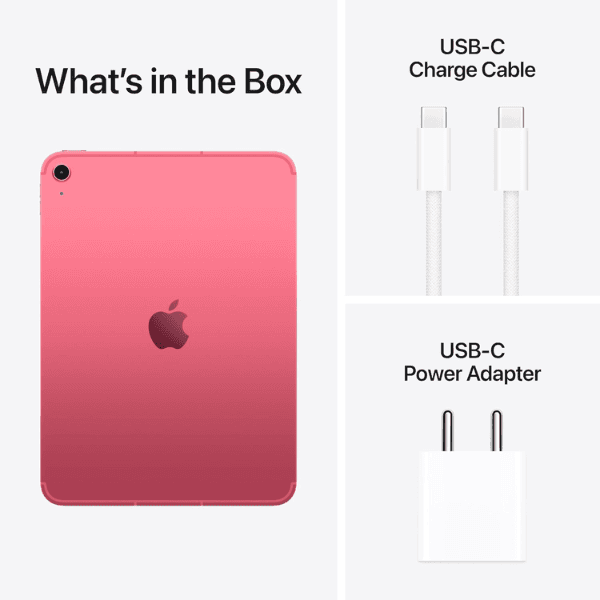
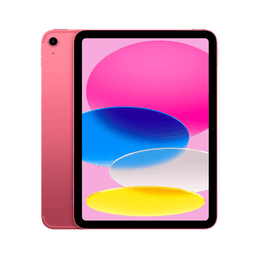
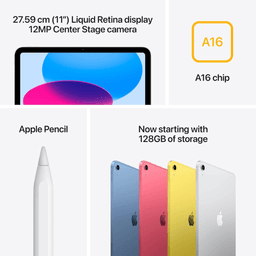
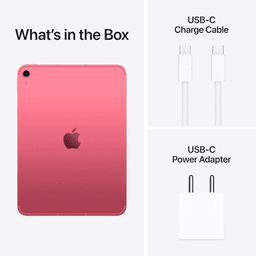
<h3 class="" data-start="126" data-end="146"><strong data-start="130" data-end="144">Highlights</strong></h3> <p class="" data-start="147" data-end="763">The <strong data-start="151" data-end="188">Apple iPad 2025 (11th Generation)</strong> is powered by the <strong data-start="207" data-end="226">A16 Bionic chip</strong>, offering excellent performance for multitasking, gaming, and demanding apps. It features an <strong data-start="320" data-end="353">11-inch Liquid Retina display</strong>, providing vibrant colors and sharp details, perfect for both entertainment and productivity. With <strong data-start="453" data-end="482">256GB of internal storage</strong> and <strong data-start="487" data-end="509">Wi-Fi connectivity</strong>, it offers plenty of space for apps, media, and files. The <strong data-start="569" data-end="600">12MP front and rear cameras</strong> deliver high-quality photography and video calls. Running on <strong data-start="662" data-end="675">iPadOS 17</strong>, this international version ensures you get the latest features and updates from Apple.</p> <h3 class="" data-start="765" data-end="783"><strong data-start="769" data-end="781">Overview</strong></h3> <p class="" data-start="784" data-end="1335">In a sleek <strong data-start="795" data-end="803">Pink</strong> finish, the iPad 2025 (11th Generation) combines a modern, stylish design with high-performance capabilities. The <strong data-start="918" data-end="951">11-inch Liquid Retina display</strong> offers an immersive experience, while the <strong data-start="994" data-end="1013">A16 Bionic chip</strong> powers through multitasking and high-performance applications. <strong data-start="1077" data-end="1099">Wi-Fi connectivity</strong> ensures reliable internet access, and the <strong data-start="1142" data-end="1158">12MP cameras</strong> make it ideal for photography, video calls, and creative projects. Whether for work or entertainment, this iPad offers versatility and performance in a sleek, portable package.</p> <h3 class="" data-start="1337" data-end="1357"><strong data-start="1341" data-end="1355">How to Use</strong></h3> <ul data-start="1358" data-end="1817" data-is-last-node="" data-is-only-node=""> <li class="" data-start="1358" data-end="1426"> <p class="" data-start="1360" data-end="1426"><strong data-start="1360" data-end="1372">Power On</strong>: Press and hold the top button to turn on the iPad.</p> </li> <li class="" data-start="1427" data-end="1504"> <p class="" data-start="1429" data-end="1504"><strong data-start="1429" data-end="1449">Connect to Wi-Fi</strong>: Go to <strong data-start="1457" data-end="1477">Settings > Wi-Fi</strong> and select your network.</p> </li> <li class="" data-start="1505" data-end="1571"> <p class="" data-start="1507" data-end="1571"><strong data-start="1507" data-end="1518">Sign In</strong>: Use your Apple ID to sign in or create a new one.</p> </li> <li class="" data-start="1572" data-end="1639"> <p class="" data-start="1574" data-end="1639"><strong data-start="1574" data-end="1591">Download Apps</strong>: Browse and download apps from the App Store.</p> </li> <li class="" data-start="1640" data-end="1732"> <p class="" data-start="1642" data-end="1732"><strong data-start="1642" data-end="1656">Use Camera</strong>: Open the Camera or FaceTime app for high-quality photos and video calls.</p> </li> <li class="" data-start="1733" data-end="1817"> <p class="" data-start="1735" data-end="1817"><strong data-start="1735" data-end="1745">Charge</strong>: Use the included <strong data-start="1764" data-end="1779">USB-C cable</strong> and power adapter to charge the iPad.</p> </li> </ul>