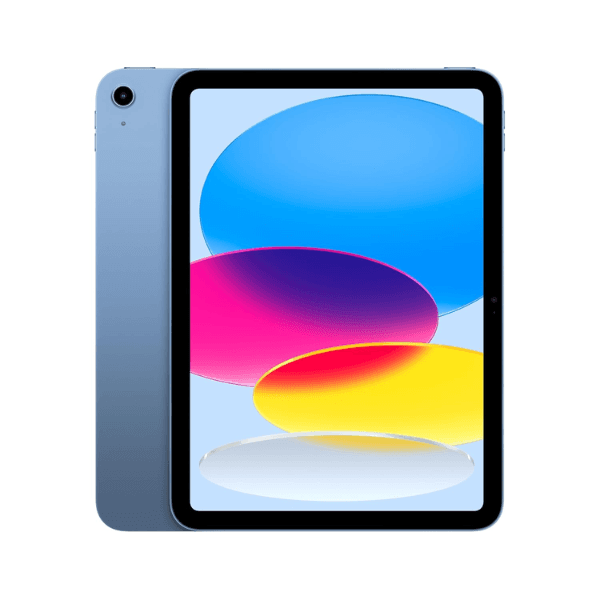
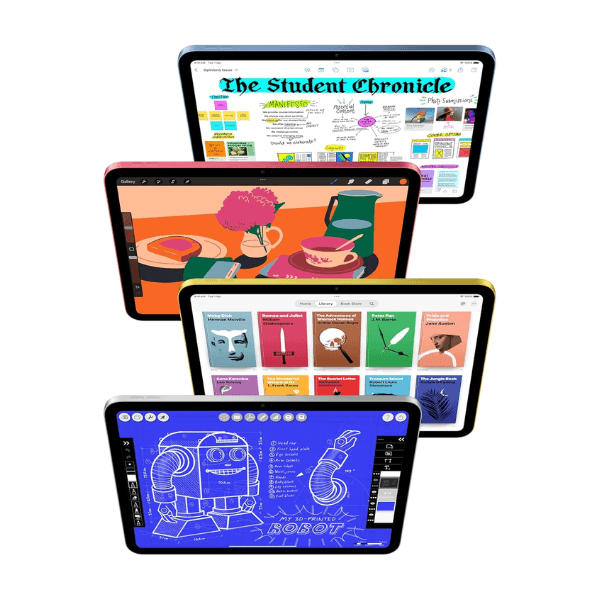
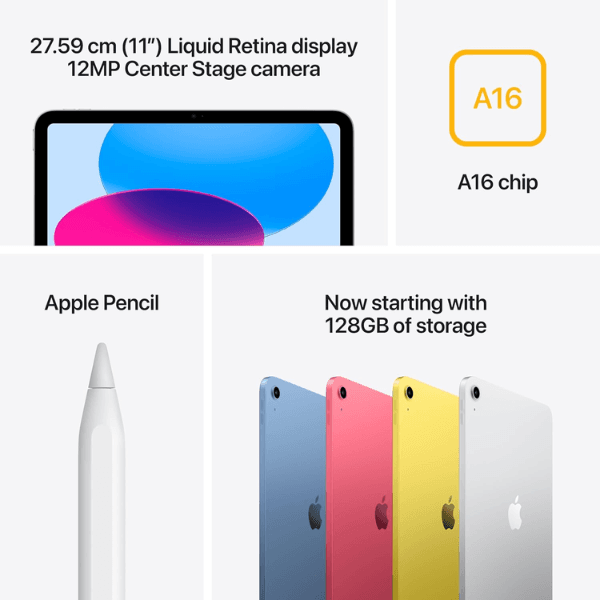
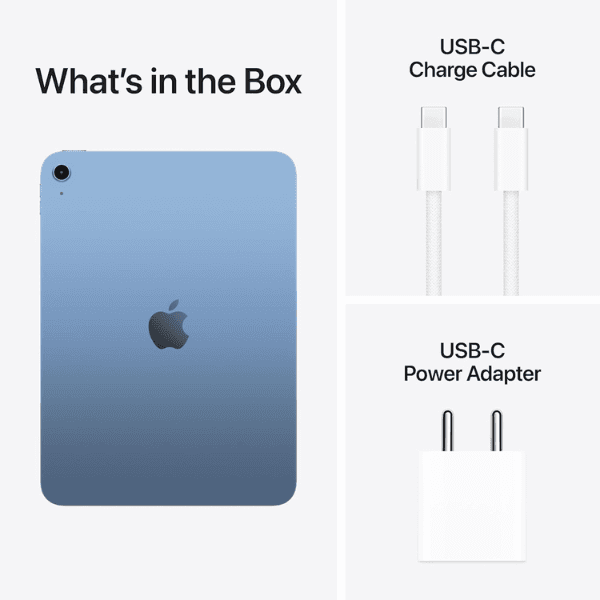
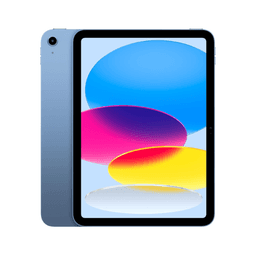
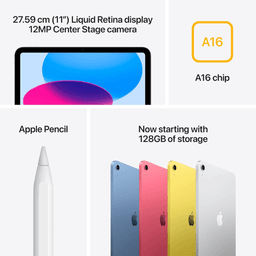
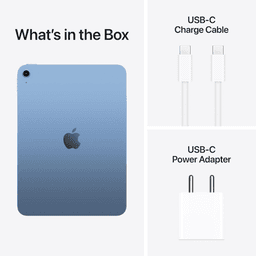
<h3 class="" data-start="126" data-end="146"><strong data-start="130" data-end="144">Highlights</strong></h3> <p class="" data-start="147" data-end="769">The <strong data-start="151" data-end="188">Apple iPad 2025 (11th Generation)</strong> is equipped with the powerful <strong data-start="219" data-end="238">A16 Bionic chip</strong>, ensuring impressive performance for multitasking, gaming, and handling demanding apps. The <strong data-start="331" data-end="364">11-inch Liquid Retina display</strong> delivers vibrant colors and sharp details, making it perfect for both work and entertainment. With <strong data-start="464" data-end="493">256GB of internal storage</strong> and <strong data-start="498" data-end="520">Wi-Fi connectivity</strong>, this iPad provides ample space for apps, media, and files. The <strong data-start="585" data-end="616">12MP front and rear cameras</strong> are ideal for high-quality photos and video calls. Running on <strong data-start="679" data-end="692">iPadOS 17</strong>, this international version offers the latest software updates and features.</p> <h3 class="" data-start="771" data-end="789"><strong data-start="775" data-end="787">Overview</strong></h3> <p class="" data-start="790" data-end="1286">In a sleek <strong data-start="801" data-end="809">Blue</strong> finish, the iPad 2025 (11th Generation) combines modern design with high-performance capabilities. The <strong data-start="913" data-end="946">11-inch Liquid Retina display</strong> ensures an immersive viewing experience, while the <strong data-start="998" data-end="1017">A16 Bionic chip</strong> powers through multitasking and intensive apps. With <strong data-start="1071" data-end="1093">Wi-Fi connectivity</strong>, this iPad works seamlessly for both professional tasks and entertainment. Its <strong data-start="1173" data-end="1189">12MP cameras</strong> support excellent photography and video calls, making it a versatile choice for a range of uses.</p> <h3 class="" data-start="1288" data-end="1308"><strong data-start="1292" data-end="1306">How to Use</strong></h3> <ul data-start="1309" data-end="1768" data-is-last-node="" data-is-only-node=""> <li class="" data-start="1309" data-end="1377"> <p class="" data-start="1311" data-end="1377"><strong data-start="1311" data-end="1323">Power On</strong>: Press and hold the top button to turn on the iPad.</p> </li> <li class="" data-start="1378" data-end="1455"> <p class="" data-start="1380" data-end="1455"><strong data-start="1380" data-end="1400">Connect to Wi-Fi</strong>: Go to <strong data-start="1408" data-end="1428">Settings > Wi-Fi</strong> and select your network.</p> </li> <li class="" data-start="1456" data-end="1522"> <p class="" data-start="1458" data-end="1522"><strong data-start="1458" data-end="1469">Sign In</strong>: Use your Apple ID to sign in or create a new one.</p> </li> <li class="" data-start="1523" data-end="1590"> <p class="" data-start="1525" data-end="1590"><strong data-start="1525" data-end="1542">Download Apps</strong>: Browse and download apps from the App Store.</p> </li> <li class="" data-start="1591" data-end="1683"> <p class="" data-start="1593" data-end="1683"><strong data-start="1593" data-end="1607">Use Camera</strong>: Open the Camera or FaceTime app for high-quality photos and video calls.</p> </li> <li class="" data-start="1684" data-end="1768"> <p class="" data-start="1686" data-end="1768"><strong data-start="1686" data-end="1696">Charge</strong>: Use the included <strong data-start="1715" data-end="1730">USB-C cable</strong> and power adapter to charge the iPad.</p> </li> </ul>