Highlights
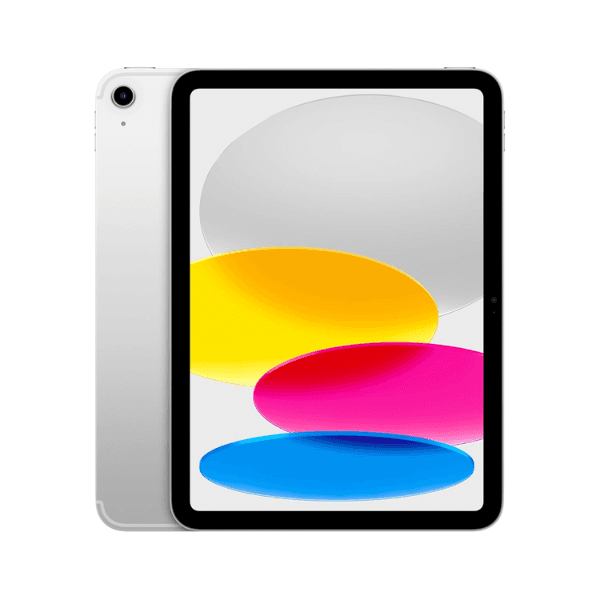
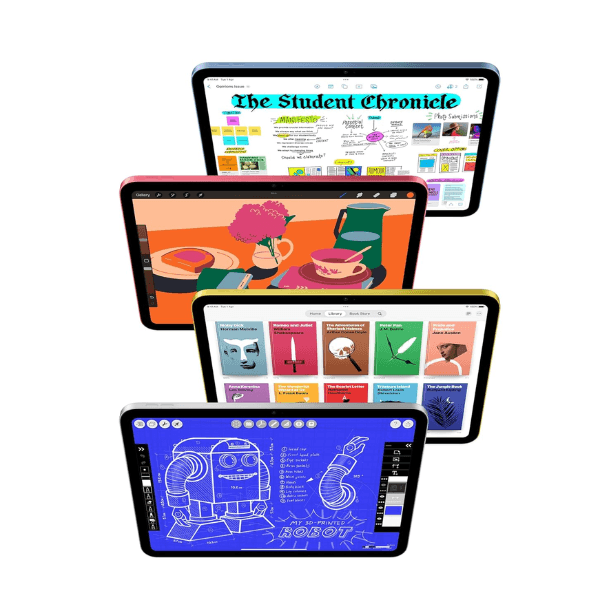
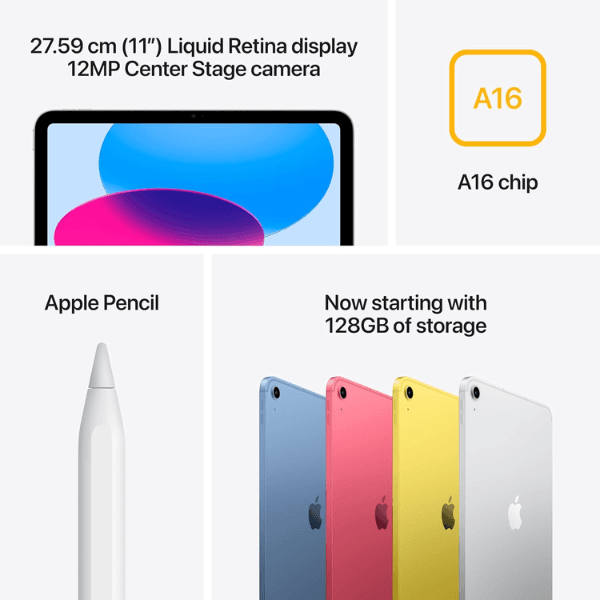
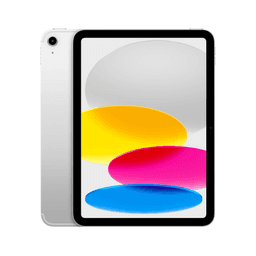
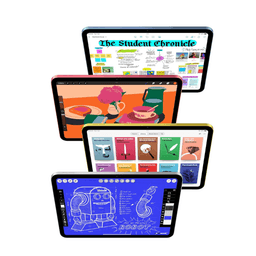
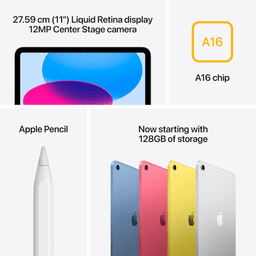
The Apple iPad 2025 (11th Generation) features an expansive 11-inch Retina display with stunning clarity and vibrant colors, ideal for streaming, productivity, and creative work. Powered by the advanced A16 Bionic chip with Hexa-Core architecture, it delivers smooth and responsive performance across all tasks. With 128GB of internal storage and reliable Wi-Fi connectivity, it offers ample space and speed for a seamless user experience. Both the front and rear cameras are 12 MP, ensuring high-quality video calls and photography. Running on iPadOS 17, this international version provides access to the latest Apple features and software improvements.
Overview
Finished in a sleek silver design, the iPad 2025 offers a modern look combined with robust functionality. Its lightweight build and 11-inch screen strike a perfect balance between portability and productivity. The tablet supports USB Type-C charging for fast power-ups and includes essential sensors like the accelerometer and gyroscope to enhance app interactivity. Although it does not support cellular networks, its high-performance internals and dependable Wi-Fi connectivity make it a strong choice for everyday use, whether at home, school, or work.
How to Use
-
Turn on the iPad by pressing the top power button.
-
Navigate to Settings to connect to a Wi-Fi network.
-
Sign in with your Apple ID or create a new account.
-
Open the App Store to download and install apps.
-
Use FaceTime or the Camera app for calls and capturing content.
-
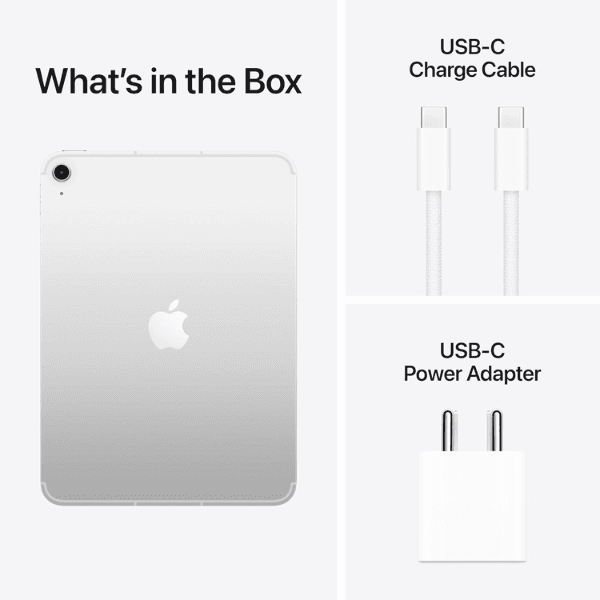
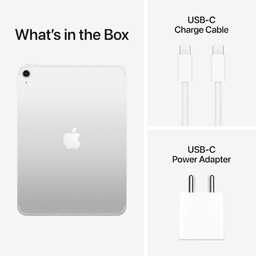
Charge the iPad using the included USB Type-C cable.