P40 Dual Camera Drone
Product Overview
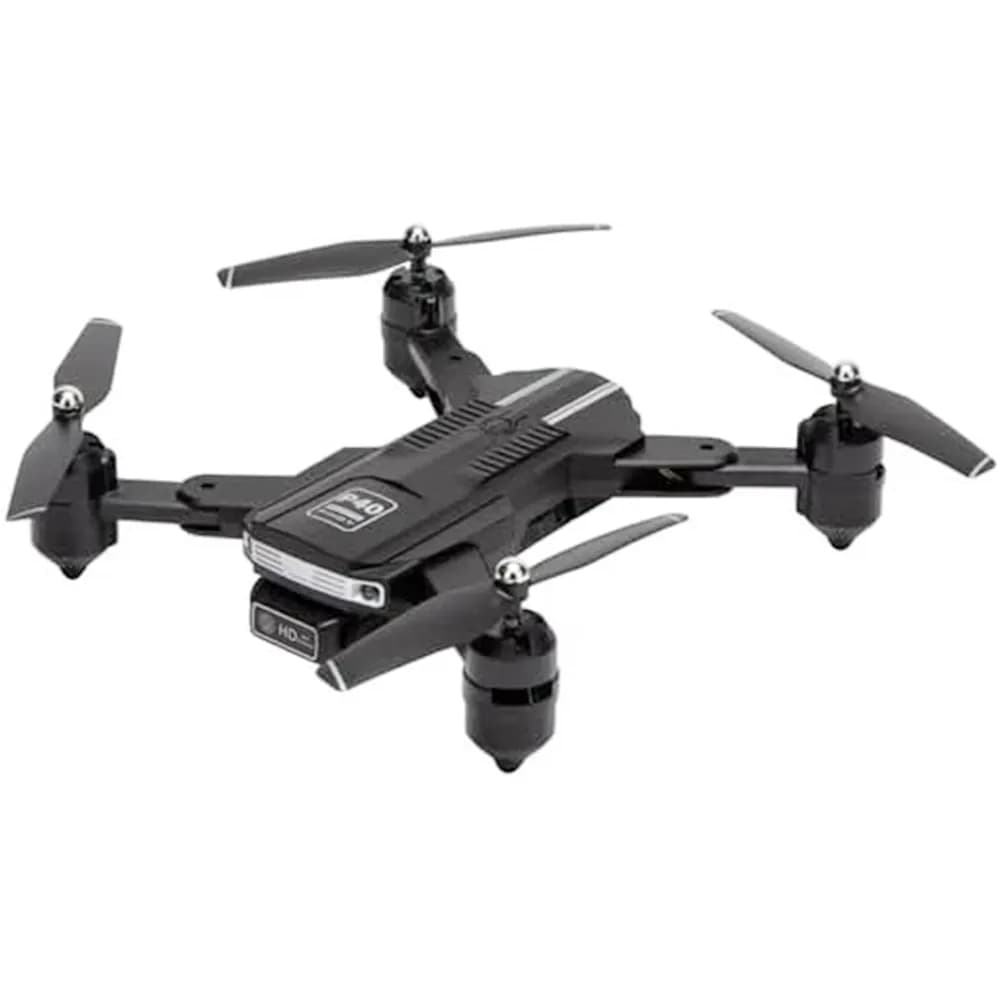
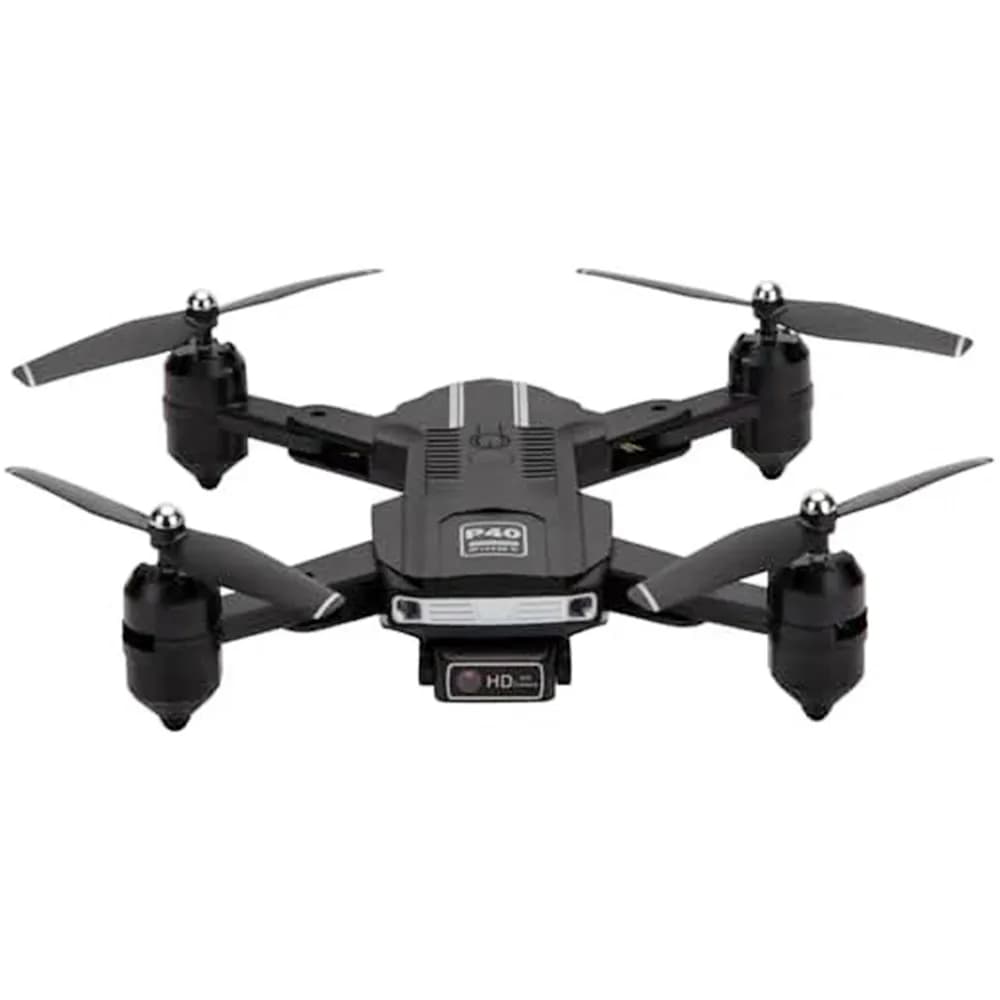
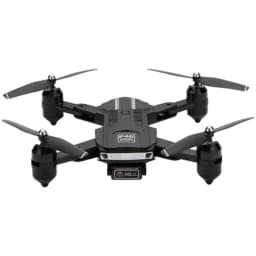
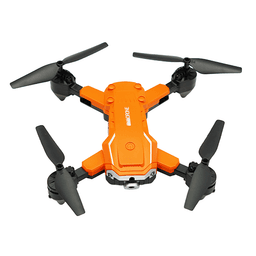
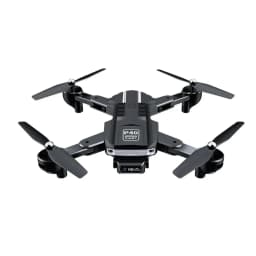
Explore aerial photography and recreational flying with the P40 Dual Camera Drone, featuring a dual camera system for capturing photos and videos from different perspectives. The remote adjustable camera function lets you conveniently change the camera angle during flight to help achieve the desired view.
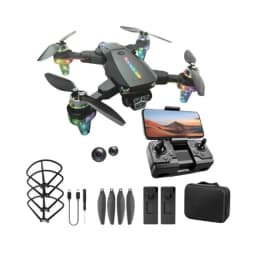
Designed for convenient travel, the P40 Drone features visual positioning technology for stable and controlled flying. The included portable suitcase makes it easy to store, protect, and carry the drone, while the rechargeable batteries and useful accessories provide added convenience for aerial photography and travel.
Key Features
- Dual Camera System: Capture photos and videos using the drone's dual camera setup for versatile aerial views.
- Remote Adjustable Camera: Adjust the camera angle remotely to customise your shooting perspective during flight.
- Visual Positioning: Helps provide stable and precise positioning for smoother flight control.
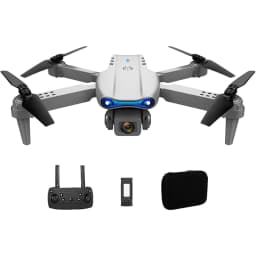
- Portable Suitcase: Includes a dedicated suitcase for convenient storage, protection, and transportation.
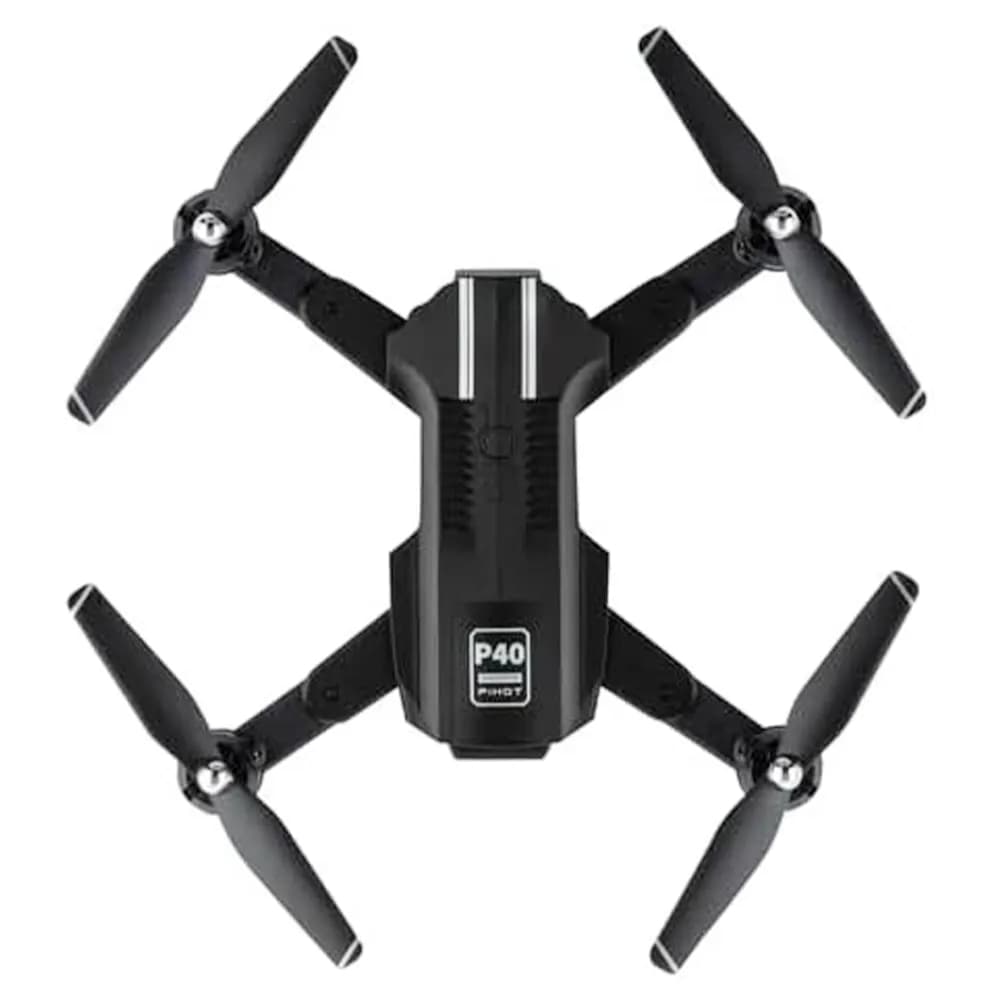
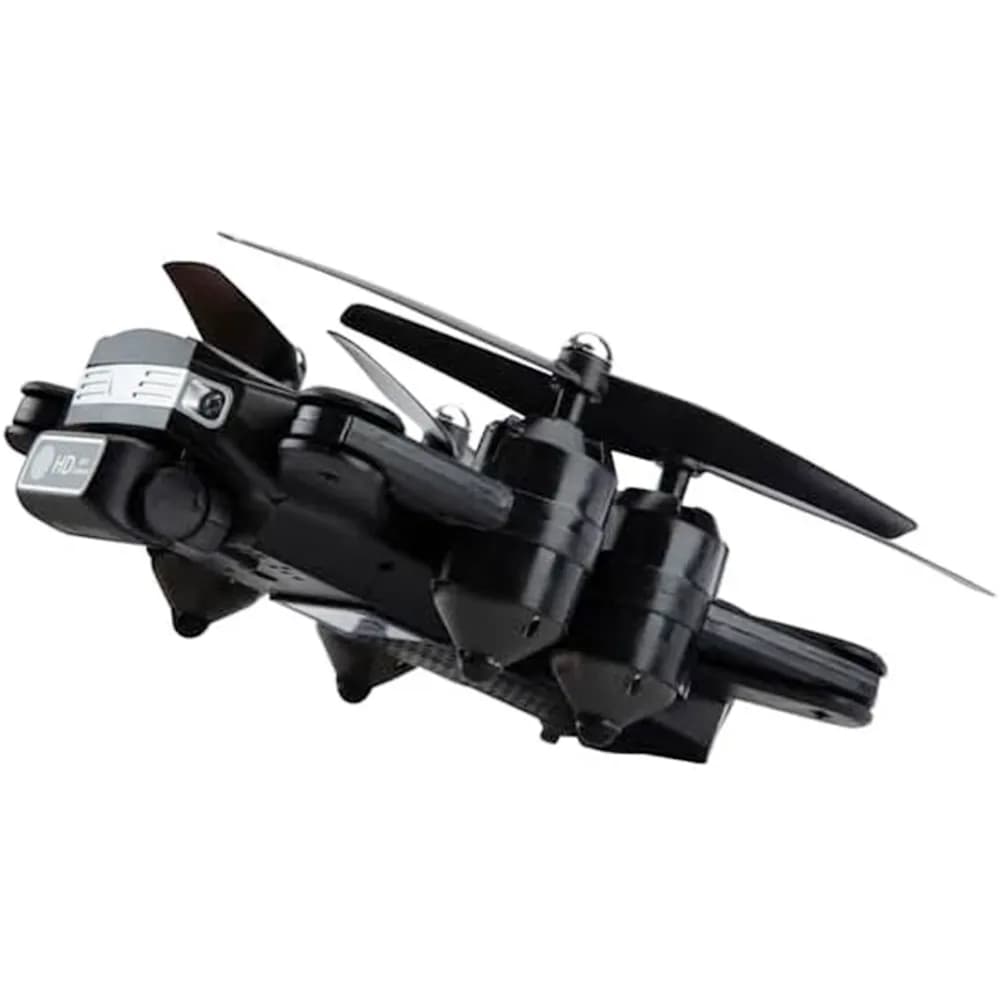
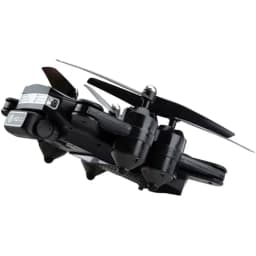
- Travel-Friendly Design: Compact construction makes the drone convenient to carry for trips, events, and outdoor activities.
- Aerial Photography: Suitable for capturing photos and videos from elevated viewpoints.
- Two Rechargeable Batteries: Includes two rechargeable batteries for convenient flying sessions.
- Spare Propellers: Four spare propellers are included for added convenience.
- Remote Control: Provides convenient control over the drone and supported camera functions.
- USB Charging Cable: Includes a USB charging cable for recharging the drone batteries.
- Compact Size: Measures approximately 8 × 8 × 8 cm for convenient handling and storage.
- Suitable for Hobbyists: Designed for recreational flying, aerial photography, travel, and outdoor use.
How to Use
- Charge the included rechargeable batteries using the supplied USB charging cable.
- Install a fully charged battery into the P40 Drone and prepare the remote control.
- Place the drone on a level, open surface away from people, buildings, and other obstacles.
- Switch on the drone and remote control, then establish the connection according to the user manual.
- Use the remote control to perform takeoff and practise basic flight movements.
- Adjust the camera angle remotely to select the desired aerial view.
- Use the dual cameras to capture photos and videos during flight.
- Land the drone safely after completing the flight and switch off the drone and remote control.
- Remove the battery, recharge it as required, and store the drone and accessories in the included portable suitcase.