DJW P6 Max Neo Drone with HD Camera, Screen Remote Control & 2 Batteries
Product Overview
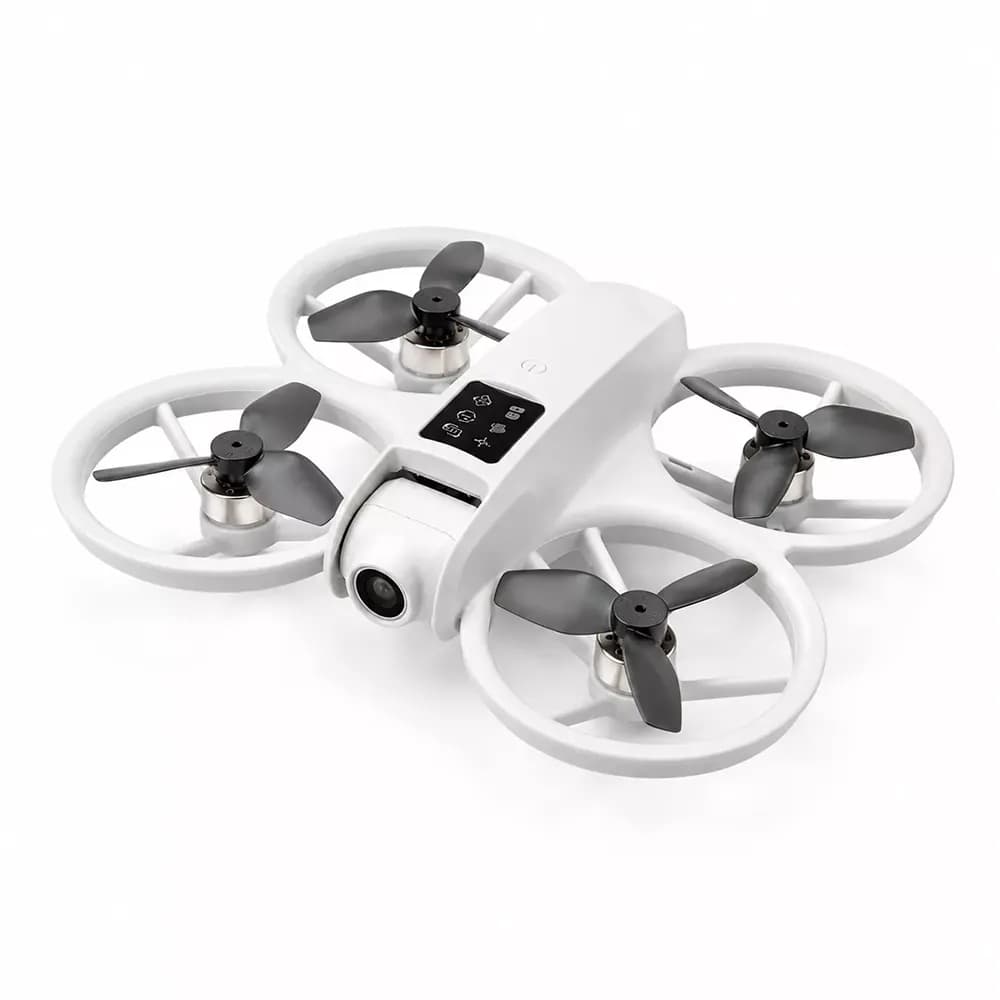
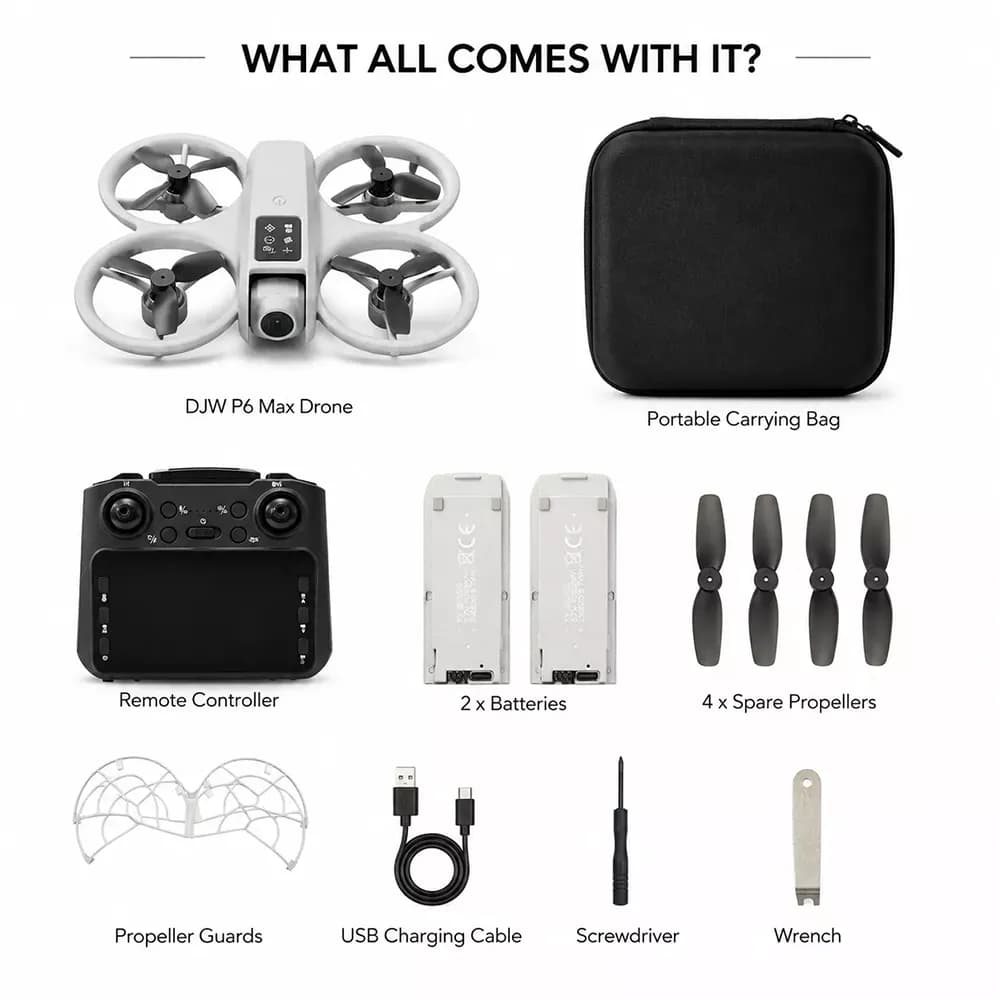
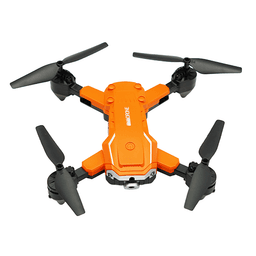
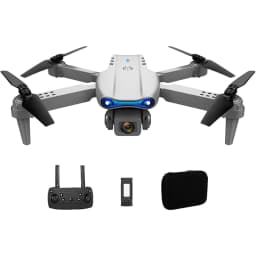
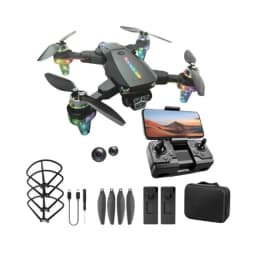
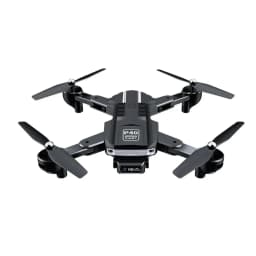
Explore the excitement of recreational flying with the DJW P6 Max Neo Drone, a compact quadcopter equipped with a 1080P HD camera and a dedicated display remote controller. Its smart flight assistance features make it suitable for learning basic drone controls, practising aerial manoeuvres, and capturing photos and videos from different perspectives.
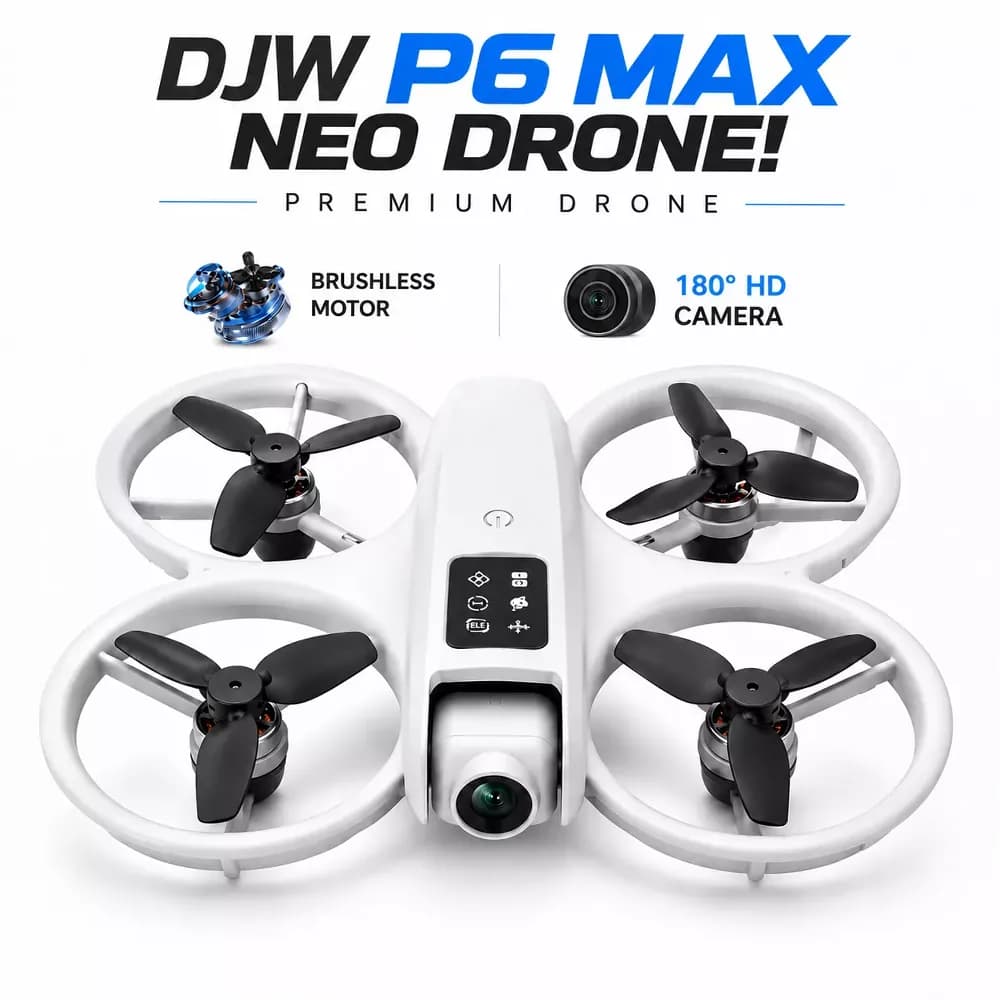
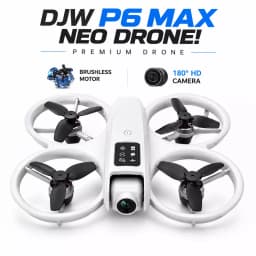
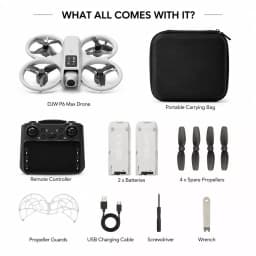
Designed for convenient outdoor flying, the drone features a 180° adjustable camera, brushless motor, optical flow positioning, infrared obstacle avoidance, and gesture photography. With two rechargeable 3.7V 1800mAh batteries, LED lighting, protective propeller guards, and multiple flight modes, it offers an engaging experience for beginners, teenagers aged 14 and above, hobbyists, and recreational flyers.
Key Features
- 1080P HD Camera: Capture photos and videos during flight for casual aerial photography.
- 180° Adjustable Camera: Adjust the camera angle to capture different views and perspectives.
- Brushless Motor: Provides smooth and efficient operation with improved durability and wind resistance.
- Display Remote Controller: Dedicated remote features an integrated display for convenient drone operation.
- Two Rechargeable Batteries: Includes 2 × 3.7V 1800mAh batteries, allowing a spare battery to be kept ready.
- Optical Flow Positioning: Helps maintain position and altitude during hovering.
- Infrared Obstacle Avoidance: Detects nearby objects to help reduce the risk of collisions.
- Gesture Photography: Supported hand gestures can trigger photography and video functions.
- Headless Mode: Simplifies directional orientation for easier drone control.
- One-Key Takeoff & Landing: Provides a convenient way to perform basic takeoff and landing operations.
- 360° Flip Function: Performs aerial flip manoeuvres for added recreational flying fun.
- LED Lighting: Built-in LED lights provide visibility and visual appeal during flight.
- App-RC Support: Supports compatible smartphone app controls and camera functions.
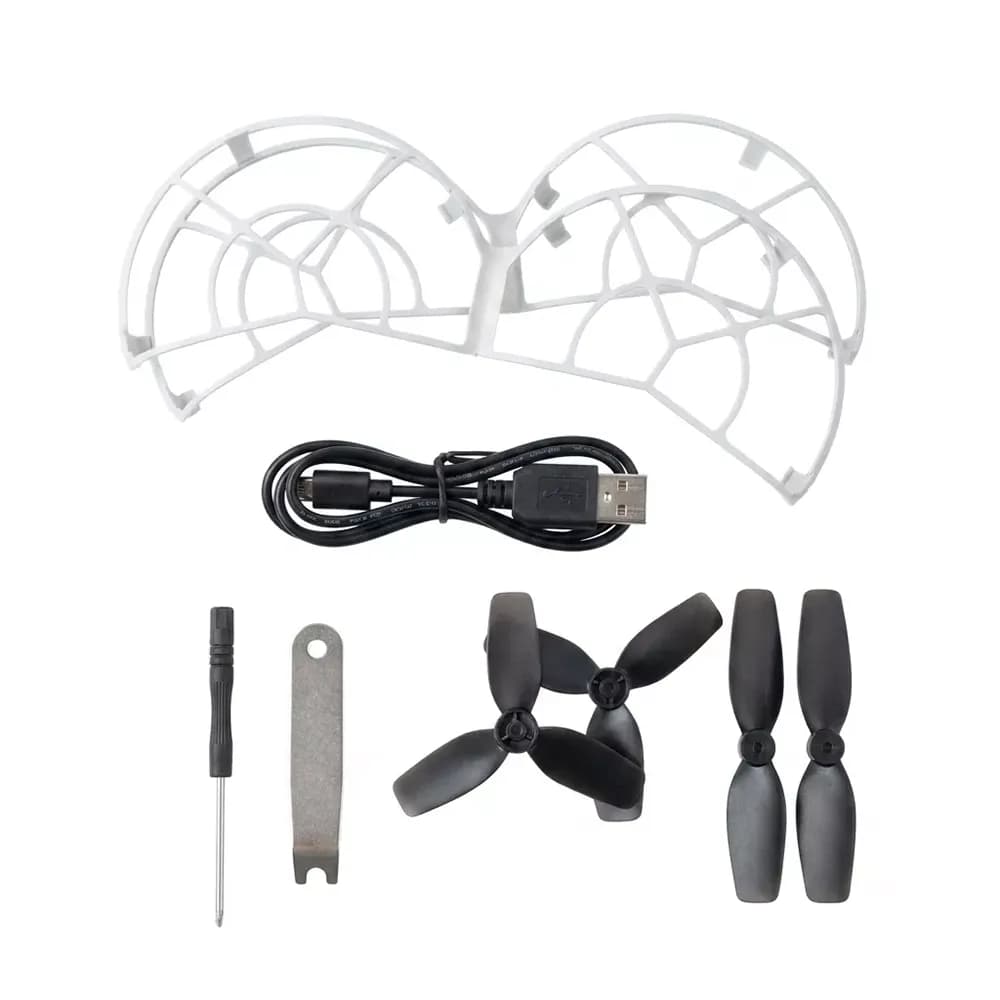
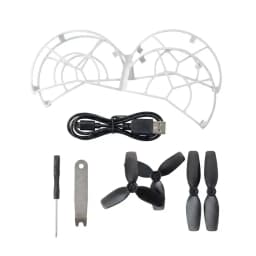
- Protective Propeller Guard: Helps protect the propellers during operation.
How to Use
- Charge the included rechargeable batteries and install one battery into the drone.
- Place the drone on a suitable, open and level flying area away from people and obstacles.
- Turn on the drone and display remote controller, then establish the connection according to the supplied instructions.
- Use the one-key takeoff function or manually control the drone to begin flying.
- Use optical flow positioning, headless mode, camera adjustment, and other supported functions according to your preference.
- Use the camera controls or supported gestures to capture photos and videos during flight.
- Practise basic movements and 360° flips only in a suitable open area with sufficient space.
- Use the one-key landing function or manually land the drone, then switch off the drone and remote controller after use.