Highlights
-
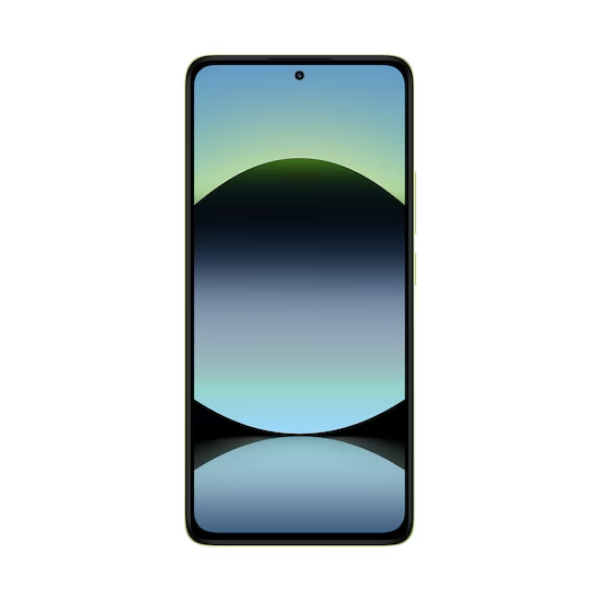
Display: 6.67" AMOLED, 120Hz refresh rate, HDR10+, 1800 nits peak brightness, Corning Gorilla Glass 5
-
Processor: MediaTek Helio G99 Ultra (6nm)
-
RAM & Storage: 8GB LPDDR4X RAM + 256GB UFS 2.2 storage (expandable up to 1TB via microSD)
-
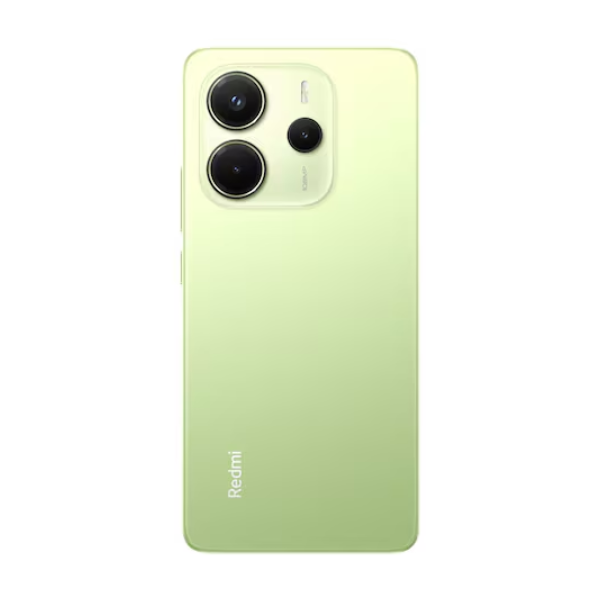
Rear Camera: 108MP main (f/1.7), 2MP depth, 2MP macro; 1080p video recording at 30/60fps
-
Front Camera: 20MP (f/2.2), 1080p video recording at 30fps
-
Battery: 5500mAh with 33W wired charging
-
Operating System: Android 14 with Xiaomi HyperOS
-
SIM: Dual Nano-SIM (dual standby)
-
Connectivity: 4G LTE, Wi-Fi 802.11 a/b/g/n/ac, Bluetooth 5.3, USB Type-C 2.0, NFC (region-dependent)
-
Audio: Stereo speakers with Dolby Atmos, 3.5mm headphone jack
-
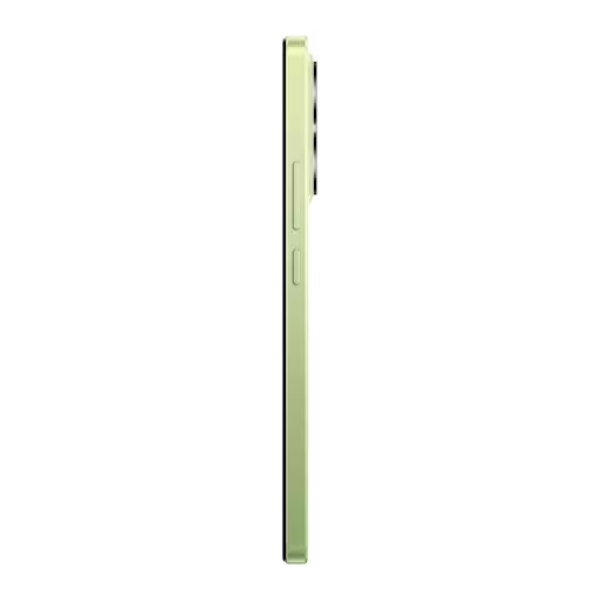
Security: Side-mounted fingerprint sensor, AI Face Unlock
-
Build: Glass front (Gorilla Glass 5), plastic back, IP54 splash and dust resistance
Overview
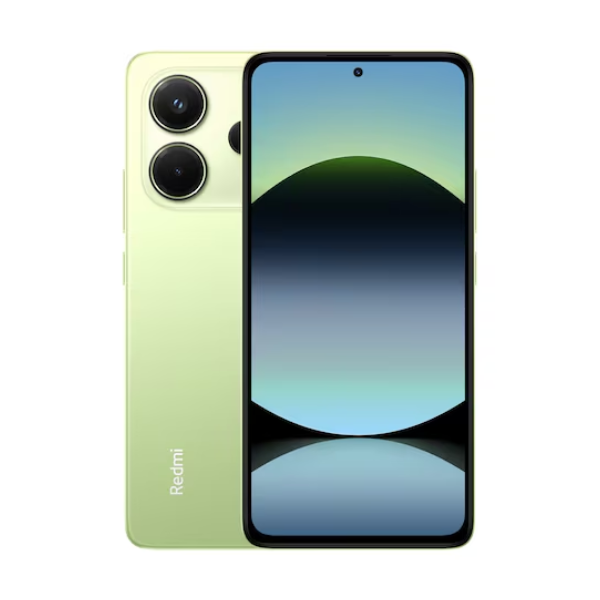
The Xiaomi Redmi Note 14 in Lime Green offers a balanced combination of performance and style. Its 6.67" AMOLED display with a 120Hz refresh rate ensures smooth visuals, while the MediaTek Helio G99 Ultra processor handles everyday tasks efficiently. The 8GB RAM and 256GB storage provide ample space for apps and media, with the option to expand storage via microSD. The triple rear camera setup, led by a 108MP main sensor, captures detailed photos, and the 20MP front camera is ideal for selfies. With a 5500mAh battery supporting 33W charging, the device offers long-lasting usage. Running on Android 14 with Xiaomi's HyperOS, it provides a user-friendly interface and regular updates.
How to Use
-
Power On: Press and hold the power button until the Xiaomi logo appears.
-
Initial Setup: Follow the on-screen instructions to select your language, connect to Wi-Fi, and sign in to your Google or Xiaomi account.
-
Insert SIM Cards: Use the provided SIM ejector tool to open the SIM tray and insert two nano-SIM cards.
-
Access Apps: Swipe up from the home screen to view and open your apps.
-
Customize Settings: Open the Settings app to adjust preferences such as display, sound, and privacy.
-
Charging: Connect the included 33W charger to the USB-C port for fast charging.
-
Camera Usage: Open the Camera app to take photos and videos. Swipe between modes (Photo, Video, Portrait, etc.) to select your desired shooting style.