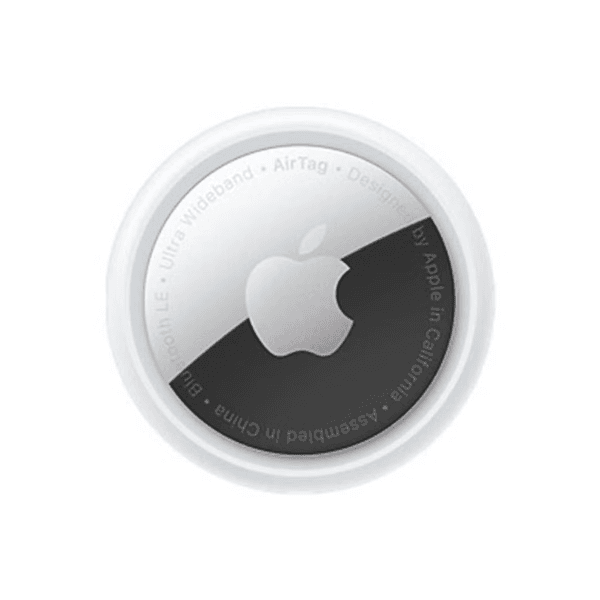
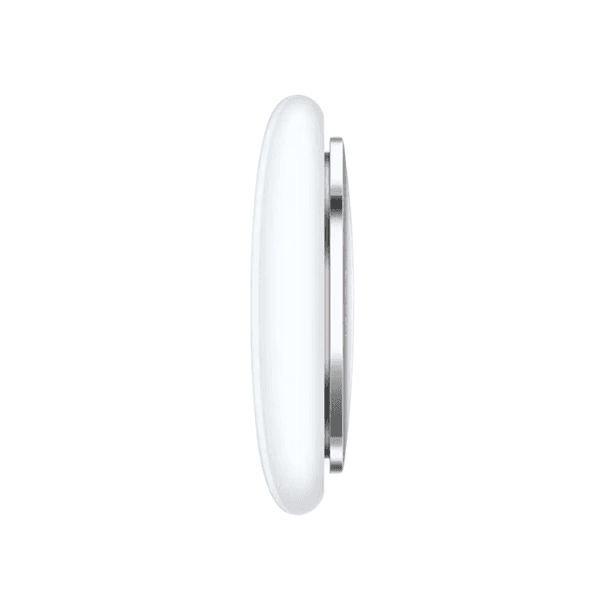
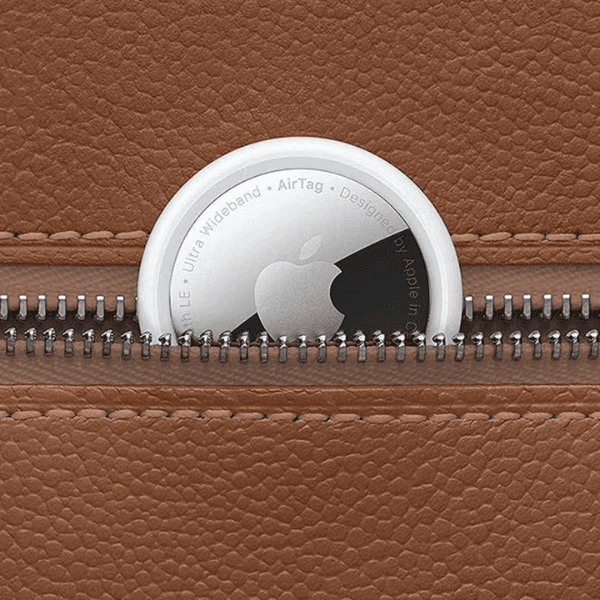
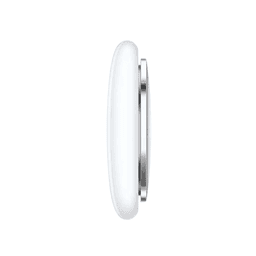
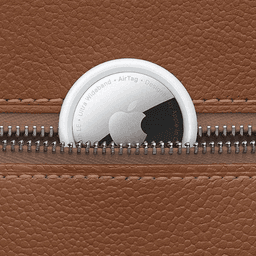
Apple AirTag (Model MX532) is a compact and intelligent item tracker designed to help you keep track of everyday belongings such as keys, wallets, bags, and luggage. By attaching an AirTag to your items, you can easily locate them using the Find My app on your iPhone or iPad. With seamless Apple ecosystem integration, AirTag makes finding lost items quick and convenient.
The device connects instantly with a simple one-tap setup, allowing it to pair automatically with your Apple device. If your item is nearby, you can play a sound from the built-in speaker to locate it quickly. For compatible iPhone models, Precision Finding with Ultra Wideband technology provides precise directions and distance to guide you directly to your AirTag.
When an item is further away, the Find My network — made up of hundreds of millions of Apple devices — can help locate it securely and anonymously. AirTag also includes Lost Mode, which automatically notifies you when your item is detected by another device in the network. Additionally, AirTag can be shared with up to five people, allowing family members or friends to help track shared items.
With its compact, pocket-size design and durable construction, AirTag is built for everyday convenience and reliable item tracking.
Bullet Points
-
Compact Bluetooth tracker designed to locate everyday items
-
Works with the Apple Find My app for easy tracking
-
One-tap setup instantly connects with iPhone or iPad
-
Built-in speaker plays sound to help locate nearby items
-
Precision Finding with Ultra Wideband on compatible iPhones
-
Find My network helps locate items further away
-
Lost Mode notifies you when the AirTag is detected
-
Share tracking access with up to five people
-
Compact pocket-size design for keys, bags, and wallets
-
Dust and water-resistant construction
Key Features
Find My Network Integration
AirTag connects with the Apple Find My network, allowing millions of Apple devices to help locate your lost items securely.
Precision Finding Technology
Ultra Wideband technology guides you directly to the nearby AirTag with precise directions on compatible iPhones.
Built-in Speaker Alerts
Play a sound from the AirTag speaker to easily find items that are close by.
Easy One-Tap Setup
Instant pairing with your iPhone or iPad makes the setup process quick and simple.
Shared Item Tracking
AirTag can be shared with up to five people, allowing friends and family to track shared belongings.
How to Use
-
Open the Find My app on your iPhone or iPad.
-
Bring the AirTag close to your device to connect instantly.
-
Attach the AirTag to keys, bags, or other personal items.
-
Use the Find My app to locate the item on the map.
-
Play a sound or use Precision Finding to locate the item nearby.