




















1147 Viewed
Yamaha Enterprise Wireless and Wired Soundbar & Conferencing Speaker Solution ESB-1090

 Get it between 26 نوفمبر - 28 نوفمبر

Add an Alltrade Product to Unlock a Free Gift
Add at least one Alltrade product to your cart

ادفع بالتقسيط مع YUSR للطلبات المؤهلة من 100 إلى 25,000 درهم إماراتي.
معلومات المنتج
- رمز التخزين SKU : AT5934
- Product Weight : 7.20 Kg
- Volumetric Weight (Box) : 4.37 Kg
- حالة المخزون :In Stock
- الكمية : 0 Items Left
- Product Condition : Brand New
تفاصيل التوصيل

All Trade
تم بيع 1.6 ألف+Highlights
-
Rich Sound Output: Equipped with two built-in subwoofers, dome tweeters, and full-range speakers to deliver premium sound quality suitable for medium-sized rooms.
-
Preset Modes: Features three modes—Conference, Education, and Hotel—to tailor audio settings for various environments.
-
Flexible Installation: Designed for both flat and wall-mount installations without requiring additional brackets, offering adaptability to different room layouts.
-
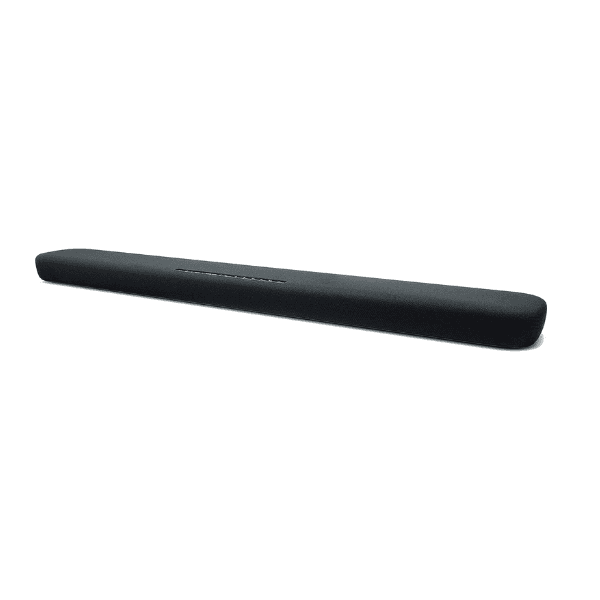
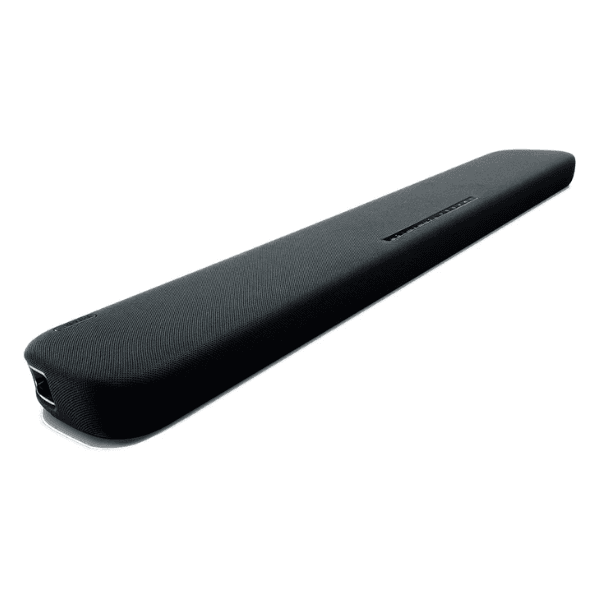
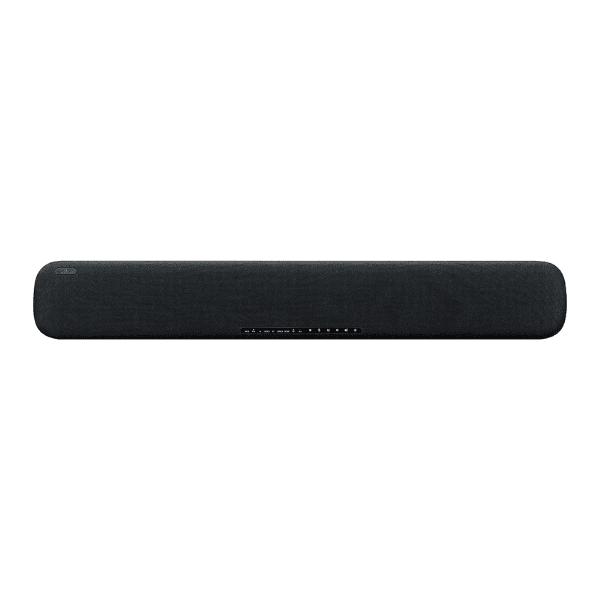
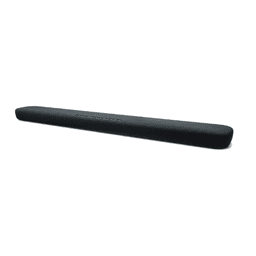
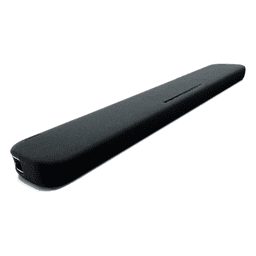
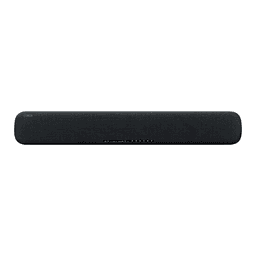
Sleek Design: Its slim and simple design complements modern room aesthetics, making it an unobtrusive addition to any space.
Overview
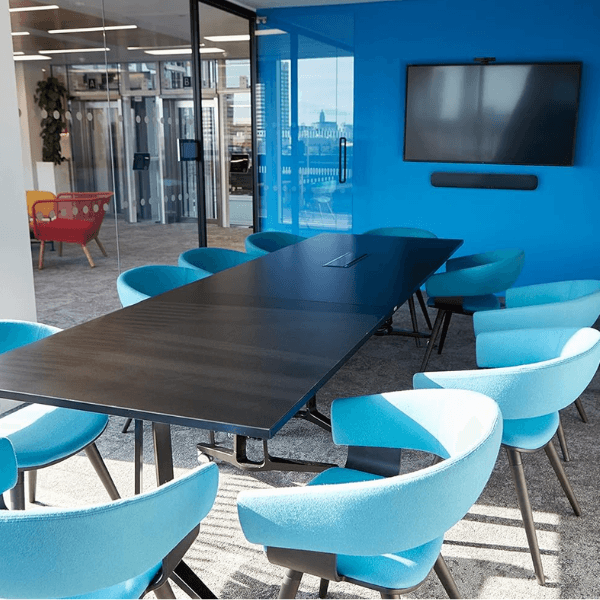
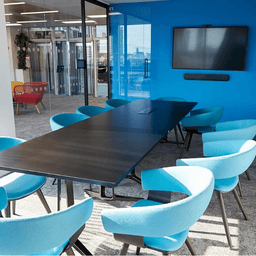
The Yamaha ESB-1090 is a versatile enterprise soundbar designed to enhance audio experiences in conference rooms, classrooms, and hotel guest rooms. It delivers rich, full-range sound through its two built-in subwoofers, dome tweeters, and full-range speakers. The soundbar offers three preset modes—Conference, Education, and Hotel—to optimize audio performance based on the environment. Its slim design allows for flexible installation, either flat or wall-mounted without the need for additional brackets, seamlessly blending into modern room aesthetics.
How to Use
-
Placement
-
Position the soundbar centrally below your TV or display device.
-
For wall-mounting, use the built-in keyholes to securely attach the soundbar to the wall.
-
-
Connecting to Audio Source
-
Use the appropriate cables to connect the soundbar to your TV or audio source, ensuring a secure and correct connection.
-
-
Powering On
-
Connect the power cord to the soundbar and plug it into a power outlet.
-
Press the power button on the remote control to turn on the unit.
-
-
Selecting Preset Modes
-
Use the remote control to cycle through the available modes (Conference, Education, Hotel) to find the setting that best suits your environment.
-
-
Adjusting Volume and Settings
-
Utilize the remote control to adjust the volume and other audio settings as desired.
-
-
Automatic Standby Function
-
The soundbar features an automatic standby function that turns off the unit after eight hours of inactivity or ten minutes without an audio signal.
-
- ModelYamaha ESB-1090
- Speaker Configuration2 x 5.5 cm (2-1/8") cone full-range drivers, 2 x 2.5 cm (1") dome tweeters, 2 x 7.5 cm (3") built-in subwoofers
- Total Power Output120W (30W x 2 for front L/R, 60W for subwoofers)
- Max SPL96 dB at 1 meter
- Frequency Response62 Hz – 23 kHz
- Audio Modes3 Preset Modes: Conference, Education, Hotel
- ConnectivityHDMI In/Out (ARC), USB, Bluetooth, Optical Input, Ethernet (LAN), Wi-Fi
- Mounting OptionsFlat placement or wall-mount installation without bracket
- Dimensions (W x H x D)Flat: 890 x 53 x 131 mm; Wall-mounted: 890 x 131 x 62 mm
- Weight3.4 kg
- Power ConsumptionRated: 30W; Standby: 0.2W–4.3W depending on settings
- Design FeaturesSlim, minimalist design; plug-and-play setup; optimized for mid-sized rooms