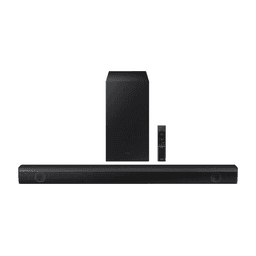
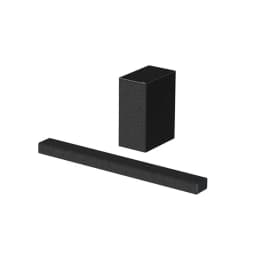
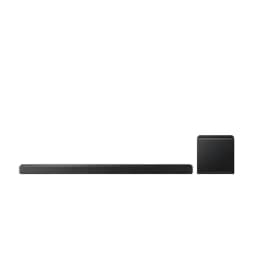
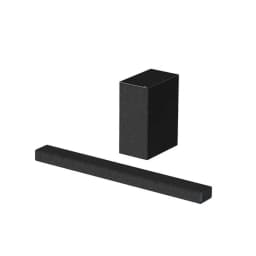
Highlights
-
Powerful Audio Performance: Delivers a combined output of 410W, ensuring immersive sound for your entertainment needs.
-
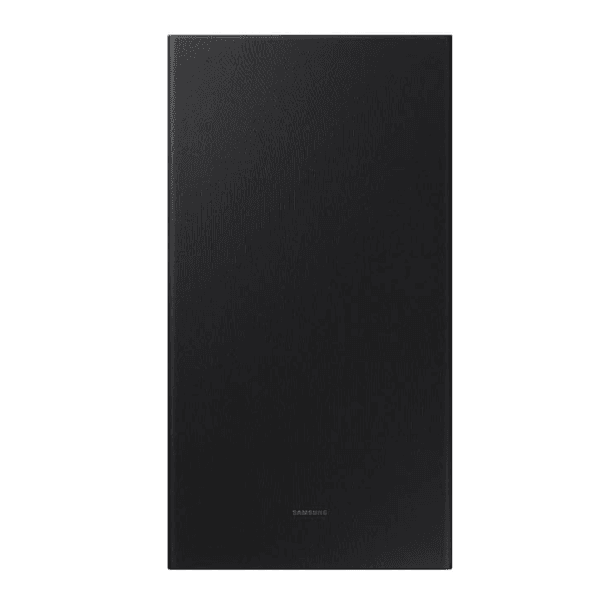
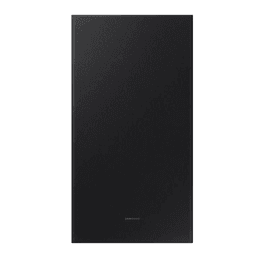
Wireless Subwoofer: Features a wireless subwoofer that enhances bass response, providing deeper and more impactful low-frequency sounds.
-
Dolby Audio Support: Equipped with Dolby Audio technology, the soundbar delivers rich and immersive audio, enhancing your movie and music experiences.
-
Bass Boost: Offers a Bass Boost feature that allows users to intensify low-end frequencies for a more powerful sound experience.
-
Adaptive Sound Lite: Incorporates Adaptive Sound Lite technology, which optimizes audio settings based on the content being played, ensuring clear dialogue and balanced sound.
-
DTS Virtual:X: Utilizes DTS Virtual:X technology to create a virtual 3D surround sound experience, enhancing the depth and clarity of audio.
-
Multiple Connectivity Options: Includes HDMI In and Out, Optical, Bluetooth, USB, ARC, and HDMI-CEC ports, providing versatile connectivity for various devices.
-
Wall Mountable: Comes with wall mount brackets, allowing for flexible installation options to suit your space.
Overview
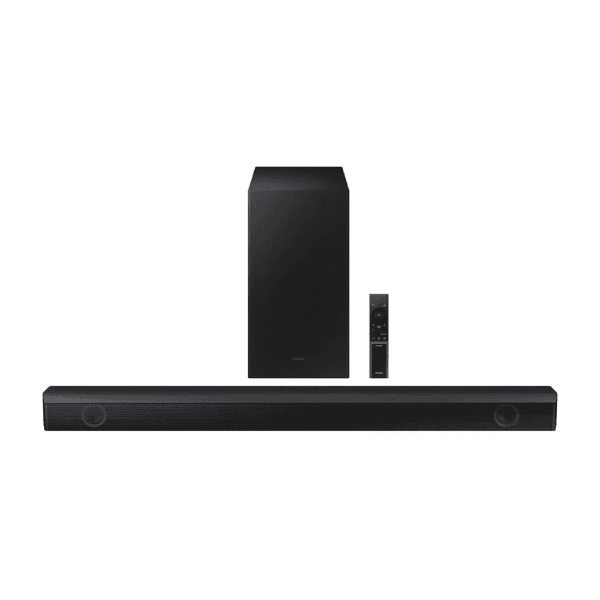
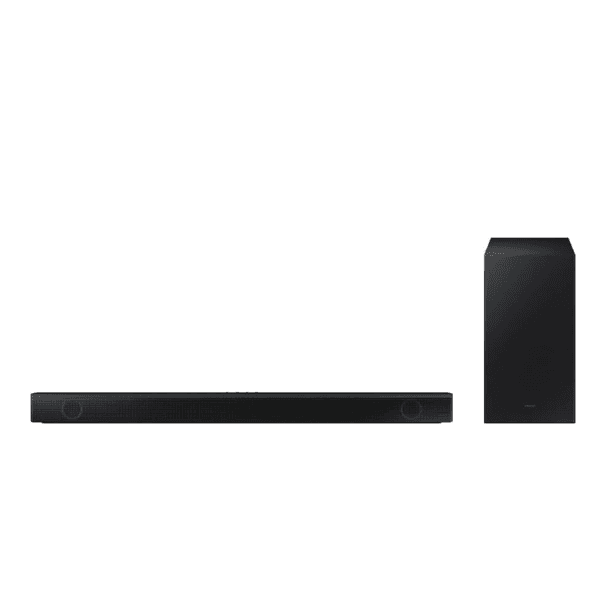
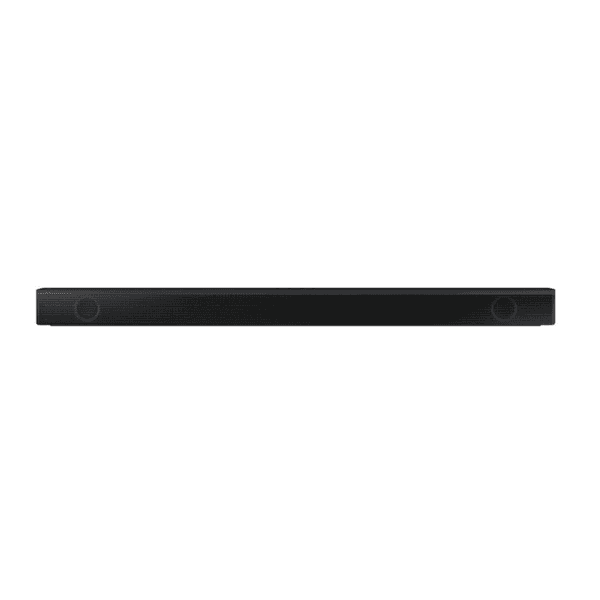
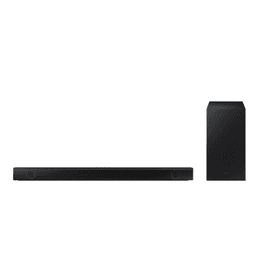
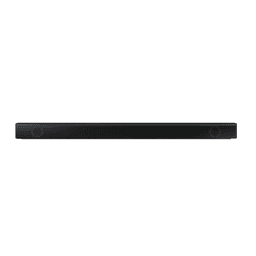
The Samsung HW-B550 2.1ch Soundbar and Subwoofer system is designed to enhance your home audio experience. With a total output of 410W, it delivers powerful and immersive sound. The wireless subwoofer adds depth to your audio, while Dolby Audio support ensures rich sound quality. Features like Bass Boost, Adaptive Sound Lite, and DTS Virtual:X technology further enhance the listening experience. Multiple connectivity options, including HDMI, Optical, Bluetooth, and USB ports, provide flexibility in connecting various devices. The soundbar is also wall-mountable, offering installation versatility.
How to Use
-
Placement
-
Position the soundbar centrally below your TV for optimal audio projection.
-
Position the wireless subwoofer on the floor near the TV, ensuring it's within range for wireless connectivity.
-
Connecting to TV
-
Use an HDMI cable to connect the soundbar's HDMI Out port to your TV's HDMI ARC port.
-
Alternatively, connect using an optical cable from the soundbar's Optical In port to your TV's Optical Out port.
-
Powering On
-
Connect the power cords to both the soundbar and subwoofer, then plug them into electrical outlets.
-
Press the power button on the soundbar or use the remote control to turn on the system.
-
Pairing the Subwoofer
-
The subwoofer should automatically pair with the soundbar upon powering on.
-
If pairing does not occur, refer to the user manual for manual pairing instructions.
-
Adjusting Sound Settings
-
Connecting External Devices
-
Wall Mounting