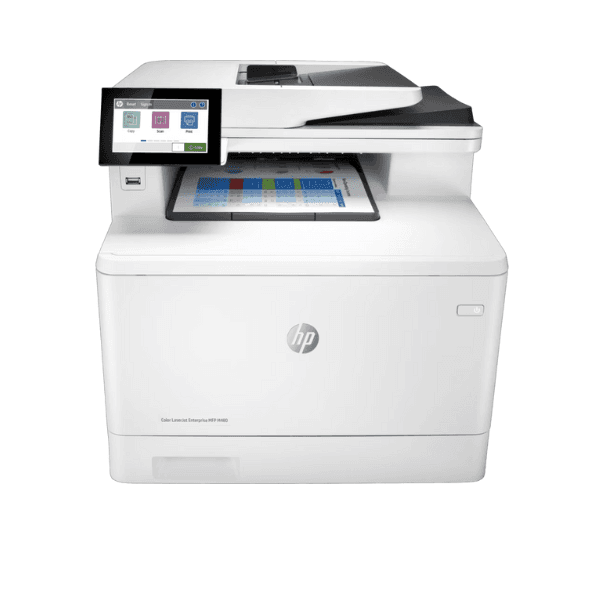
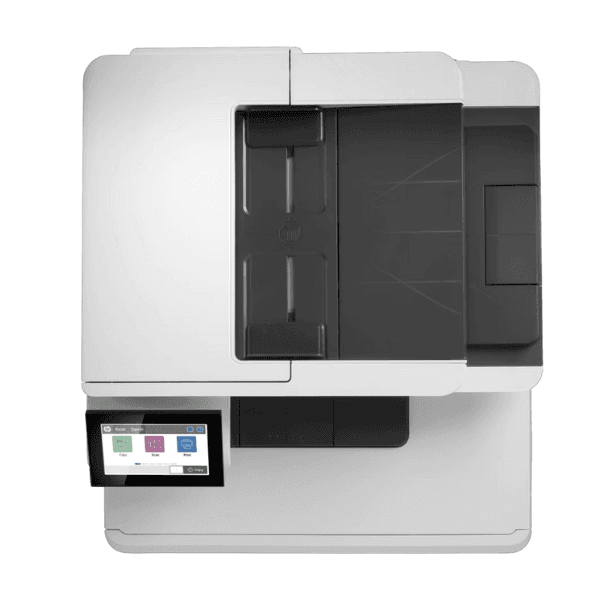
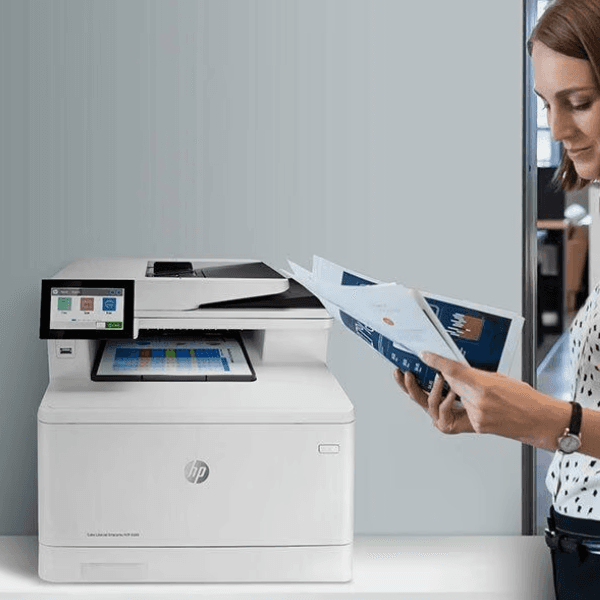
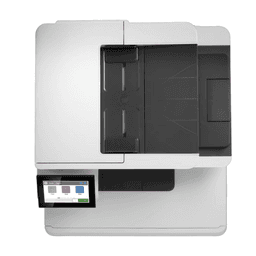
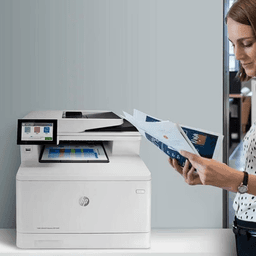
The HP Color LaserJet Enterprise MFP M480F is a powerful and highly efficient multifunction printer designed to meet the demanding needs of medium to large businesses. With print, copy, scan, and fax capabilities, it offers high-quality colour printing, fast speeds, and advanced features, all in a compact, user-friendly design. The printer is built to increase productivity and streamline workflows, making it an ideal solution for busy workgroups.
- 4-in-1 Multifunctionality: Print, copy, scan, and fax to handle all your office needs with one reliable device.
- Fast Print Speed: Print up to 29 pages per minute (ppm), delivering high-volume, fast results.
- Auto Duplex Printing: Save paper and reduce costs with automatic double-sided printing.
- High-Quality Colour Output: Print professional-quality documents with crisp, vibrant colours and sharp black text, thanks to advanced colour laser technology.
- Large Input Capacity: 250-sheet input tray and a 100-sheet output bin for handling more documents without frequent refilling.
- 50-Sheet Automatic Document Feeder (ADF): Automates multi-page scanning, copying, and faxing for improved efficiency.
- 4.3-inch Color Touchscreen: Easy-to-use, intuitive touchscreen interface for smooth operation and navigation.
- Wireless and Wired Connectivity: Seamlessly connect via Wi-Fi, Ethernet, or USB 2.0 for flexible, reliable printing.
- Mobile Printing: Supports Apple AirPrint, Google Cloud Print, HP Smart App, and more for convenient mobile printing from your devices.
- Energy Efficient: Features like HP Auto-On/Auto-Off and low-power consumption help reduce energy usage and costs.
- Enhanced Security: Advanced security features, including secure boot and firmware integrity checking, to protect sensitive data.