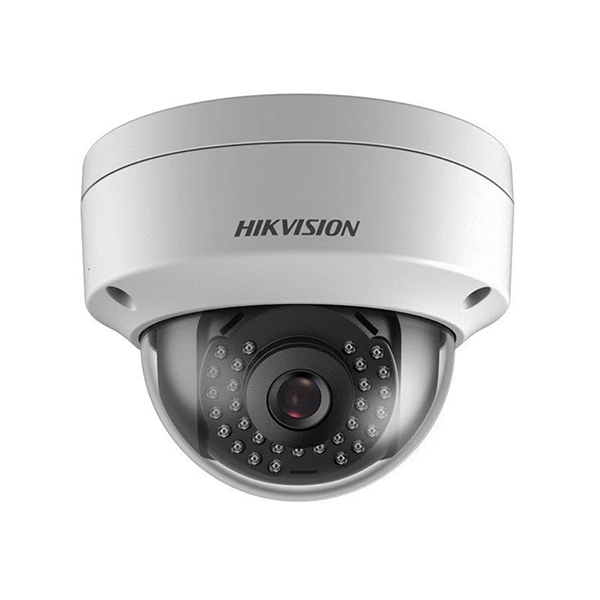
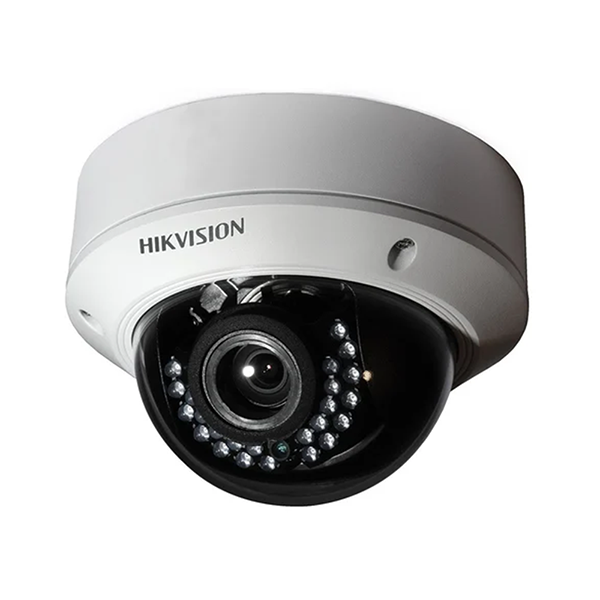
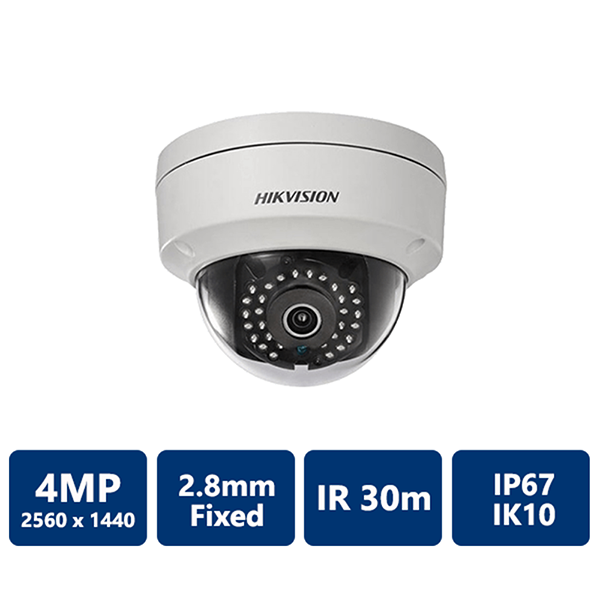
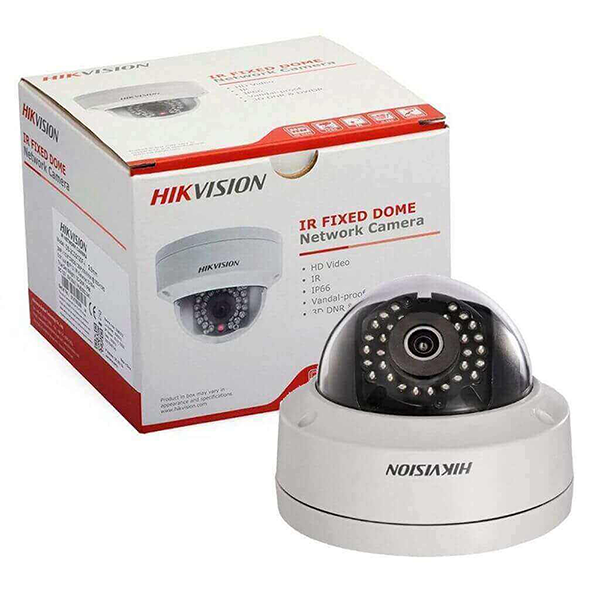
The HIKVISION DS-2CD1143G0-I 4MP Dome IP Camera is a reliable surveillance solution designed for professional security monitoring in both indoor and outdoor environments. Equipped with a 1/3" progressive scan CMOS sensor, the camera delivers clear and detailed video with a maximum resolution of 2560 × 1440, ensuring high-quality monitoring for homes, offices, shops, and commercial spaces.
The camera features a 2.8mm fixed lens, providing a wide viewing angle that helps monitor larger areas effectively. With EXIR 2.0 infrared technology, the camera offers night vision up to 30 meters, allowing clear recording even in complete darkness.
The DS-2CD1143G0-I also supports H.265+ compression technology, which reduces bandwidth and storage requirements while maintaining high video quality. With 120 dB Wide Dynamic Range (WDR), the camera can capture clear images even in challenging lighting conditions such as strong backlight.
Designed with durability in mind, the camera includes IP67 weatherproof protection and IK10 vandal resistance, making it suitable for harsh weather conditions and areas that require strong security equipment.
-
4MP high-resolution video (2560 × 1440)
-
2.8mm fixed lens with wide viewing angle
-
EXIR 2.0 infrared night vision up to 30 meters
-
Efficient H.265+ video compression
-
120 dB Wide Dynamic Range for better image clarity
-
IP67 weatherproof and IK10 vandal-resistant design
-
Supports PoE and 12V DC power supply
Key Features
High Resolution Imaging
Captures clear and detailed surveillance footage with 4MP resolution.
Advanced Night Vision
EXIR 2.0 infrared technology enables monitoring up to 30 meters in low-light or dark environments.
Efficient Video Compression
H.265+ technology optimizes bandwidth usage and reduces storage requirements.
Durable Outdoor Design
IP67 weatherproof and IK10 vandal-resistant housing ensures reliable performance in demanding environments.
How to Use
-
Install the camera on a ceiling or wall using compatible mounting accessories.
-
Connect the camera to the network using an Ethernet cable or PoE switch.
-
Configure the device through Hik-Connect, iVMS-4200 software, or a web browser.
-
Adjust the viewing angle and camera settings for optimal monitoring coverage.