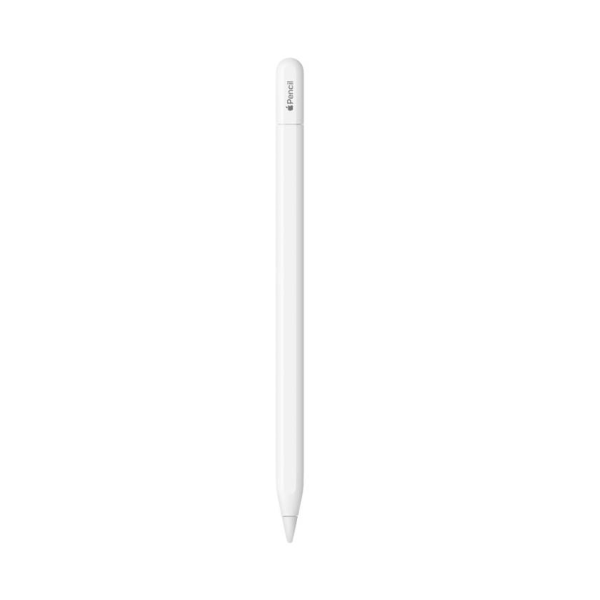
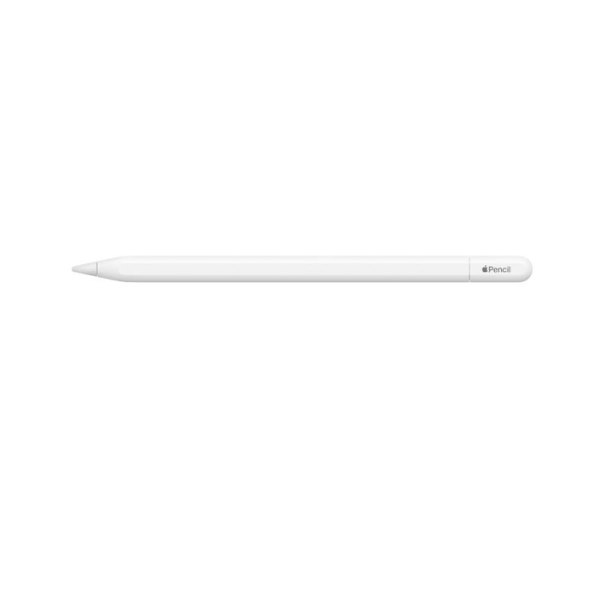
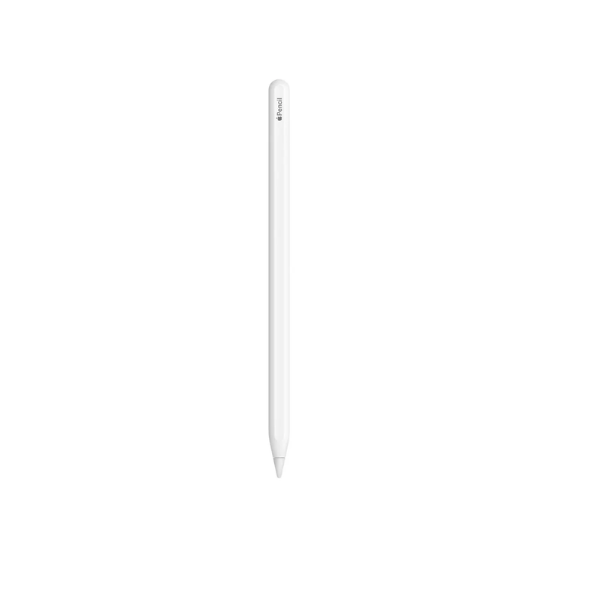
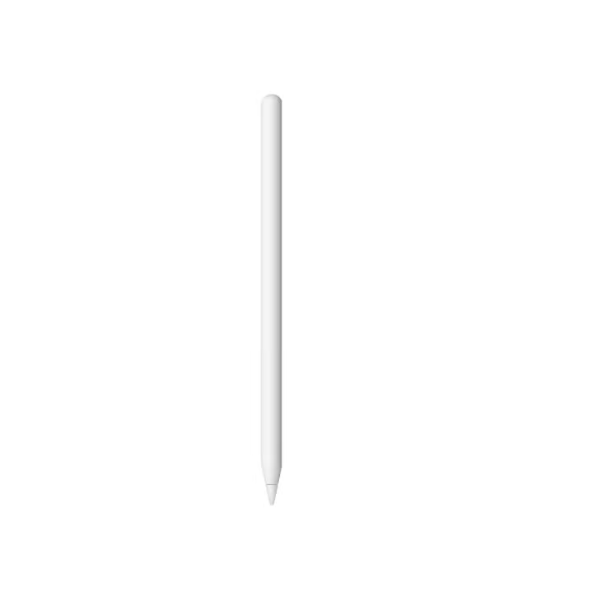
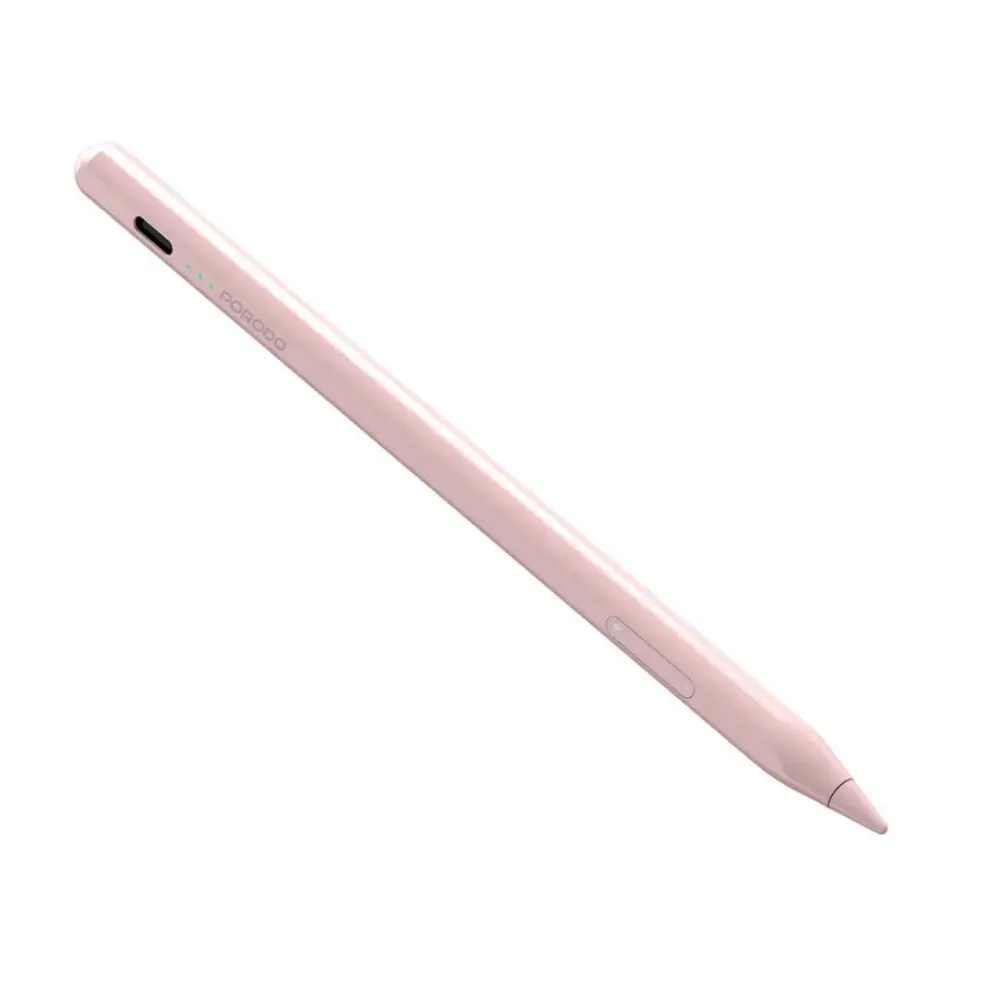
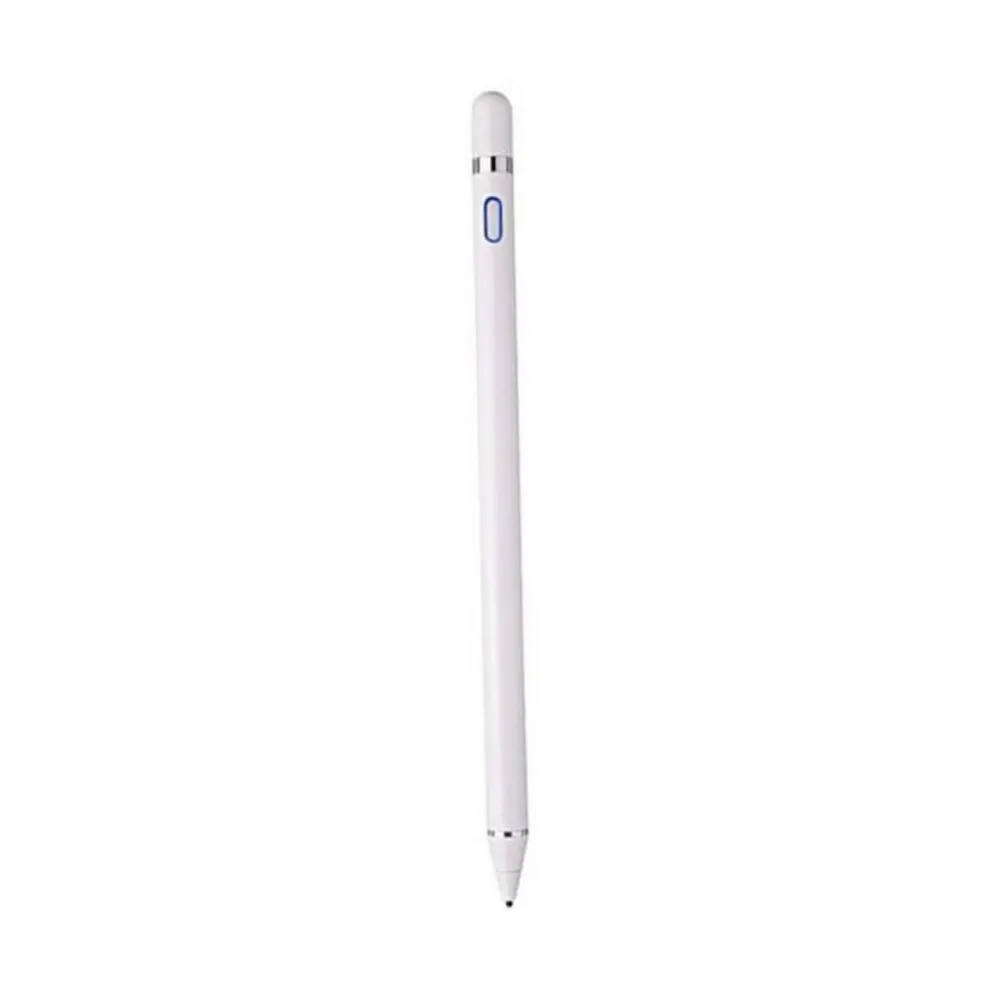
Apple Pencil Pro (Model MX2D3) introduces powerful new capabilities designed to enhance creativity, productivity, and precision on compatible iPad devices. Built for artists, designers, students, and professionals, the Apple Pencil Pro offers exceptional accuracy, low latency, and a natural writing and drawing experience that feels similar to using a traditional pencil.
The stylus features advanced interaction technologies including squeeze gestures, barrel roll control, and haptic feedback, allowing users to interact with tools and controls more intuitively. The squeeze feature brings up a quick tool palette so you can easily switch between brushes, colors, and line weights. A built-in gyroscope enables barrel roll functionality, allowing precise rotation of brush and pen tools for more natural drawing techniques.
Apple Pencil Pro also includes a custom haptic engine that provides subtle tactile feedback whenever actions like squeeze or double-tap are used. With Apple Pencil hover support, you can preview exactly where your stylus will touch the display before making contact, improving drawing precision.
For convenience, Apple Pencil Pro attaches magnetically to the side of supported iPad models, where it automatically pairs and charges wirelessly. It also supports Find My integration so you can easily locate your Apple Pencil if misplaced. With seamless iPadOS integration and advanced control features, Apple Pencil Pro provides a professional-level creative tool for digital drawing, note-taking, and design.
-
Advanced digital stylus designed for compatible iPad models
-
Squeeze gesture opens tool palette for quick adjustments
-
Barrel roll gyroscope enables precise brush and pen rotation
-
Built-in haptic engine provides tactile feedback for actions
-
Double-tap gesture allows quick switching between tools
-
Apple Pencil hover previews where the stylus will touch the screen
-
Magnetic attachment for automatic pairing and wireless charging
-
Bluetooth connectivity for seamless iPad integration
-
Find My support helps locate the Apple Pencil if misplaced
-
Ideal for drawing, sketching, note-taking, and creative work
Key Features
Squeeze Gesture Control
Apple Pencil Pro detects when you squeeze it and instantly displays a tool palette to change brushes, line weights, or colors.
Barrel Roll Precision
A built-in gyroscope allows you to rotate the stylus to adjust the angle of brush and pen tools for precise artistic control.
Haptic Feedback Engine
A custom haptic engine provides subtle tactile feedback when using squeeze or double-tap gestures.
Apple Pencil Hover
Preview where the stylus will touch the screen before making contact, allowing greater drawing accuracy.
Magnetic Pairing and Charging
Attaches magnetically to the side of supported iPads for automatic pairing and wireless charging.
How to Use
-
Attach the Apple Pencil Pro magnetically to the side of a compatible iPad.
-
The stylus automatically pairs with the device via Bluetooth.
-
Start drawing, writing, or sketching directly on the iPad screen.
-
Use squeeze gestures or double-tap to switch between tools.
-
Place the Apple Pencil back on the iPad to recharge wirelessly.