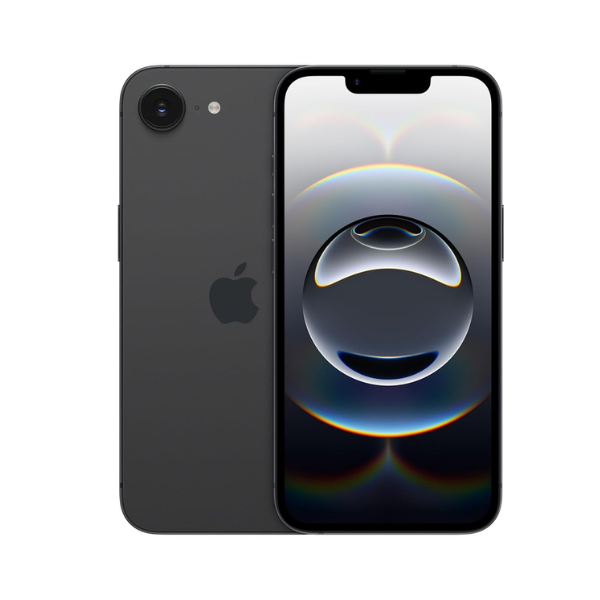
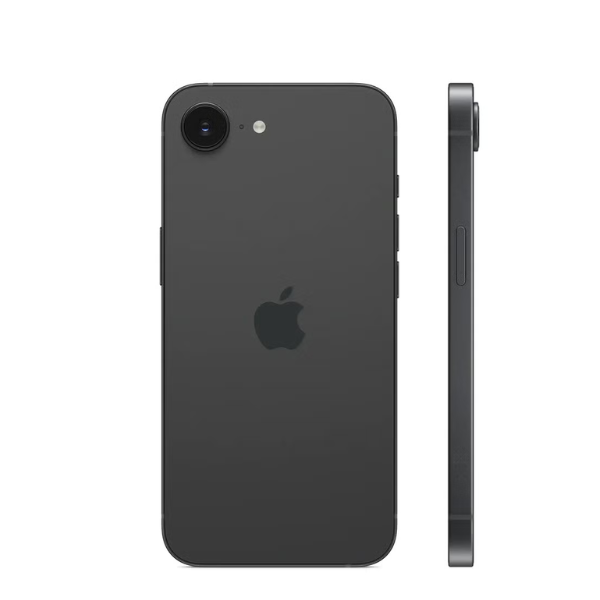
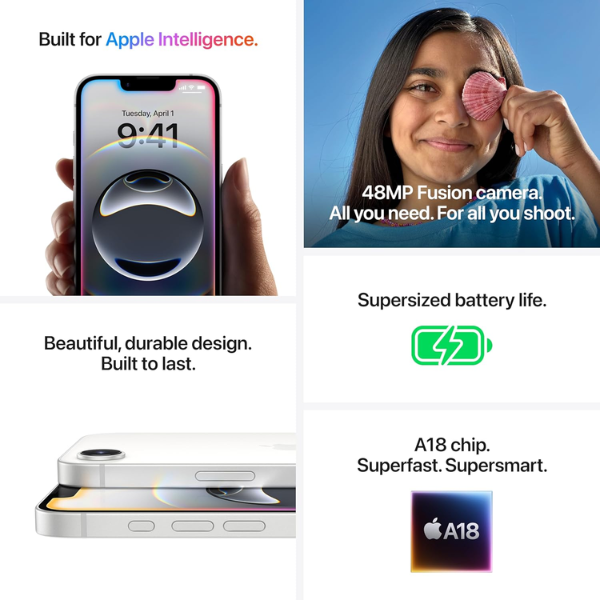
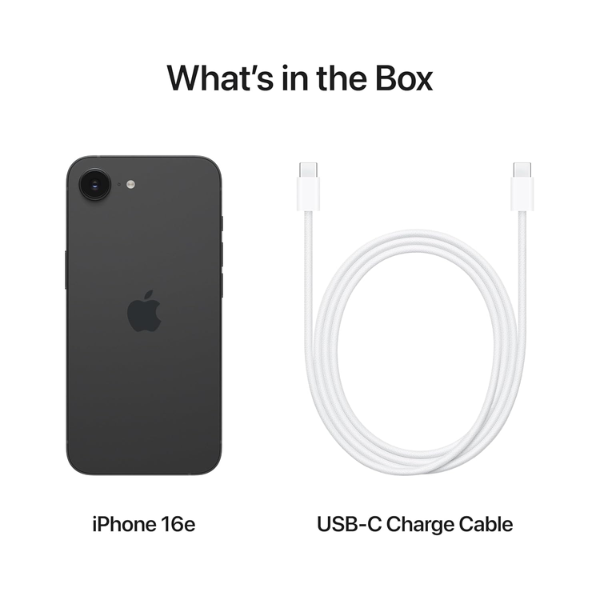
<h3 class="" data-start="106" data-end="126"><strong data-start="110" data-end="124">Highlights</strong></h3> <p class="" data-start="127" data-end="629">The <strong data-start="131" data-end="151">Apple iPhone 16e</strong> delivers powerful performance with <strong data-start="187" data-end="206">5G connectivity</strong> for ultra-fast browsing, streaming, and downloads. It comes with a massive <strong data-start="282" data-end="311">512GB of internal storage</strong>, offering ample space for high-resolution media, apps, and files. Equipped with an advanced camera system, it captures stunning photos and 4K videos. Powered by a fast and efficient chip, it ensures smooth multitasking. This Middle East version also supports <strong data-start="571" data-end="583">FaceTime</strong>, enabling high-quality video calls with ease.</p> <h3 class="" data-start="631" data-end="649"><strong data-start="635" data-end="647">Overview</strong></h3> <p class="" data-start="650" data-end="1142">In a bold and elegant <strong data-start="672" data-end="681">Black</strong> finish, the iPhone 16e offers a refined design and cutting-edge features. Its <strong data-start="760" data-end="779">5G capabilities</strong> ensure strong and fast connections, while the large <strong data-start="832" data-end="849">512GB storage</strong> makes it ideal for users with extensive data needs. The sleek design is paired with intuitive <strong data-start="944" data-end="965">iOS functionality</strong>, top-tier security, and excellent battery efficiency. Whether for content creation, communication, or everyday use, this iPhone provides a high-performance, premium experience.</p> <h3 class="" data-start="1144" data-end="1164"><strong data-start="1148" data-end="1162">How to Use</strong></h3> <ul data-start="1165" data-end="1663" data-is-last-node="" data-is-only-node=""> <li class="" data-start="1165" data-end="1243"> <p class="" data-start="1167" data-end="1243"><strong data-start="1167" data-end="1179">Power On</strong>: Press and hold the side button until the Apple logo appears.</p> </li> <li class="" data-start="1244" data-end="1336"> <p class="" data-start="1246" data-end="1336"><strong data-start="1246" data-end="1256">Set Up</strong>: Follow the setup prompts to select your language, region, and Wi-Fi network.</p> </li> <li class="" data-start="1337" data-end="1404"> <p class="" data-start="1339" data-end="1404"><strong data-start="1339" data-end="1350">Sign In</strong>: Log in with your Apple ID or create a new account.</p> </li> <li class="" data-start="1405" data-end="1474"> <p class="" data-start="1407" data-end="1474"><strong data-start="1407" data-end="1423">Use FaceTime</strong>: Open the FaceTime app for video or audio calls.</p> </li> <li class="" data-start="1475" data-end="1573"> <p class="" data-start="1477" data-end="1573"><strong data-start="1477" data-end="1496">Capture Content</strong>: Use the Camera app to take professional-quality photos and record videos.</p> </li> <li class="" data-start="1574" data-end="1663"> <p class="" data-start="1576" data-end="1663"><strong data-start="1576" data-end="1586">Charge</strong>: Connect the iPhone to power using the included Lightning cable and adapter.</p> </li> </ul>