Highlights
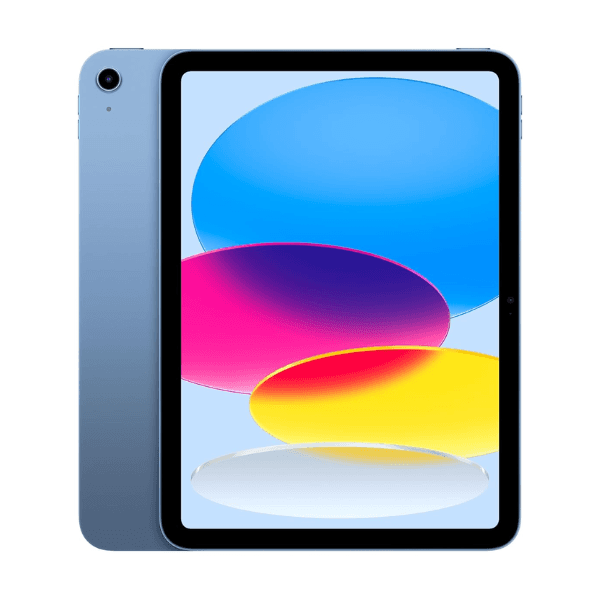
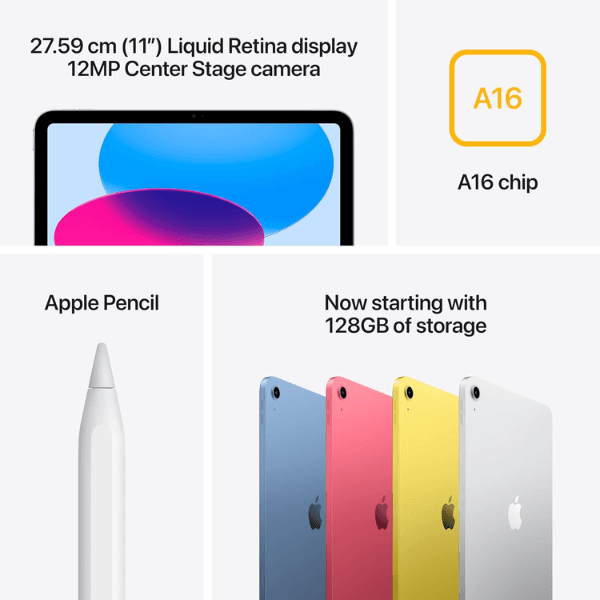
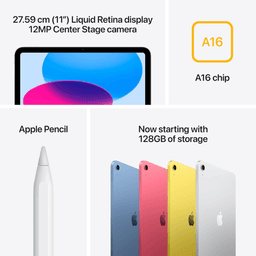
The Apple iPad 2025 (11th Generation) comes with a spacious 11-inch Retina display that offers sharp visuals and vibrant colors, making it ideal for both work and play. Powered by the Apple A16 Bionic chip, it delivers high-speed Hexa-Core performance, allowing smooth multitasking and intensive app usage. With 128GB of internal storage and Wi-Fi connectivity, this model is perfect for storing and accessing large files on the go. The device includes a 12 MP front and rear camera setup, ideal for clear video calls and crisp photography. Preloaded with iPadOS 17, this international version ensures compatibility with the latest software features and updates.
Overview
Sleek and modern in its blue finish, the iPad 2025 is built to cater to a wide range of tasks—from creative projects to streaming and productivity. Its 11-inch Retina display provides a larger viewing area without compromising portability. With support for USB Type-C charging and a lightweight build, it’s easy to carry and quick to recharge. Sensors like the accelerometer and gyroscope enhance app experiences, particularly for gaming and AR-based tasks. Although it does not include cellular connectivity, its powerful internals and reliable Wi-Fi make it a top-tier choice for everyday use.
How to Use
-
Power on the iPad using the top button.
-
Connect to a Wi-Fi network through the Settings app.
-
Sign in with your Apple ID or create a new one.
-
Access the App Store to download apps and media.
-
Use the camera app or FaceTime for photography and video calling.
-
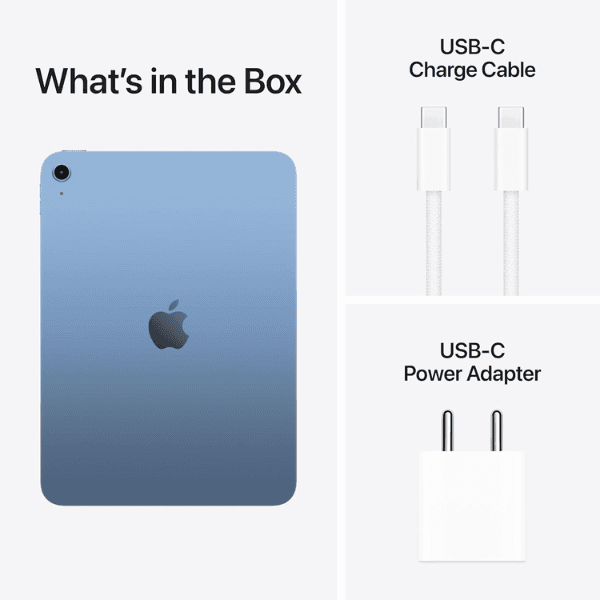
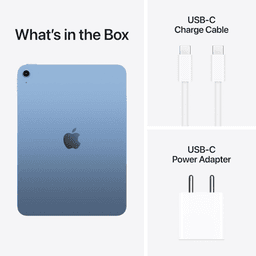
Charge the device using the included USB Type-C cable.