Highlights
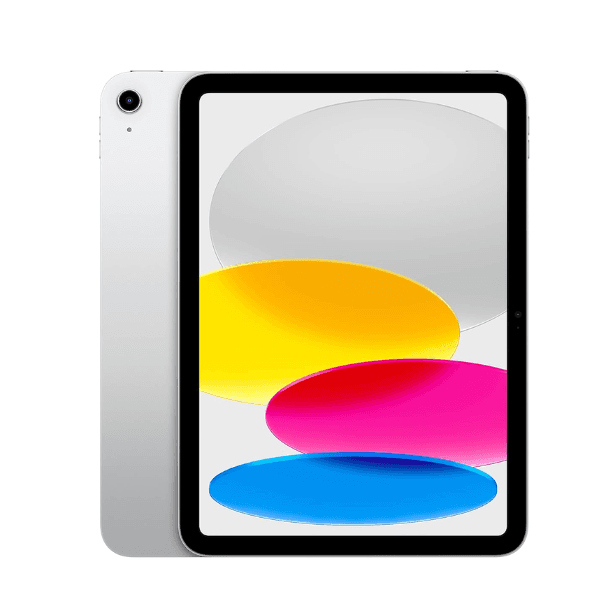
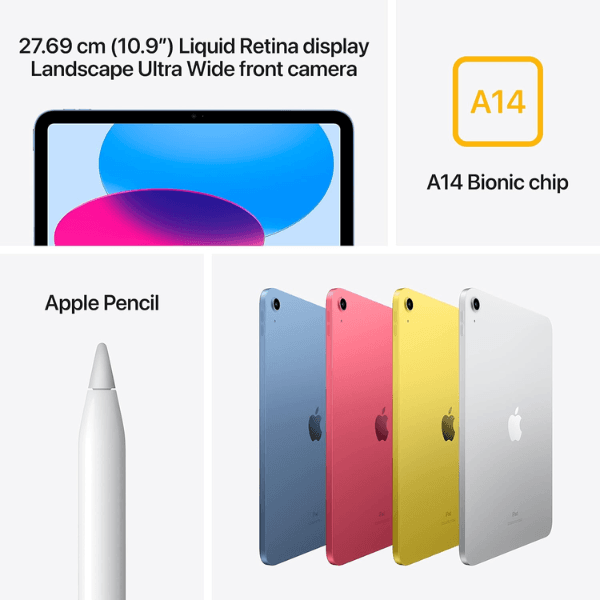
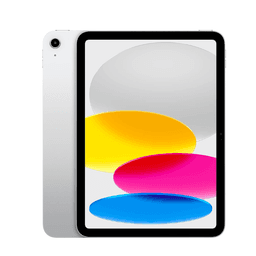
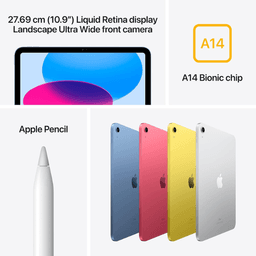
The Apple iPad 2022 (10th Generation) is equipped with a 10.9-inch Retina display that offers stunning clarity and vibrant color, perfect for media consumption, productivity, and creativity. Powered by the Apple A14 Bionic chip with Hexa-Core processing, it ensures smooth and efficient performance. With 64GB of internal storage and Wi-Fi connectivity, it provides ample space and reliable access for daily use. Both the front and rear cameras feature 12 MP resolution, allowing for high-quality video calls and photography. Running on iPadOS 16, this international version supports the latest Apple software and features.
Overview
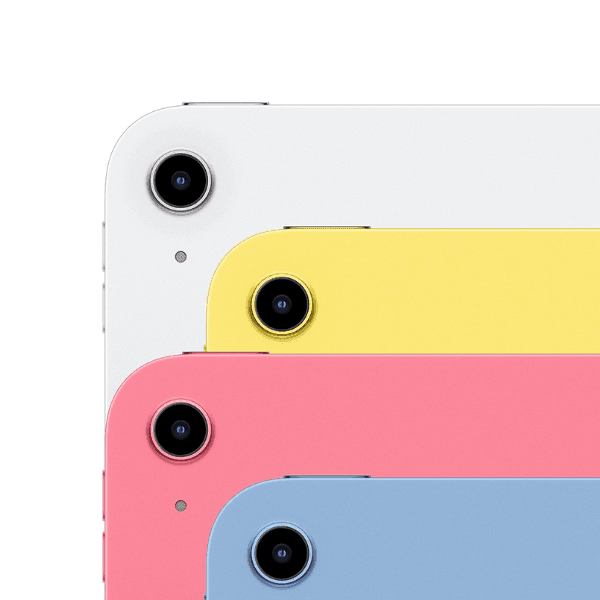
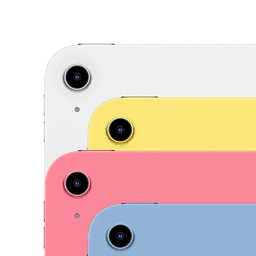
Sleek in a classic silver finish, the iPad 2022 combines elegance with everyday functionality. Its lightweight, compact design makes it highly portable, while the Retina display enhances visual clarity across all types of content. The device supports USB Type-C charging and includes essential sensors like the accelerometer and gyroscope for interactive app experiences. Although it lacks cellular connectivity, the powerful internals and dependable Wi-Fi make it an ideal choice for home, school, or office use.
How to Use
-
Press the top power button to turn on the iPad.
-
Connect to a Wi-Fi network through the Settings app.
-
Sign in with your Apple ID or create a new account.
-
Access the App Store to download apps and games.
-
Use the Camera or FaceTime app for photos and video calls.
-
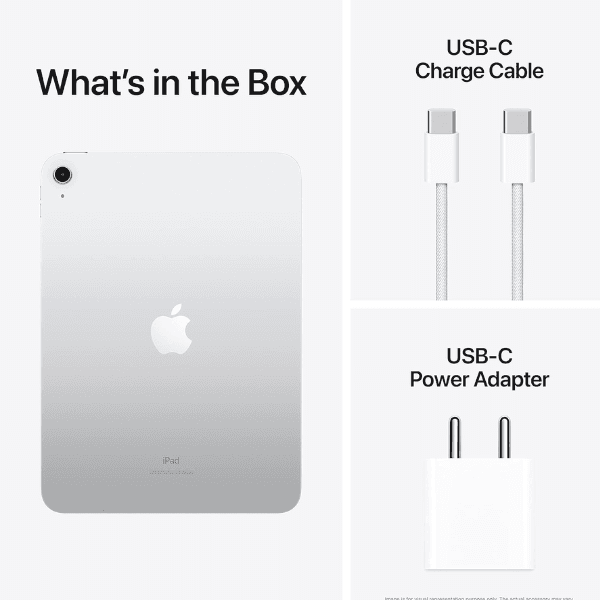
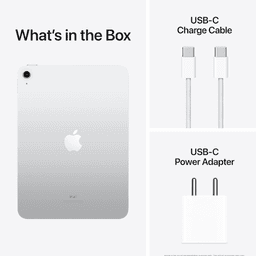
Charge the iPad using the provided USB Type-C cable.