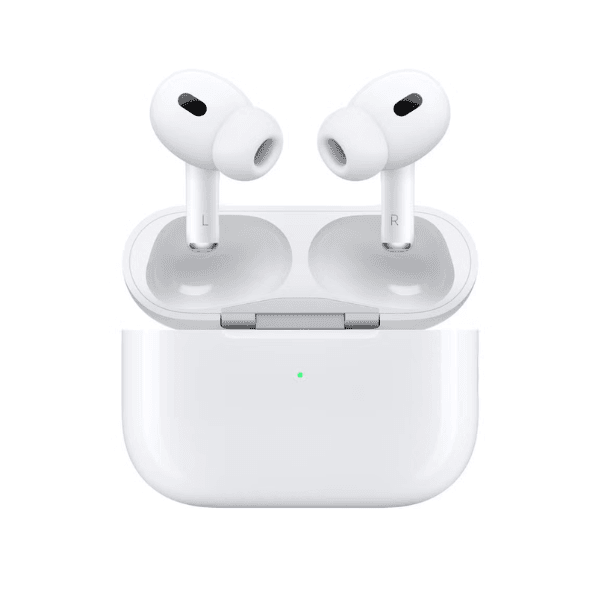
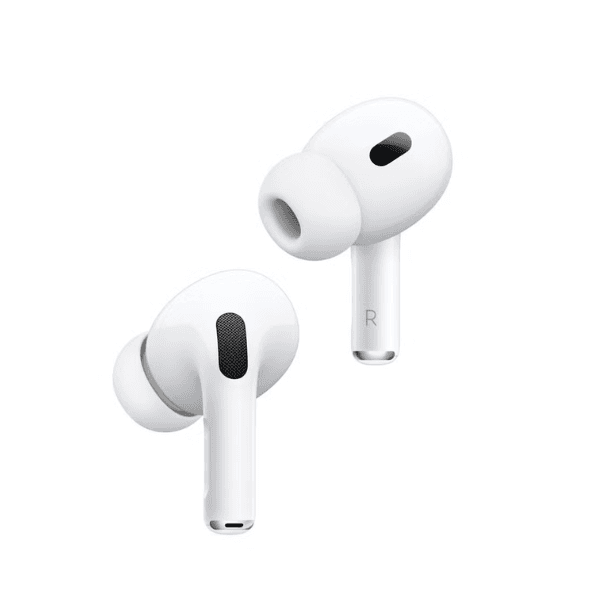
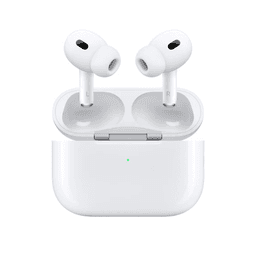
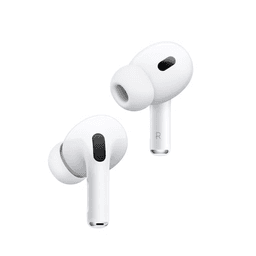
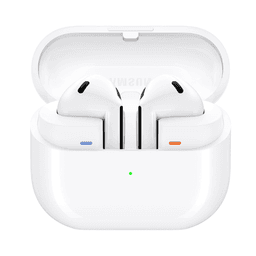
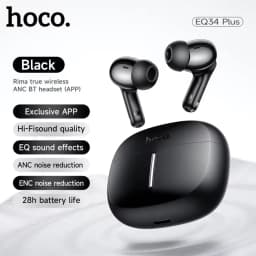
Apple AirPods Pro 2 Wireless Earbuds (Model MTJV3) deliver a premium listening experience with powerful sound, intelligent noise control, and advanced audio technology. Powered by the Apple H2 chip, these earbuds use advanced computational algorithms to provide enhanced Active Noise Cancellation, immersive spatial sound, and improved efficiency. The chip processes sound in real time to adapt audio output according to your ear shape, delivering highly detailed and balanced sound.
AirPods Pro 2 feature significantly improved Active Noise Cancellation that helps reduce environmental noise such as traffic, crowd sounds, and background disturbances. Transparency Mode allows outside sound to pass through so you can stay aware of your surroundings, while Conversation Awareness automatically lowers media volume and enhances voices of people speaking nearby. Adaptive Audio intelligently blends noise cancellation and transparency for the best listening experience in changing environments.
The advanced acoustic system includes a custom-built Apple driver and amplifier that reduce distortion while producing deeper bass, detailed mids, and crisp highs. Personalized Spatial Audio with dynamic head tracking creates an immersive three-dimensional listening experience for music, movies, and games.
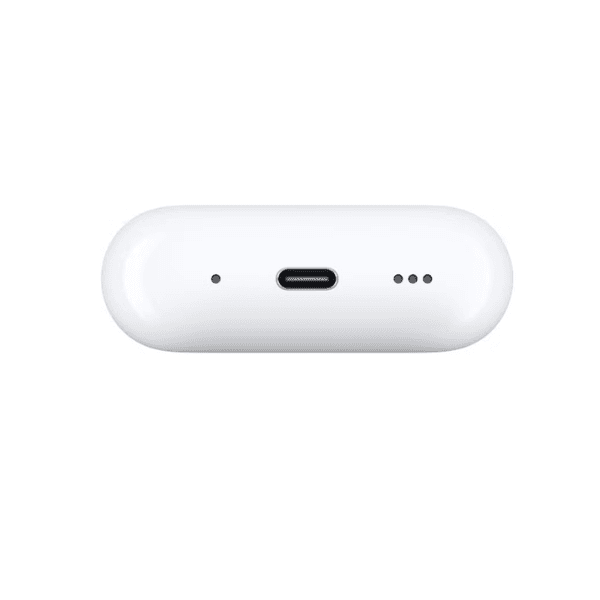
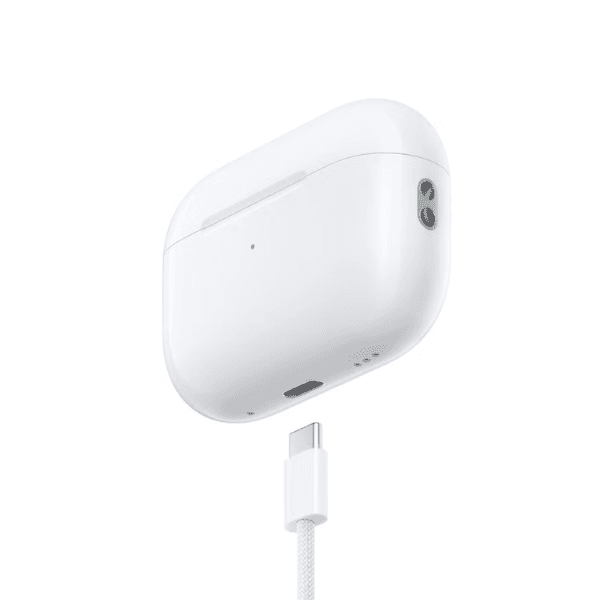
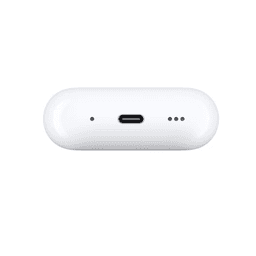
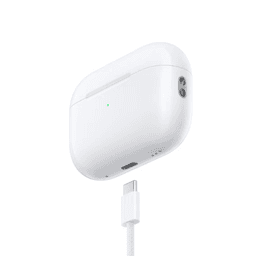
AirPods Pro 2 are designed for everyday convenience with a comfortable in-ear design and a compact USB-C charging case that supports wireless charging. The earbuds also include hearing aid support and improved call clarity, making them suitable for both entertainment and communication throughout the day.
-
Apple H2 chip improves sound quality and intelligent audio processing
-
Active Noise Cancellation reduces surrounding environmental noise
-
Transparency Mode lets outside sound in for situational awareness
-
Conversation Awareness lowers media volume and enhances voices nearby
-
Personalized Spatial Audio with dynamic head tracking for immersive sound
-
Adaptive Audio blends noise cancellation and transparency automatically
-
Custom Apple driver and amplifier deliver deep bass and clear highs
-
High-fidelity audio with reduced distortion at all volume levels
-
USB-C charging case with wireless charging support
-
Hearing aid support and enhanced voice clarity during calls
Key Features
Advanced Active Noise Cancellation
Powered by the Apple H2 chip, AirPods Pro 2 reduce unwanted environmental noise to help you stay immersed in your audio.
Transparency and Conversation Awareness
Transparency Mode lets you hear surrounding sounds, while Conversation Awareness automatically lowers music and enhances nearby voices.
Personalized Spatial Audio
Dynamic head tracking creates a three-dimensional sound environment for movies, music, and gaming.
Adaptive Audio Technology
Automatically balances noise cancellation and transparency to deliver the best listening experience depending on your surroundings.
High-Fidelity Apple Acoustic System
A custom driver and amplifier work with the H2 chip to produce deep bass, detailed mids, and crisp highs.
How to Use
-
Open the charging case and remove the AirPods.
-
Turn on Bluetooth on your device and select AirPods Pro 2 to pair.
-
Insert the earbuds securely into your ears.
-
Use device controls to adjust volume, playback, and noise control modes.
-
Return the earbuds to the charging case to recharge after use.